

crono-event
Install latest/stable of crono-event
Ubuntu 16.04 or later?
Make sure snap support is enabled in your Desktop store.
Install using the command line
sudo snap install crono-eventDon't have snapd? Get set up for snaps.
Details for crono-event
Package name
- crono-event
License
- GPL-3.0
Last updated
- 19 January 2026 - latest/stable
Websites
External link warning
You are about to open
Do you wish to proceed?
Report a Snap Store violation
Report crono-event for a Snap Store violation
Snap Store Violation Report submitted successfully
Thank you for your report. Information you provided will help us investigate further.
Error submitting report
There was an error while sending your report. Please try again later.
Share this snap
Generate an embeddable card to be shared on external websites.
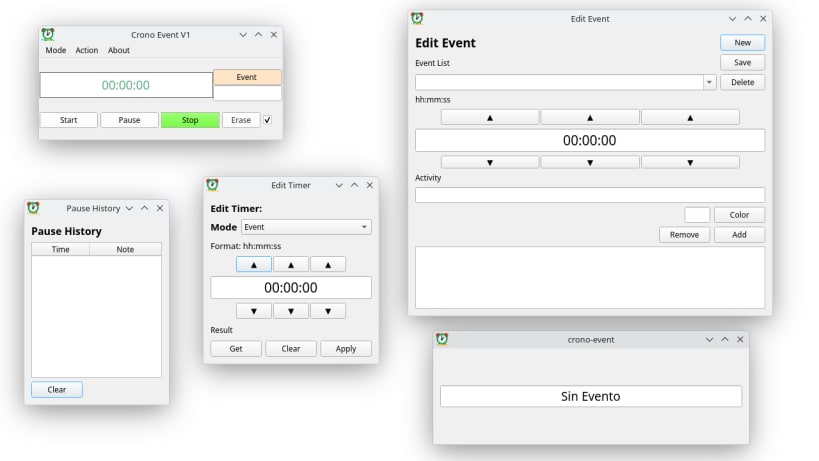
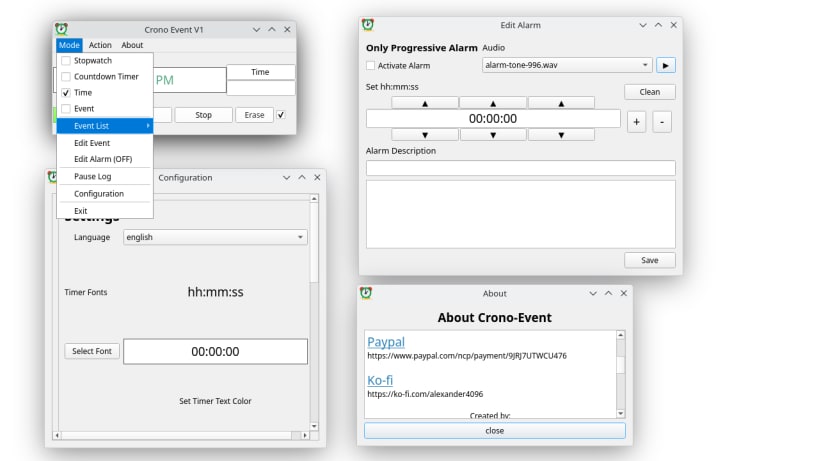
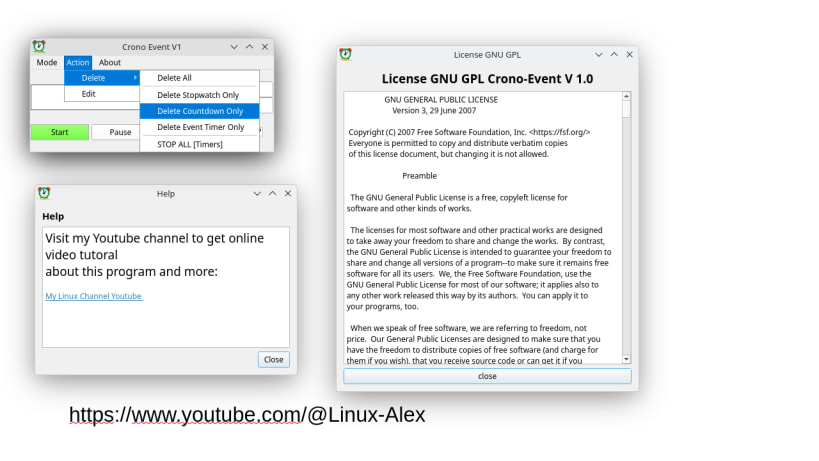
With this program, you can accurately track event times, create alarms, see the time, and much more...
Crono-Event is a professional event and activity stopwatch that provides real-time tracking and programmable alarms.
Who is this program for? Content creators, professionals, teachers, students, event coordinators, or anyone needing precise time management for established activity periods.
Main Features:
- Progressive and Regressive Stopwatch: Track elapsed time or start countdowns with adjustable initial times.
- Programmed Sound Alarms: Get notified exactly when to start or end an activity.
- Event Control: Manage presentation, classroom, or work times precisely. Includes a storage system to log events for future reference.
- Pause History: Extremely useful for marking exact moments when tasks are completed.
- Foreground Time (Always on Top): Perfect for displaying the time during OBS streaming or live events.
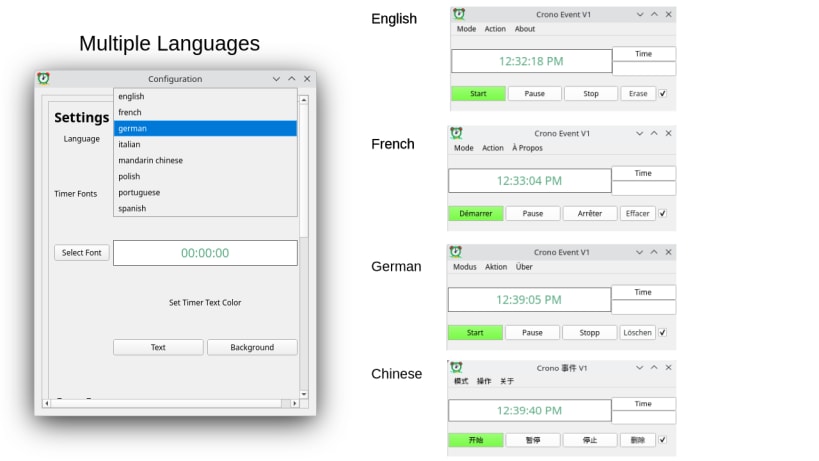
- Multi-Language Support: Available in Spanish, English, French, Portuguese, German, Italian, and Mandarin Chinese.
| Revision | Channel | Version | Build | Commit | Download SBOM |
|---|
The build and commit information is derived from build infrastructure records.
Install crono-event on your Linux distribution
Choose your Linux distribution to get detailed installation instructions. If yours is not shown, get more details on the installing snapd documentation.











