

Cutflow
Install latest/stable of Cutflow
Ubuntu 16.04 or later?
Make sure snap support is enabled in your Desktop store.

Details for Cutflow
Package name
- cutflow
License
- MIT
Last updated
- Today - latest/stable
- Today - latest/beta
Websites
Contact
Donations
Source code
External link warning
You are about to open
Do you wish to proceed?
Report a Snap Store violation
Report Cutflow for a Snap Store violation
Snap Store Violation Report submitted successfully
Thank you for your report. Information you provided will help us investigate further.
Error submitting report
There was an error while sending your report. Please try again later.
Share this snap
Generate an embeddable card to be shared on external websites.
Free desktop video editor — no watermark, no account, no subscription
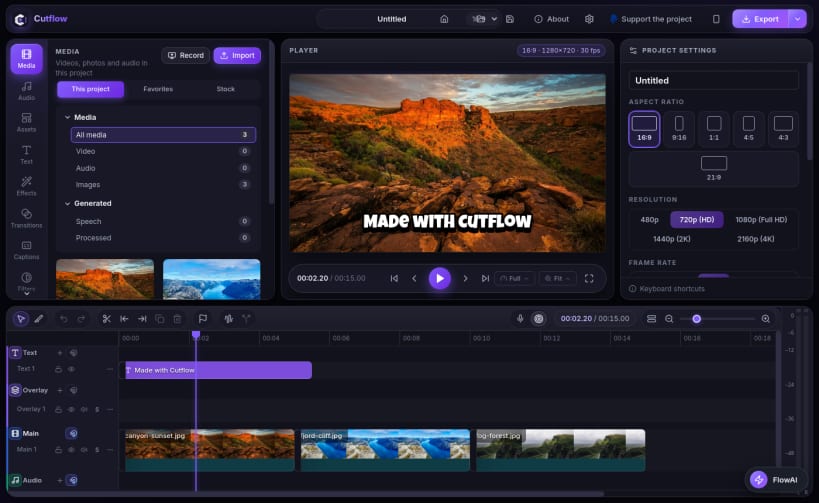
Cutflow is a free video editor for Linux, Windows and macOS. It is open source, works fully offline, and puts no watermark on your videos. No account, no subscription, no upload: your footage stays on your computer.
Everything you need to edit video is built in:
- Multi-track timeline editing: cut, trim, split and arrange clips
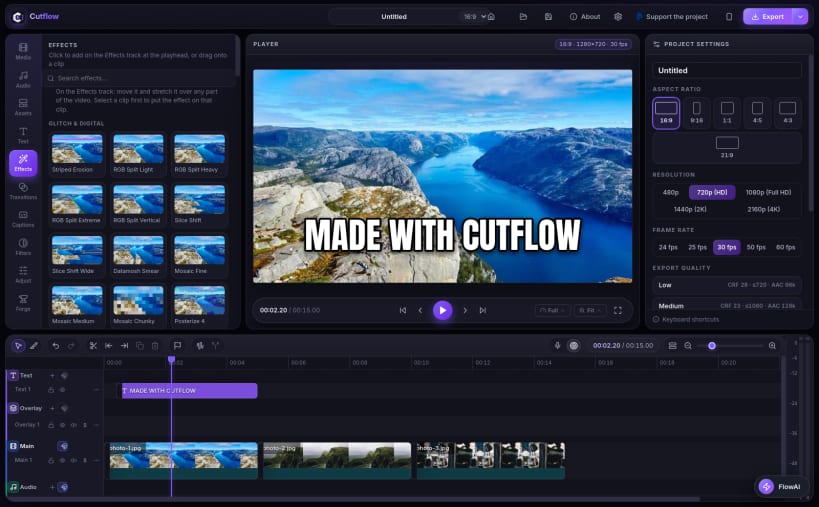
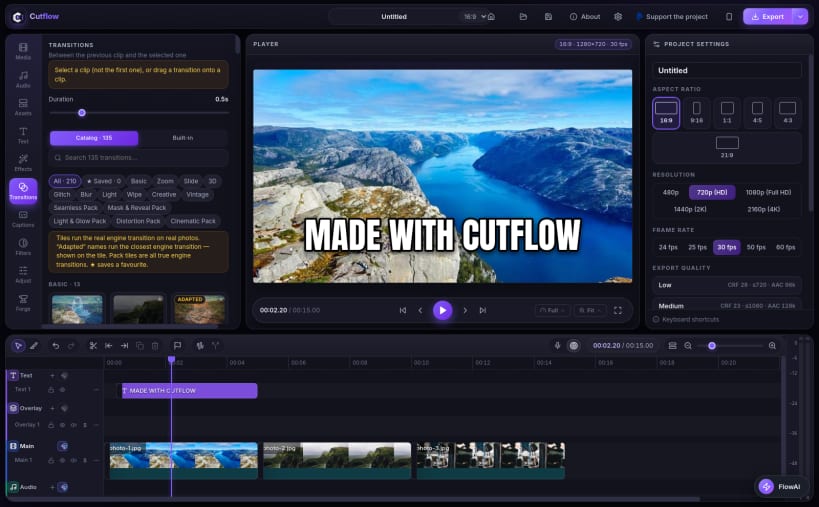
- Transitions and effects, animated titles and text templates
- Auto captions you can generate on your own machine, plus a full caption editor
- Templates, stock media and a built-in screen recorder
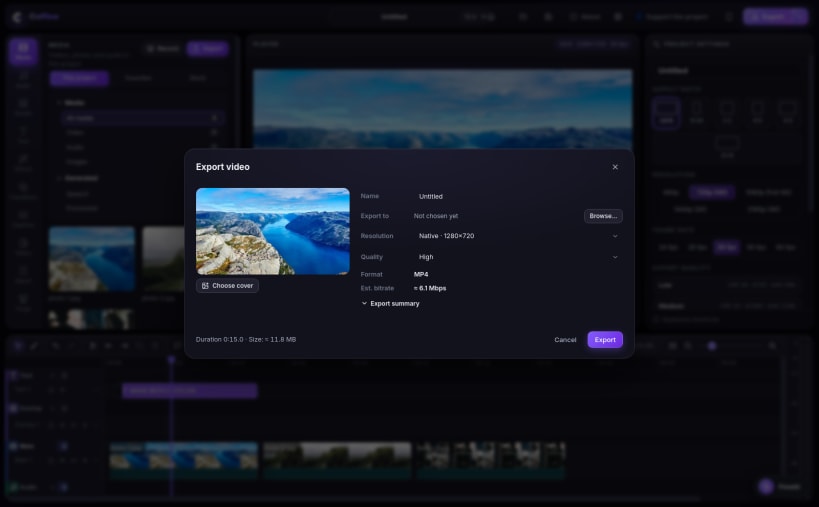
- Clean export up to 4K, including vertical 9:16 for TikTok, Reels and Shorts
Good for: YouTube videos, TikTok, Reels and Shorts, tutorials and screen recordings, podcast clips, and everyday video editing.
Cutflow is free software (MIT license), made for creators who want a real desktop video editor without paying for one every month.
Support the project: Cutflow is free for everyone. If it saves you time, a small tip via PayPal keeps it that way: https://paypal.me/hamzaAbika
| Revision | Channel | Version | Build | Commit | Download SBOM |
|---|
The build and commit information is derived from build infrastructure records.
Install Cutflow on your Linux distribution
Choose your Linux distribution to get detailed installation instructions. If yours is not shown, get more details on the installing snapd documentation.


