


Install latest/stable of Cwtch (Unofficial)
Ubuntu 16.04 or later?
Make sure snap support is enabled in your Desktop store.
Install using the command line
sudo snap install cwtch-tsuguDon't have snapd? Get set up for snaps.
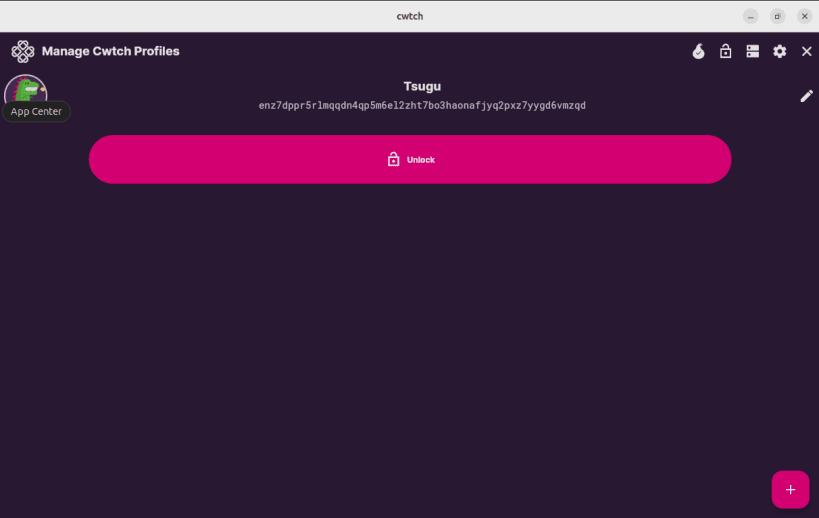
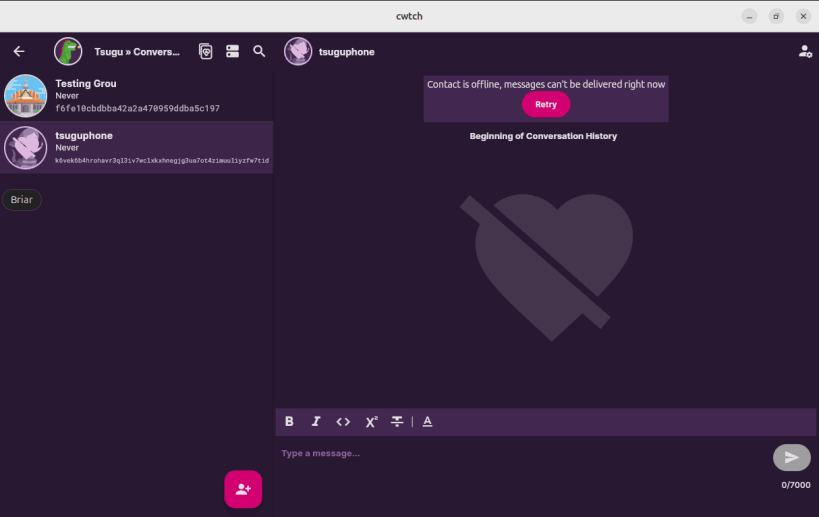
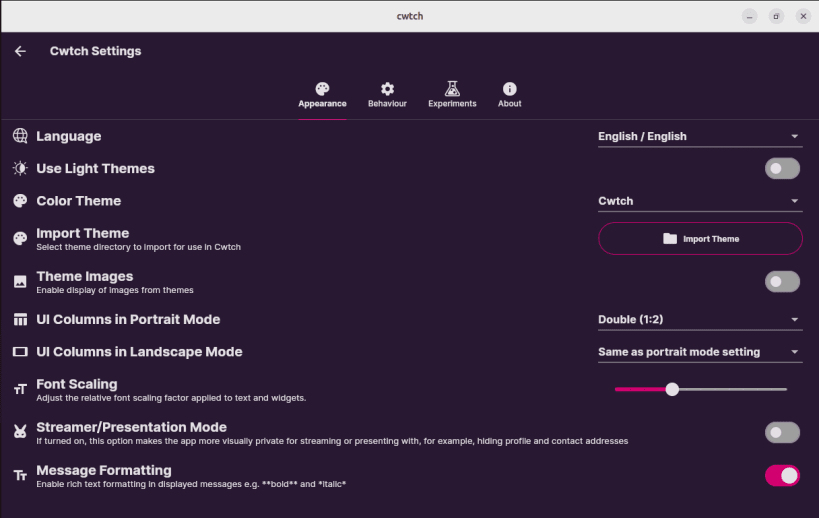
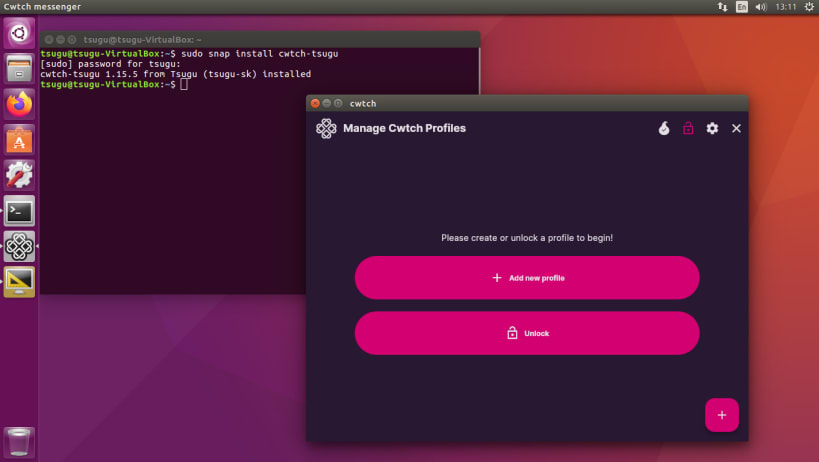
Details for Cwtch (Unofficial)
Package name
- cwtch-tsugu
License
- MIT
Last updated
- 19 July 2026 - latest/stable
- 20 March 2026 - latest/edge
Websites
Contact
Report a bug
External link warning
You are about to open
Do you wish to proceed?
Report a Snap Store violation
Report Cwtch (Unofficial) for a Snap Store violation
Snap Store Violation Report submitted successfully
Thank you for your report. Information you provided will help us investigate further.
Error submitting report
There was an error while sending your report. Please try again later.
Share this snap
Generate an embeddable card to be shared on external websites.
Privacy-focused Tor messenger
This is an unofficial snap, one of the known bugs is not being able to upload images when you enable the experimental feature.
Cwtch (/kʊtʃ/ - a Welsh word roughly translating to “a hug that creates a safe place”) is a decentralized, privacy-preserving, multi-party messaging protocol that can be used to build metadata resistant applications.
Decentralized and Open Participants in Cwtch can host their own safe spaces, or lend their infrastructure to others seeking a safe space. There is no “Cwtch service” or “Cwtch network”. The Cwtch protocol is open, and anyone is free to build bots, services and user interfacesand integrate and interact with Cwtch.
Privacy Preserving All communication in Cwtch is end-to-end encrypted and takes place over Tor v3 onion services.
Metadata Resistant Cwtch has been designed such that no information is exchanged or available to anyone without their explicit consent, including on-the-wire messages and protocol metadata.
| Revision | Channel | Version | Build | Commit | Download SBOM |
|---|
The build and commit information is derived from build infrastructure records.
Install Cwtch (Unofficial) on your Linux distribution
Choose your Linux distribution to get detailed installation instructions. If yours is not shown, get more details on the installing snapd documentation.











