

Disk Space Treemap
Install latest/stable of Disk Space Treemap
Ubuntu 16.04 or later?
Make sure snap support is enabled in your Desktop store.
Install using the command line
sudo snap install disk-space-treemapDon't have snapd? Get set up for snaps.
Details for Disk Space Treemap
Package name
- disk-space-treemap
License
- MIT
Last updated
- Today - latest/stable
Websites
Contact
External link warning
You are about to open
Do you wish to proceed?
Report a Snap Store violation
Report Disk Space Treemap for a Snap Store violation
Snap Store Violation Report submitted successfully
Thank you for your report. Information you provided will help us investigate further.
Error submitting report
There was an error while sending your report. Please try again later.
Share this snap
Generate an embeddable card to be shared on external websites.
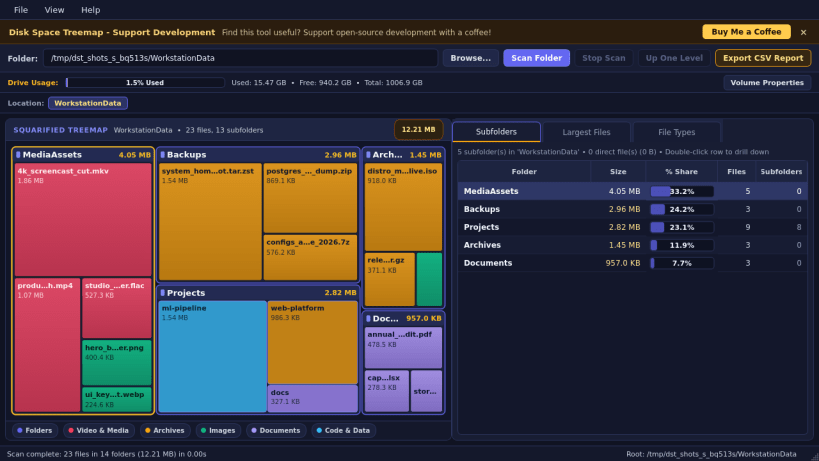
Visual disk usage analyzer with interactive treemap & largest-file finder
Disk Space Treemap is a high-speed visual disk usage analyzer for Linux desktops. Scan any home directory, project workspace, or mounted drive with a fast multi-threaded scanner and inspect storage consumption inside an interactive squarified treemap.
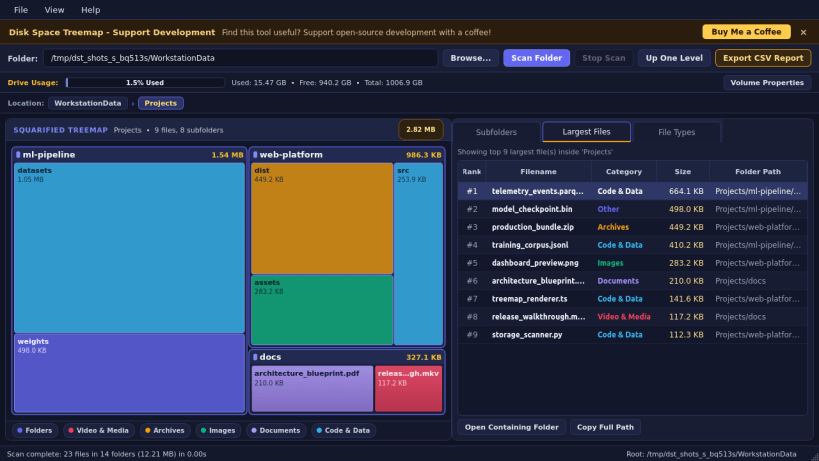
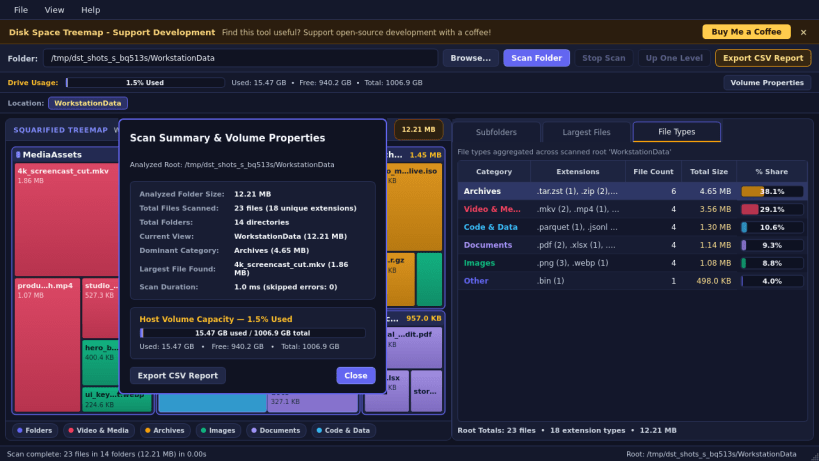
Drill down into nested subfolders with one double-click or via clickable breadcrumbs, jump back up one level anytime, inspect the largest files consuming disk capacity, and review aggregated file type categories across your analyzed root. Export full storage audit breakdowns to CSV reports for archiving or further analysis.
| Revision | Channel | Version | Build | Commit | Download SBOM |
|---|
The build and commit information is derived from build infrastructure records.
Install Disk Space Treemap on your Linux distribution
Choose your Linux distribution to get detailed installation instructions. If yours is not shown, get more details on the installing snapd documentation.











