

DispCtrl (dispctrl-linux)
Install latest/stable of DispCtrl
Ubuntu 16.04 or later?
Make sure snap support is enabled in your Desktop store.
Install using the command line
sudo snap install dispctrl-linuxDon't have snapd? Get set up for snaps.
Details for DispCtrl
Package name
- dispctrl-linux
License
- MIT
Last updated
- 16 October 2026 - latest/stable
- 19 October 2026 - latest/edge
Websites
- www.akileswar.com
- haythmkenway.github.io
- github.com/HaythmKenway/DispCtrl-linux/blob/master/docs/LINUX.md
- github.com/jesvijonathan/DispCtrl
Contact
Donations
Source code
Report a bug
External link warning
You are about to open
Do you wish to proceed?
Report a Snap Store violation
Report DispCtrl for a Snap Store violation
Snap Store Violation Report submitted successfully
Thank you for your report. Information you provided will help us investigate further.
Error submitting report
There was an error while sending your report. Please try again later.
Share this snap
Generate an embeddable card to be shared on external websites.
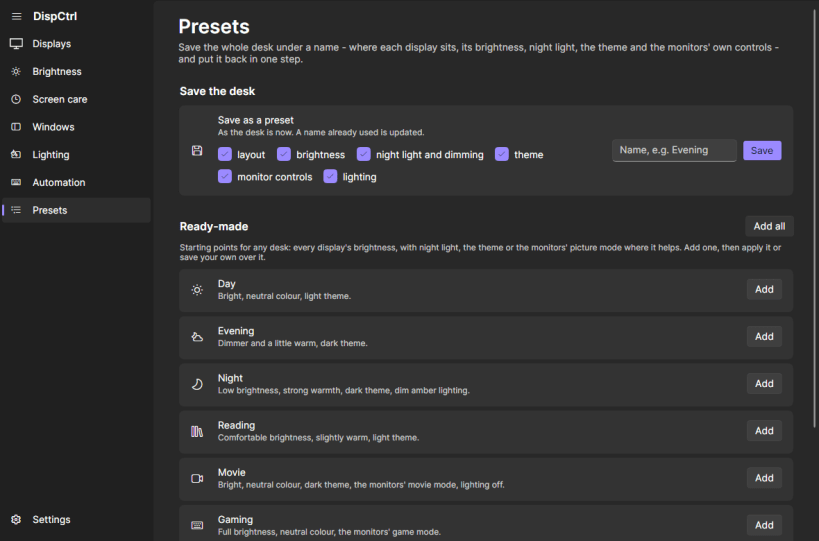
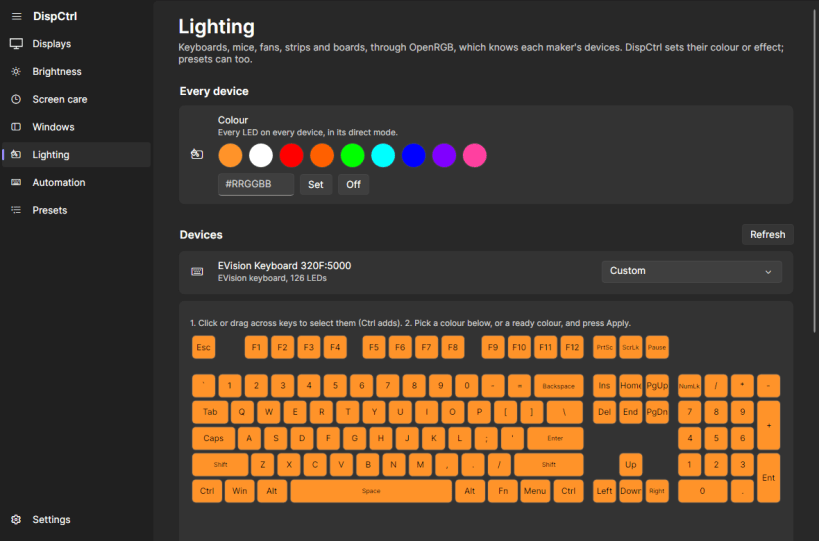
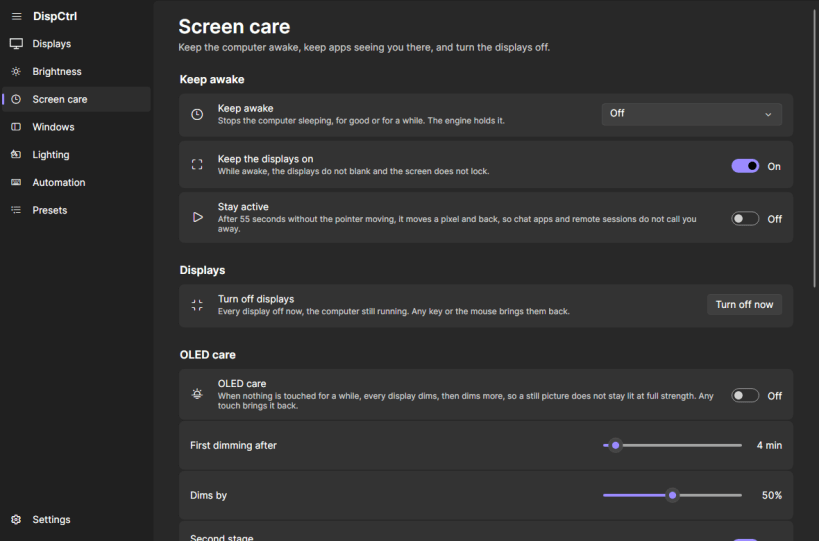
Per-display brightness, dimming, night light and snap layouts
# DispCtrl for Linux
DispCtrl for Linux brings Windows 11–style display controls and window management to X11 desktops.
Features include:
- Display temperature and dimming — warm or dim displays using their gamma ramps.
- Night-light scheduling — automatically apply display settings on a schedule.
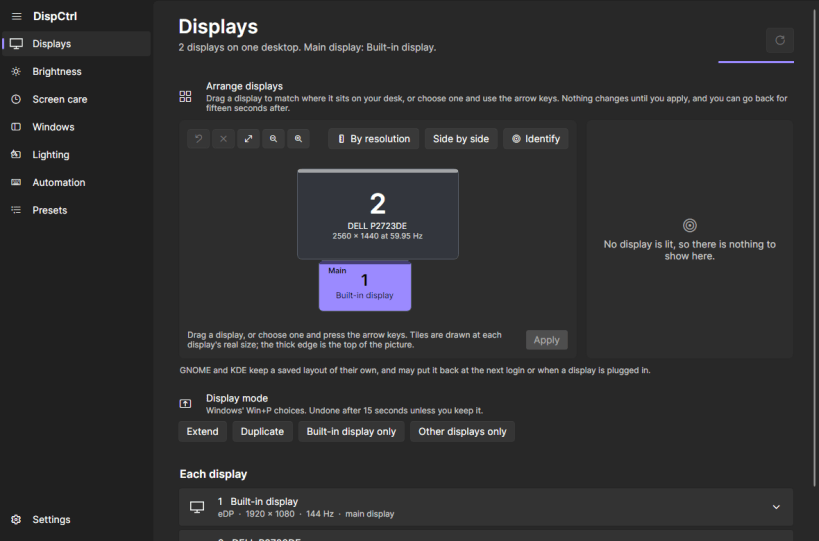
- Display arrangement — manage multi-monitor layouts.
- Laptop backlight control — adjust the built-in display's backlight.
- Snap layouts and Snap Assist — bring Windows 11–style window snapping to X11 desktops.
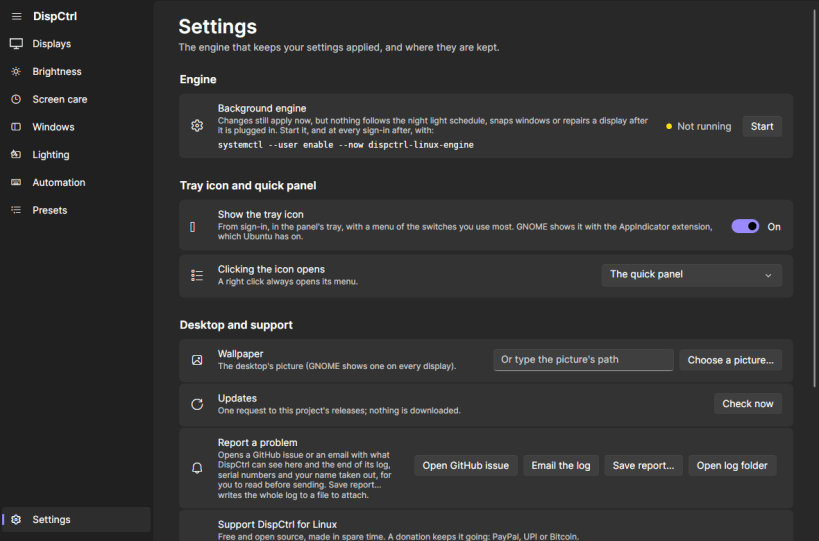
A lightweight background engine starts at login and keeps your settings applied. Both the graphical interface and the dispctrl-linux command-line tool communicate with this engine.
## Requirements and Limitations
### X11 Required
DispCtrl requires an X11 session. Wayland compositors control gamma ramps and window placement, so these features cannot be managed directly by DispCtrl under Wayland.
### External Monitor Brightness
The Snap package cannot control an external monitor's hardware brightness through DDC/CI because strict Snap confinement prevents access to the required I²C buses.
For external-monitor DDC/CI support, use the .deb package or the release tarball instead.
### Laptop Backlight Permissions
Laptop backlight control requires an additional permission that the Snap package does not connect automatically.
Grant it with:
```bash sudo snap connect dispctrl-linux:login-session-control ```
## Credits
DispCtrl for Linux is a Linux port of [DispCtrl](https://github.com/jesvijonathan/DispCtrl), originally created by [Jesvi Jonathan](https://github.com/jesvijonathan).
## Documentation
For Linux-specific installation instructions, configuration details, and troubleshooting, see the [Linux documentation](https://github.com/HaythmKenway/DispCtrl/blob/master/docs/LINUX.md).
| Revision | Channel | Version | Build | Commit | Download SBOM |
|---|
The build and commit information is derived from build infrastructure records.
Install DispCtrl on your Linux distribution
Choose your Linux distribution to get detailed installation instructions. If yours is not shown, get more details on the installing snapd documentation.












