

Dive Astronaut
Install latest/stable of Dive Astronaut
Ubuntu 16.04 or later?
Make sure snap support is enabled in your Desktop store.
Install using the command line
sudo snap install dive-astronautDon't have snapd? Get set up for snaps.
Details for Dive Astronaut
Package name
- dive-astronaut
License
- Proprietary
Last updated
- 10 November 2026 - latest/stable
- 10 November 2026 - latest/beta
Websites
Contact
External link warning
You are about to open
Do you wish to proceed?
Report a Snap Store violation
Report Dive Astronaut for a Snap Store violation
Snap Store Violation Report submitted successfully
Thank you for your report. Information you provided will help us investigate further.
Error submitting report
There was an error while sending your report. Please try again later.
Share this snap
Generate an embeddable card to be shared on external websites.
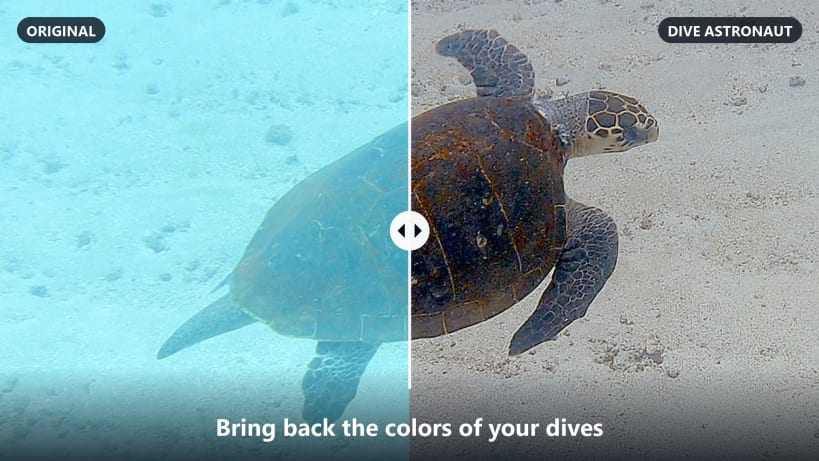
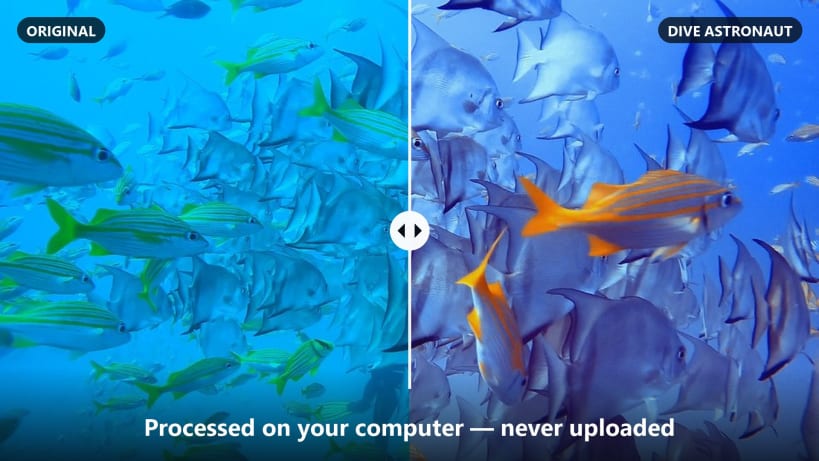
Underwater video and photo color correction
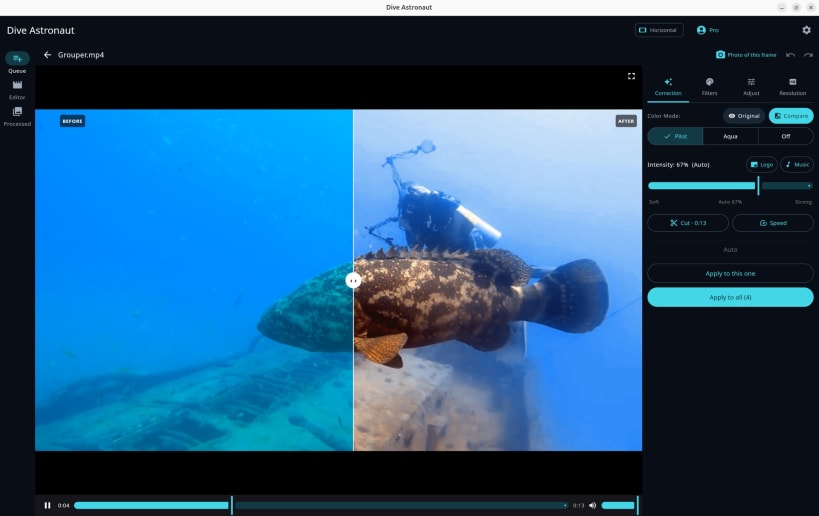
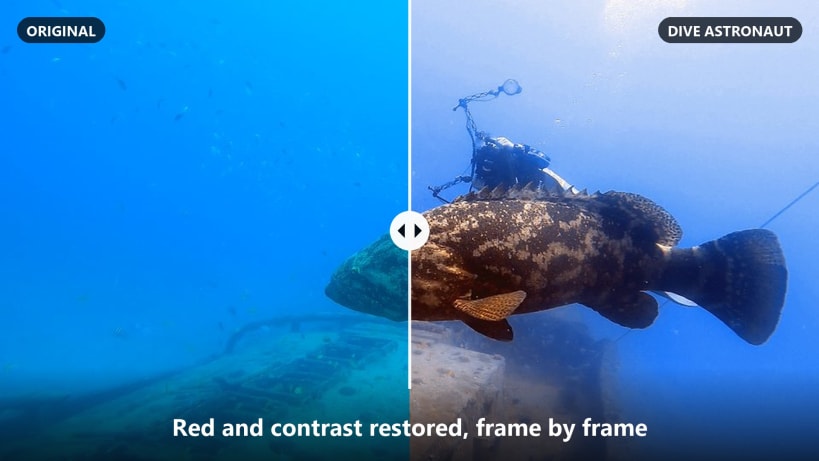
Dive Astronaut brings back the colors that water steals from your dive videos and photos. Red and contrast return automatically, frame by frame, right on your computer: your files are never uploaded.
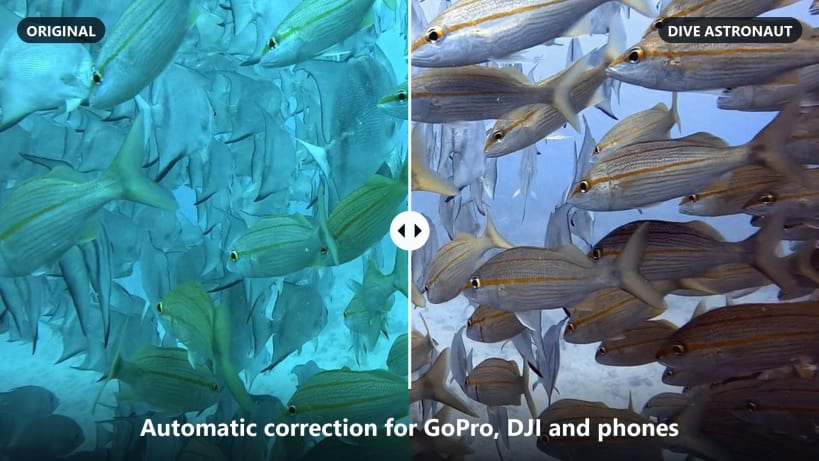
- Automatic underwater color correction for videos and photos (GoPro, DJI, phones, any camera)
- Batch queue: add many files or a whole folder, click Start and keep working
- Editor: cut, speed, text, music, logo, picture-in-picture and templates
- Vertical reels (9:16) for Instagram, TikTok and Shorts with automatic framing
- Upscale, frame rate and bitrate options
- NVIDIA GPU acceleration (NVENC) when available; laptops with Intel + NVIDIA graphics use the NVIDIA GPU automatically
Sign in with the same Google or Apple account you use in the Dive Astronaut app on Android, iPhone or Mac. The Linux app is included in Dive Astronaut Pro.
Videos on an SD card or external drive: allow "Read/write files on removable storage" for Dive Astronaut in App Center > Manage > Permissions.
Support: support@diveastronaut.com
| Revision | Channel | Version | Build | Commit | Download SBOM |
|---|
The build and commit information is derived from build infrastructure records.
Install Dive Astronaut on your Linux distribution
Choose your Linux distribution to get detailed installation instructions. If yours is not shown, get more details on the installing snapd documentation.


