

Eight Droid Lab Buster
Install latest/stable of Eight Droid Lab Buster
Ubuntu 16.04 or later?
Make sure snap support is enabled in your Desktop store.
Install using the command line
sudo snap install eight-droid-lab-busterDon't have snapd? Get set up for snaps.
Details for Eight Droid Lab Buster
Package name
- eight-droid-lab-buster
License
- MIT
Last updated
- Today - latest/stable
Websites
Contact
External link warning
You are about to open
Do you wish to proceed?
Report a Snap Store violation
Report Eight Droid Lab Buster for a Snap Store violation
Snap Store Violation Report submitted successfully
Thank you for your report. Information you provided will help us investigate further.
Error submitting report
There was an error while sending your report. Please try again later.
Share this snap
Generate an embeddable card to be shared on external websites.
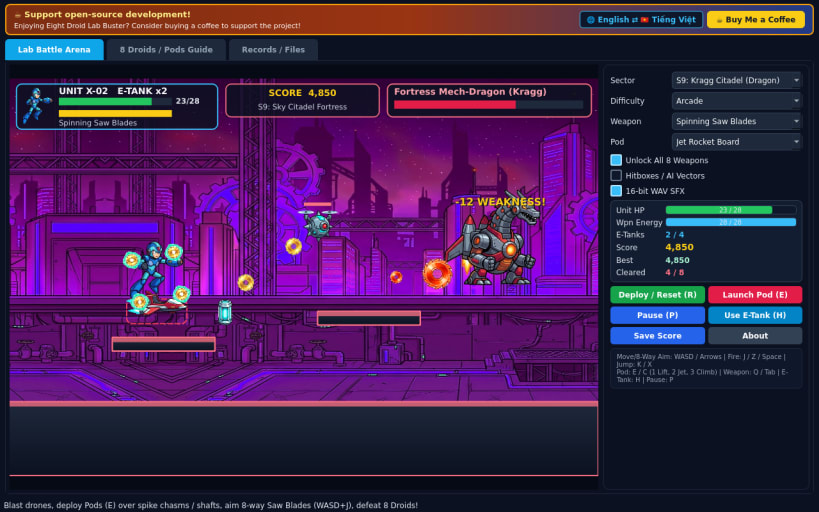
60 FPS run-and-gun droid platformer with 8 bosses, pods & citadel finale
A fast 60 FPS non-linear 2D run-and-gun robot action platformer for Linux inspired by classic 8-bit robot action sequels. Guide cobalt android hero Unit X-02 through tactical Elemental Lab Sectors, claim boss armaments, deploy mobility pods across spike chasms and shafts, and storm Professor Kragg's final Citadel against the Fortress Mech-Dragon.
FEATURES
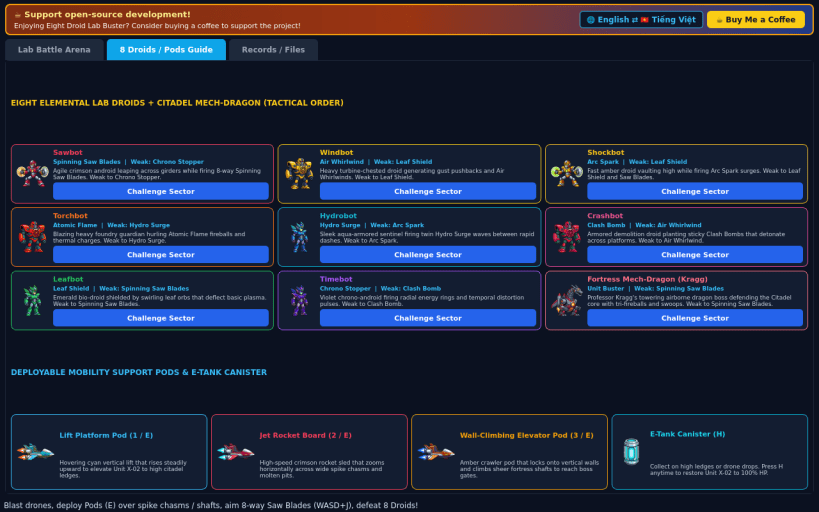
- Eight Elemental Lab Droids & Weapon Wheel: Choose your own tactical battle order against Sawbot, Torchbot, Hydrobot, Windbot, Shockbot, Crashbot, Leafbot, and Timebot to unlock Spinning Saw Blades, Atomic Flame, Leaf Shield, Chrono Stopper, Air Whirlwind, and Clash Bomb.
- Three Deployable Mobility Support Pods: Summon the Lift Platform Pod, Jet Rocket Board, and Wall-Climbing Elevator Pod to traverse wide spike chasms, cross molten pits, and scale vertical fortress shafts.
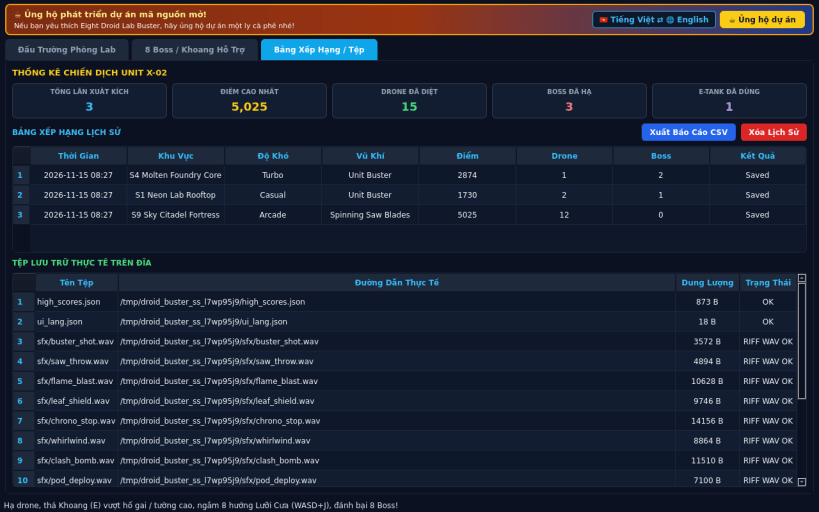
- Multi-Sector Citadel Campaign & Modes: Play across 3 playable sectors (Neon Lab Rooftop, Molten Foundry Core, Sky Citadel Fortress) and 3 difficulty tiers (Casual, Arcade, Turbo), with E-Tank pickups, cel-shaded 2D sprites, 16-bit PCM WAV sound effects, JSON high scores, CSV export, and English / Vietnamese UI toggle.
SUPPORT & DONATE
- Open-source development support: https://buymeacoffee.com/thanhnv128b
| Revision | Channel | Version | Build | Commit | Download SBOM |
|---|
The build and commit information is derived from build infrastructure records.
Install Eight Droid Lab Buster on your Linux distribution
Choose your Linux distribution to get detailed installation instructions. If yours is not shown, get more details on the installing snapd documentation.


