

eOptima
Install latest/stable of eOptima
Ubuntu 16.04 or later?
Make sure snap support is enabled in your Desktop store.
Details for eOptima
Package name
- eoptima
License
- Proprietary
Last updated
- 11 November 2026 - latest/stable
Websites
Contact
External link warning
You are about to open
Do you wish to proceed?
Report a Snap Store violation
Report eOptima for a Snap Store violation
Snap Store Violation Report submitted successfully
Thank you for your report. Information you provided will help us investigate further.
Error submitting report
There was an error while sending your report. Please try again later.
Share this snap
Generate an embeddable card to be shared on external websites.
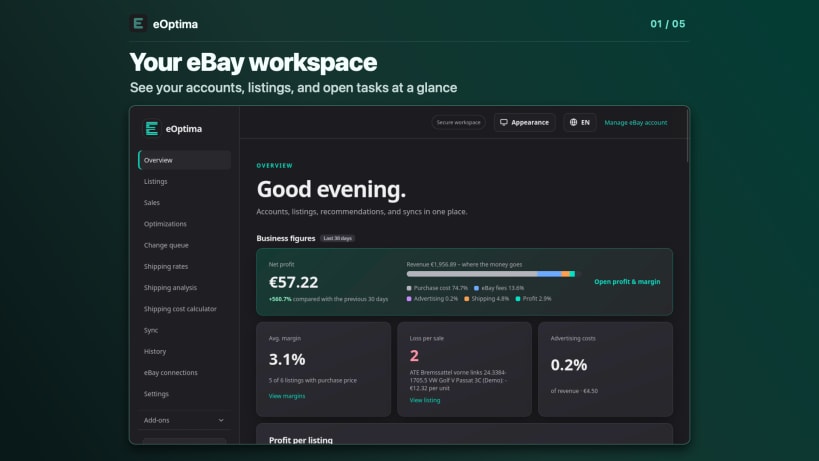
Manage eBay listings, check shipping costs, and export sales
Manage and optimize your eBay listings from your Linux desktop. With eOptima, you can see inventory across your connected eBay accounts and find listings that need attention.
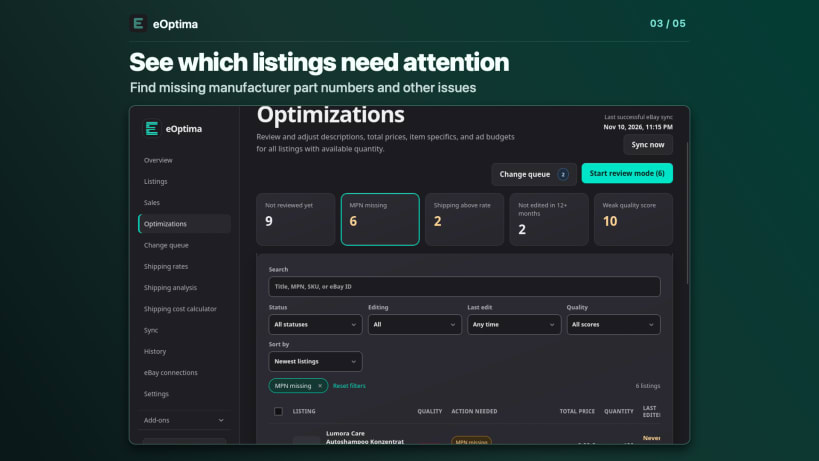
- Review listings. Find missing manufacturer part numbers and required item specifics. Use review mode to go through your selection one listing at a time.
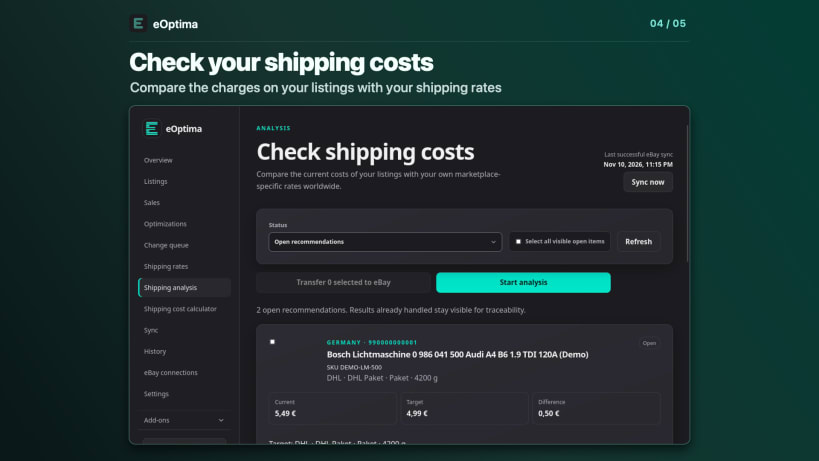
- Check shipping costs. Compare the shipping charges on your listings with your own rates and spot discrepancies.
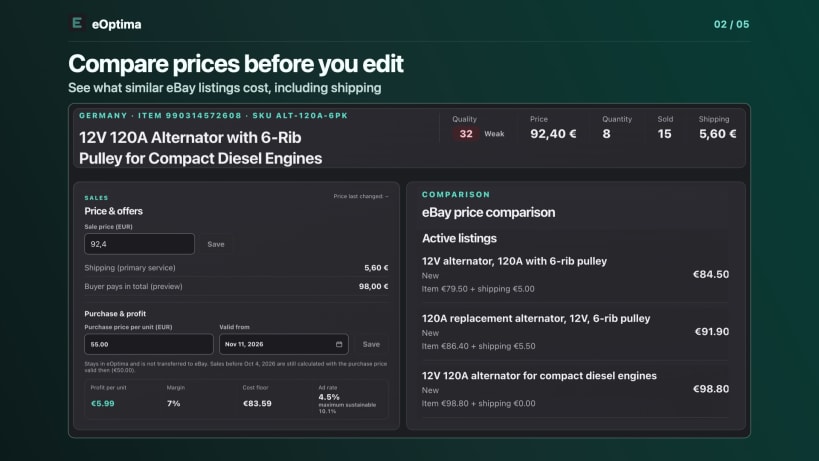
- Compare prices. See comparable eBay listings with total prices that include shipping.
- Send changes when you're ready. Review your edits in the change queue, send them to eBay, and track their status in your history.
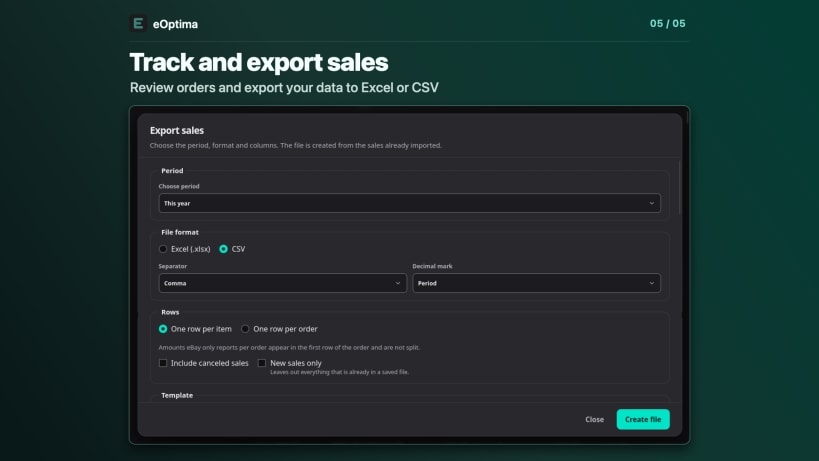
- Export sales. Choose the date range and columns for your Excel or CSV file. Include fees when eBay makes them available.
Sign in to your eOptima account and connect your seller accounts using eBay sign-in. An internet connection is required. Registration is free. Some features may require credits or a Premium subscription.
eOptima is an independent service. eBay is a trademark of eBay Inc.
| Revision | Channel | Version | Build | Commit | Download SBOM |
|---|
The build and commit information is derived from build infrastructure records.
Install eOptima on your Linux distribution
Choose your Linux distribution to get detailed installation instructions. If yours is not shown, get more details on the installing snapd documentation.


