

Fast Frame Video Cutter
Install latest/stable of Fast Frame Video Cutter
Ubuntu 16.04 or later?
Make sure snap support is enabled in your Desktop store.
Install using the command line
sudo snap install fast-frame-video-cutterDon't have snapd? Get set up for snaps.
Details for Fast Frame Video Cutter
Package name
- fast-frame-video-cutter
License
- GPL-2.0-only
Last updated
- 21 November 2026 - latest/stable
Websites
Contact
External link warning
You are about to open
Do you wish to proceed?
Report a Snap Store violation
Report Fast Frame Video Cutter for a Snap Store violation
Snap Store Violation Report submitted successfully
Thank you for your report. Information you provided will help us investigate further.
Error submitting report
There was an error while sending your report. Please try again later.
Share this snap
Generate an embeddable card to be shared on external websites.
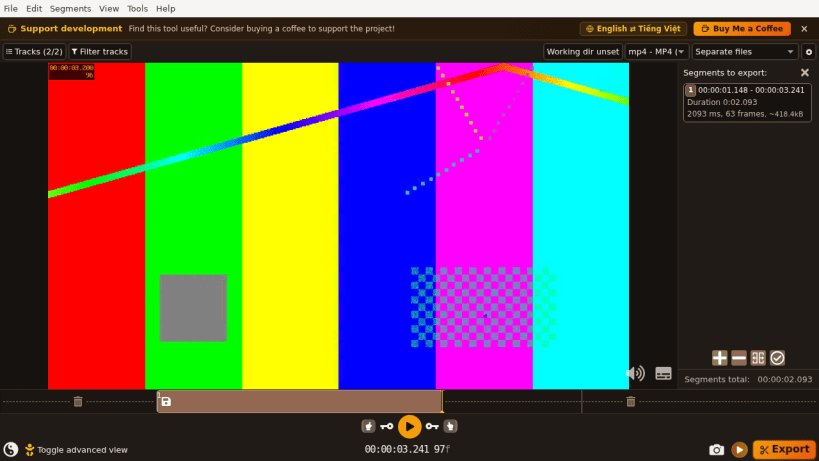
Fast lossless video & audio cutter, splitter, merger, and track editor
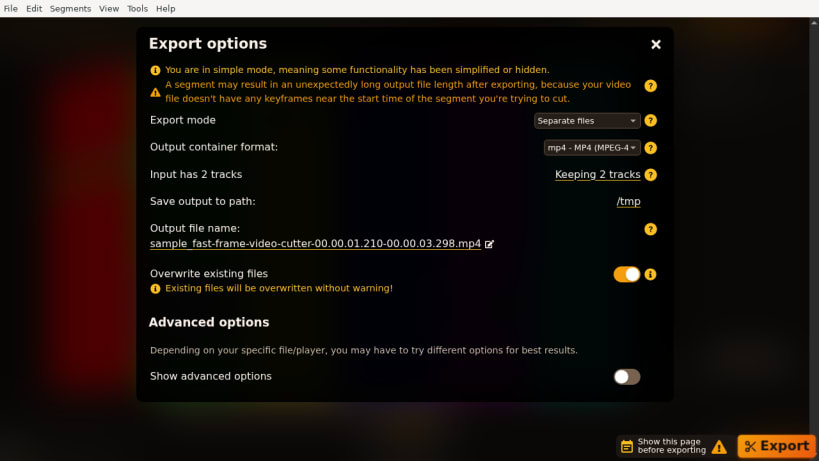
Fast Frame Video Cutter is an open-source desktop application for ultra-fast lossless video and audio trimming, splitting, and merging powered by FFmpeg. Cut large camera, screen recording, drone, and MP4/MKV/MOV/WebM clips without re-encoding or losing original quality.
Key capabilities:
- Frame-accurate and keyframe lossless cutting without quality degradation
- Multi-segment timeline with drag reordering, labels, and merge export
- Inspect, enable, disable, or extract individual video, audio, and subtitle tracks
- Lossless container remuxing, rotation metadata, chapters, and snapshot capture
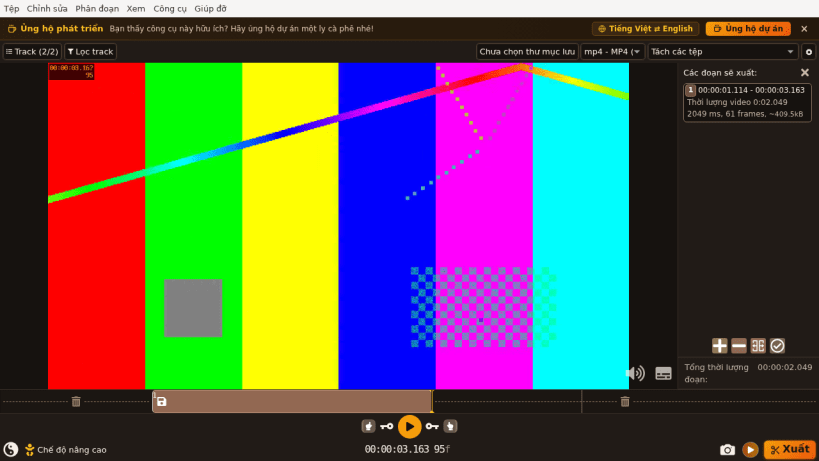
- Supports bilingual English and Vietnamese interface
Support development: https://buymeacoffee.com/thanhnv128b
Licensed under GPL-2.0-only.
| Revision | Channel | Version | Build | Commit | Download SBOM |
|---|
The build and commit information is derived from build infrastructure records.
Install Fast Frame Video Cutter on your Linux distribution
Choose your Linux distribution to get detailed installation instructions. If yours is not shown, get more details on the installing snapd documentation.


