

fastboot-assistant
Contact us about Snaps and IoT ›
Install latest/stable of fastboot-assistant
Ubuntu 16.04 or later?
Make sure snap support is enabled in your Desktop store.
Install using the command line
sudo snap install fastboot-assistantDon't have snapd? Get set up for snaps.
Details for fastboot-assistant
Package name
- fastboot-assistant
License
- Apache-2.0
Last updated
- 24 June 2025 - latest/stable
- 24 June 2025 - latest/beta
Websites
Source code
Report a bug
External link warning
You are about to open
Do you wish to proceed?
Report a Snap Store violation
Report fastboot-assistant for a Snap Store violation
Snap Store Violation Report submitted successfully
Thank you for your report. Information you provided will help us investigate further.
Error submitting report
There was an error while sending your report. Please try again later.
Share this snap
Generate an embeddable card to be shared on external websites.
Tool for installing Custom-ROMs and GSIs on Android devices
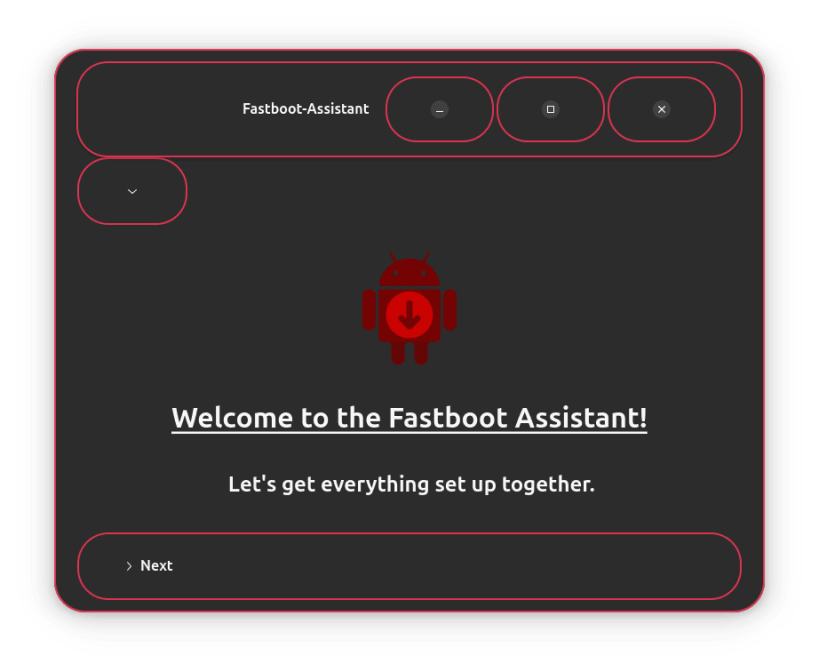
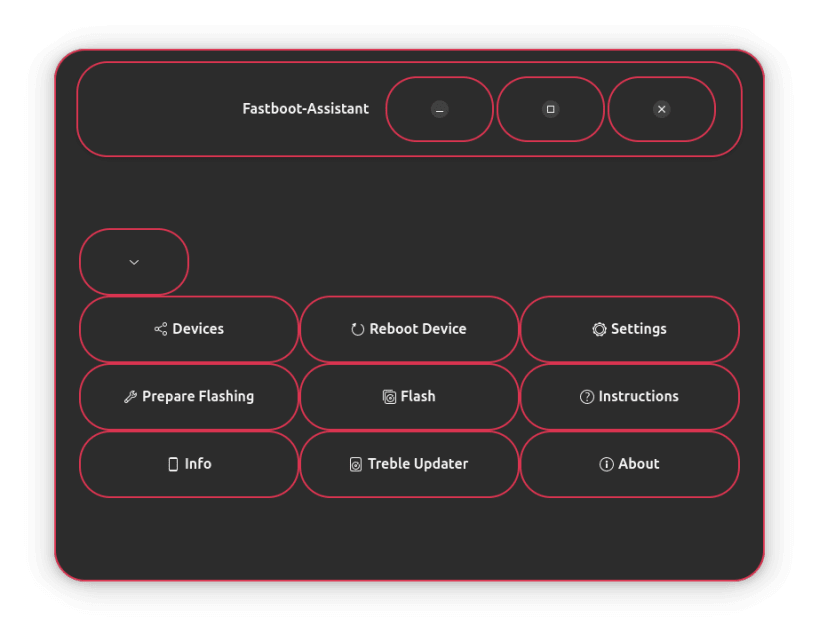
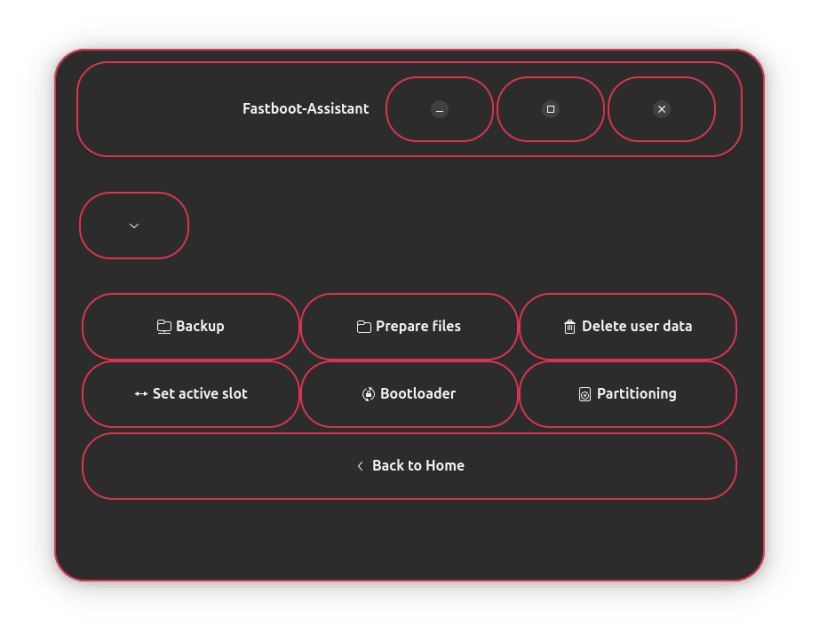
The Fastboot-Assistant is a user-friendly GTK tool that simplifies the complex processes surrounding ADB and Fastboot.
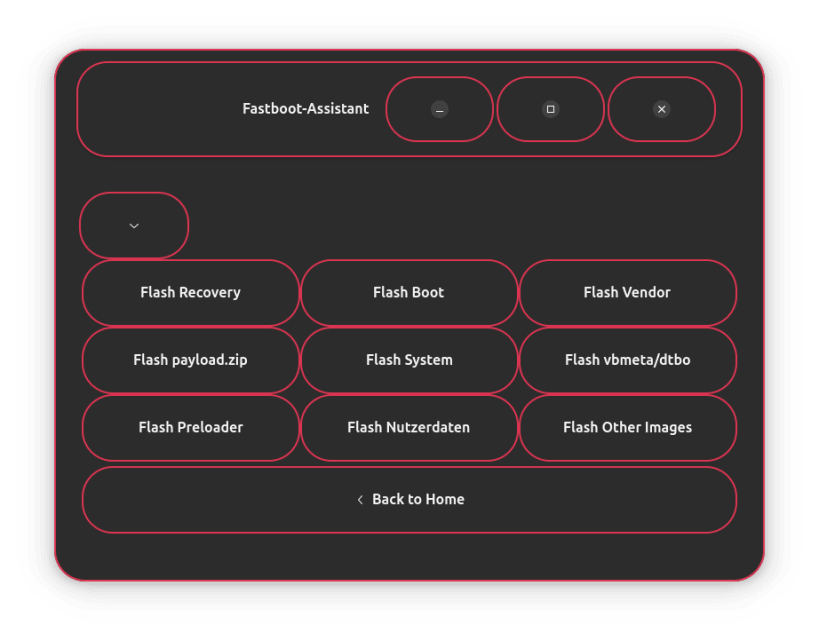
With an intuitive interface, it enables both beginners and experienced users to safely and efficiently flash Custom-ROMs and Generic System Images (GSIs) on Android devices.
- Seamless connection detection: Make sure your device is recognized correctly via
ADBorFastboot- with just one click. - Start in any mode: Whether
fastboot,downloadorrecovery- you can switch modes at lightning speed and without a terminal. - Bootloader management made easy: Unlock or lock your
bootloadersafely and easily. - Quick reset: Delete user or system data at the touch of a button - perfect for clean setups.
- System backup for professionals: Back up your device via root access or via Open Android Backup (https://github.com/mrrfv/open-android-backup)
- Intelligent image handling: Automatically rename your
.imgfiles correctly - no more typos. - Complete flash in one step: Select a folder - Fastboot Assistant automatically flashes all contained images.
- Everything at a glance: Display detailed device information directly in the app.
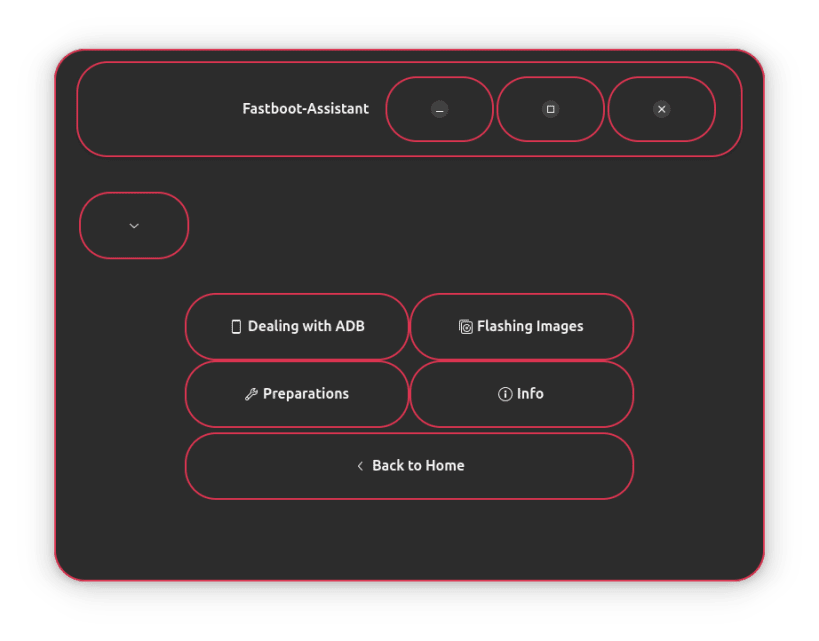
- Built-in help: Step-by-step instructions guide you through every process - directly in the application.
- Systematic slot change: Change the active boot slot of your device safely and systematically.
- Partition control for experts: Create, remove or change partitions such as
boot,systemorvendorconveniently via the graphical user interface.
Would you like to join the project? https://github.com/NachtsternBuild/fastboot-assistant
| Revision | Channel | Version | Build | Commit | Download SBOM |
|---|
The build and commit information is derived from build infrastructure records.
Install fastboot-assistant on your Linux distribution
Choose your Linux distribution to get detailed installation instructions. If yours is not shown, get more details on the installing snapd documentation.











