

FATE - Formatted Article & Text Editor (fate)
Install latest/stable of FATE - Formatted Article & Text Editor
Ubuntu 16.04 or later?
Make sure snap support is enabled in your Desktop store.

Details for FATE - Formatted Article & Text Editor
Package name
- fate
License
- AGPL-3.0-only
Last updated
- 24 October 2026 - latest/stable
Websites
Source code
Report a bug
External link warning
You are about to open
Do you wish to proceed?
Report a Snap Store violation
Report FATE - Formatted Article & Text Editor for a Snap Store violation
Snap Store Violation Report submitted successfully
Thank you for your report. Information you provided will help us investigate further.
Error submitting report
There was an error while sending your report. Please try again later.
Share this snap
Generate an embeddable card to be shared on external websites.
Markdown viewer and text editor for technical documents
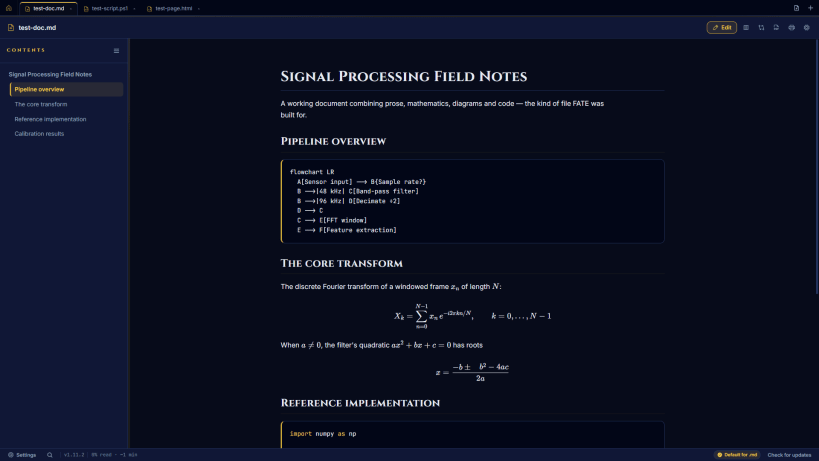
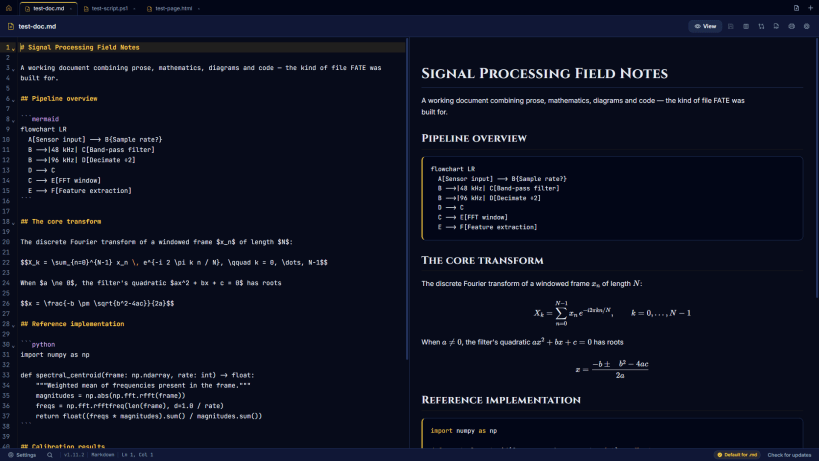
FATE (Formatted Article and Text Editor) renders Markdown the way technical documents need: KaTeX mathematics, Mermaid diagrams, syntax-highlighted code fences and a live table of contents, with a repair layer that heals badly escaped LaTeX before it reaches the screen.
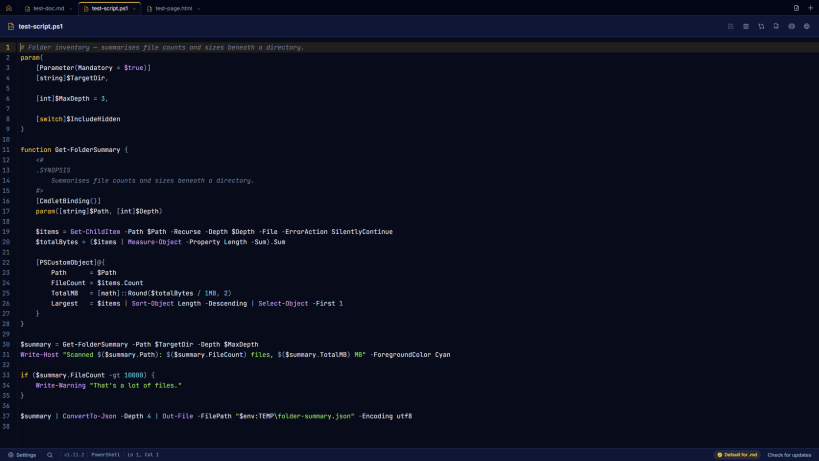
It is also a full text editor. Any text file opens - code, configuration files, logs, scripts, extensionless files - in a CodeMirror editor with highlighting for around 150 languages, code folding, multiple cursors, search and replace, split view and diffs.
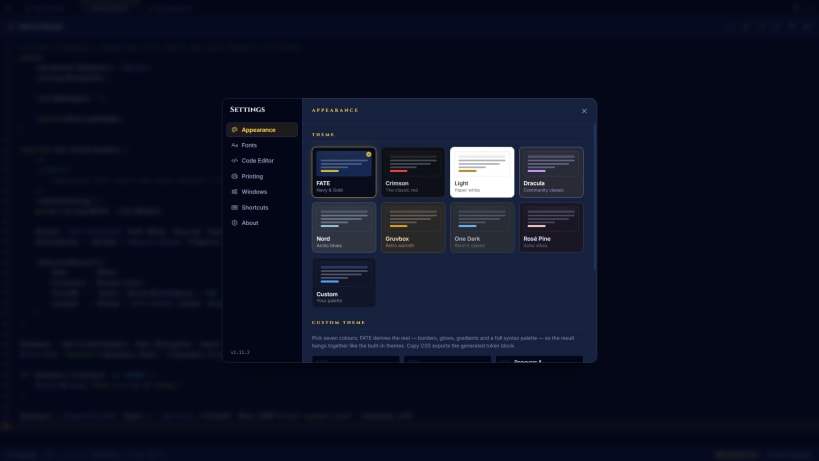
Eight themes plus a theme builder, a bundled font library, print to PDF with a real preview, tabs with session restore. Fully offline: no telemetry, no network requests.
| Revision | Channel | Version | Build | Commit | Download SBOM |
|---|
The build and commit information is derived from build infrastructure records.
Install FATE - Formatted Article & Text Editor on your Linux distribution
Choose your Linux distribution to get detailed installation instructions. If yours is not shown, get more details on the installing snapd documentation.











