

Filename Ninja
Install latest/stable of Filename Ninja
Ubuntu 16.04 or later?
Make sure snap support is enabled in your Desktop store.
Install using the command line
sudo snap install filename-ninjaDon't have snapd? Get set up for snaps.
Details for Filename Ninja
Package name
- filename-ninja
License
- MIT
Last updated
- 21 November 2026 - latest/stable
Websites
Contact
Source code
Report a bug
External link warning
You are about to open
Do you wish to proceed?
Report a Snap Store violation
Report Filename Ninja for a Snap Store violation
Snap Store Violation Report submitted successfully
Thank you for your report. Information you provided will help us investigate further.
Error submitting report
There was an error while sending your report. Please try again later.
Share this snap
Generate an embeddable card to be shared on external websites.
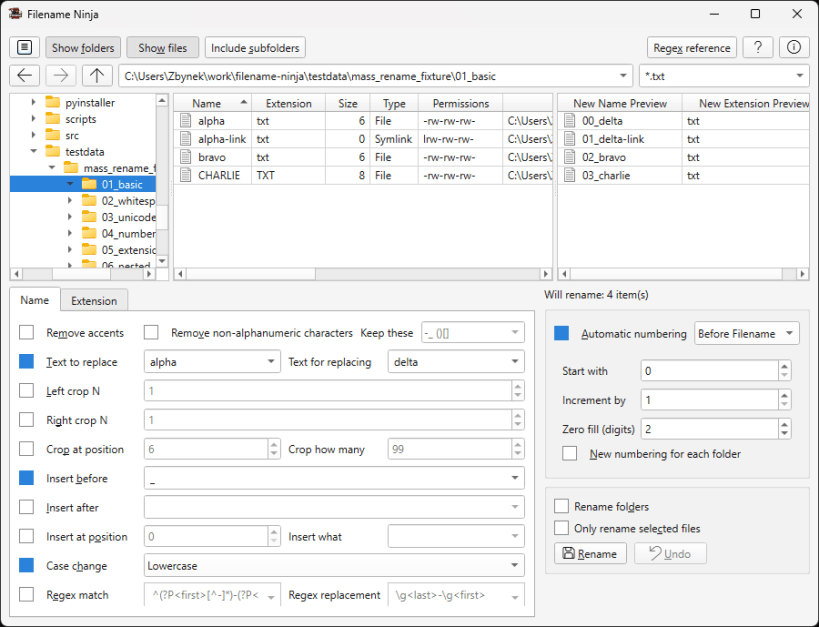
Batch rename files and folders safely with preview and regex support
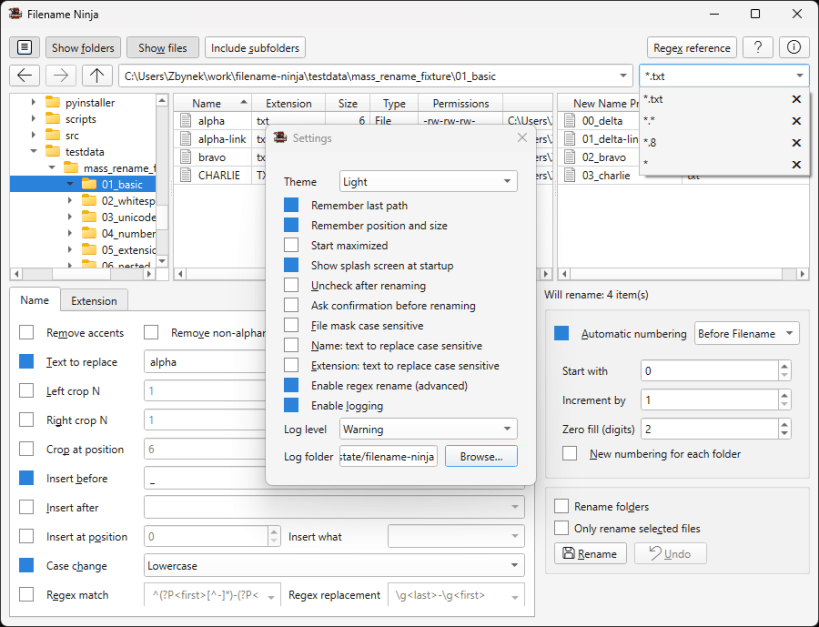
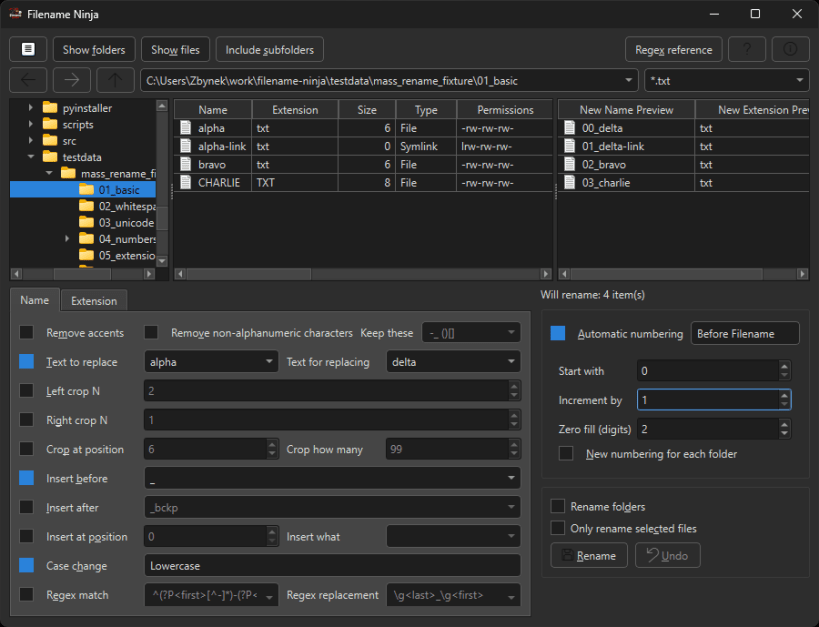
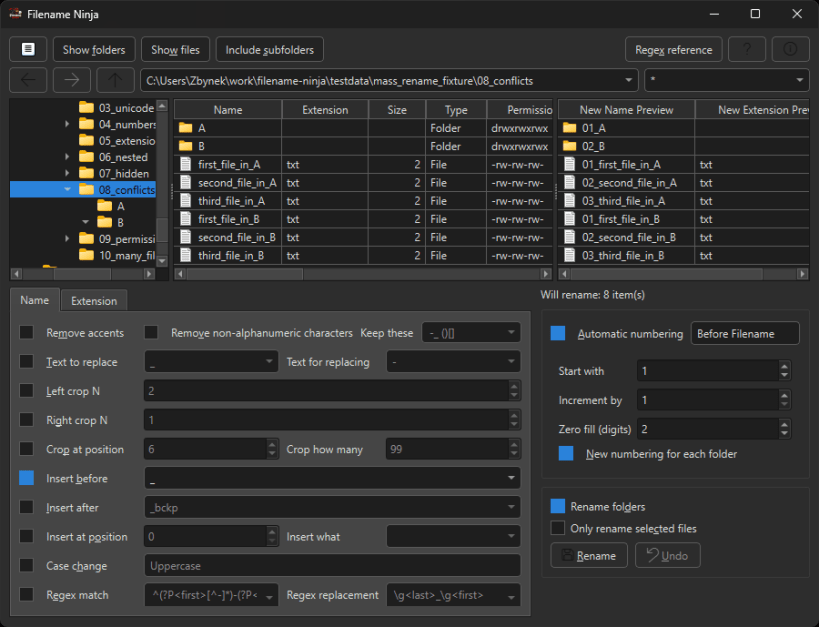
Filename Ninja is a cross-platform desktop application for safe, bulk file renaming.
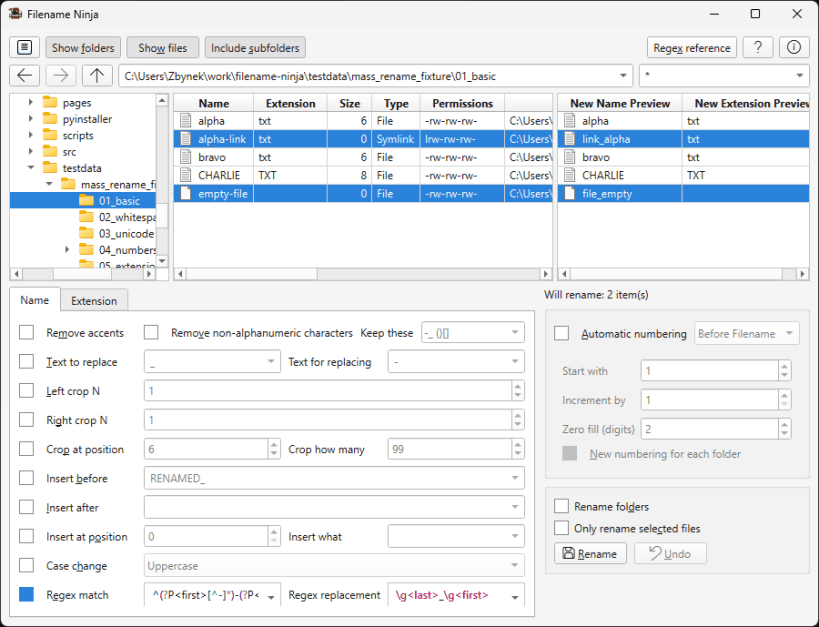
- Batch rename files and folders, including nested subfolders.
- Preview the result of every rule before anything is renamed.
- Replace, insert and crop text, change case, remove accents and special characters.
- Highly configurable automatic numbering.
- Regex-powered search and replace for advanced workflows.
- Conflict-aware renaming safeguards and full Unicode support.
To rename files on external drives, connect the removable-media interface:
sudo snap connect filename-ninja:removable-media
| Revision | Channel | Version | Build | Commit | Download SBOM |
|---|
The build and commit information is derived from build infrastructure records.
Install Filename Ninja on your Linux distribution
Choose your Linux distribution to get detailed installation instructions. If yours is not shown, get more details on the installing snapd documentation.


