

File Shows (fileshows)
Install latest/stable of File Shows
Ubuntu 16.04 or later?
Make sure snap support is enabled in your Desktop store.

Details for File Shows
Package name
- fileshows
License
- GPL-3.0+
Last updated
- 8 February 2026 - latest/stable
Websites
Source code
Report a bug
External link warning
You are about to open
Do you wish to proceed?
Report a Snap Store violation
Report File Shows for a Snap Store violation
Snap Store Violation Report submitted successfully
Thank you for your report. Information you provided will help us investigate further.
Error submitting report
There was an error while sending your report. Please try again later.
Share this snap
Generate an embeddable card to be shared on external websites.
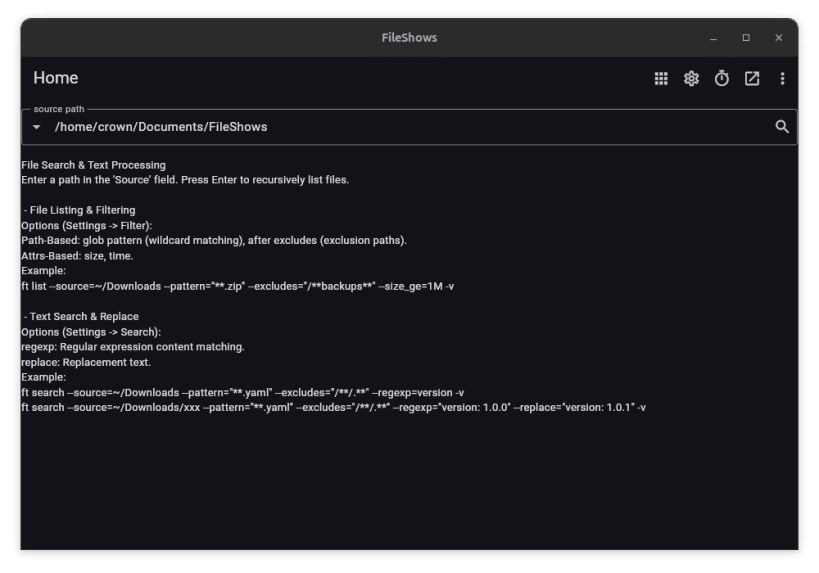
A file explorer with glob patterns and file streams.
No Ads, No Registration, No Network Access, Minimal Permissions; Local Data Storage, Privacy Guaranteed.
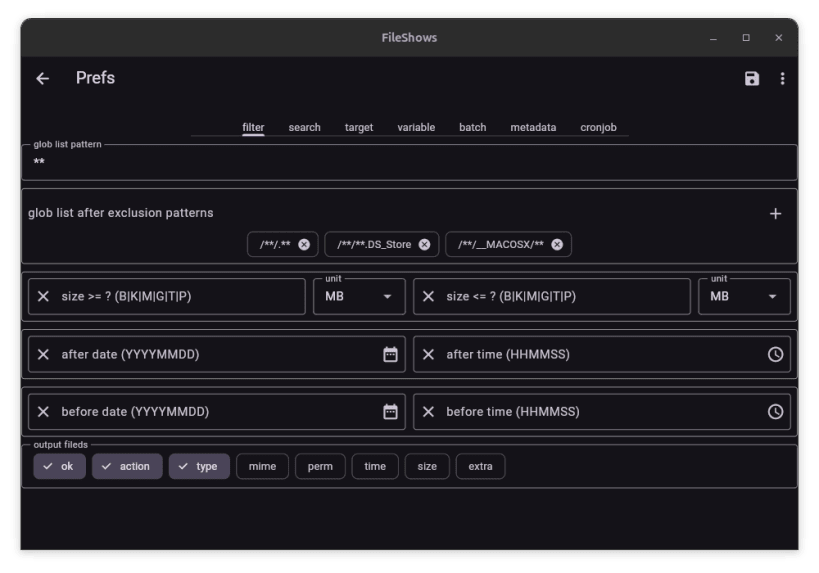
- Smart Matching: Supports file/path wildcards and content regular expressions for recursive, precise targeting.
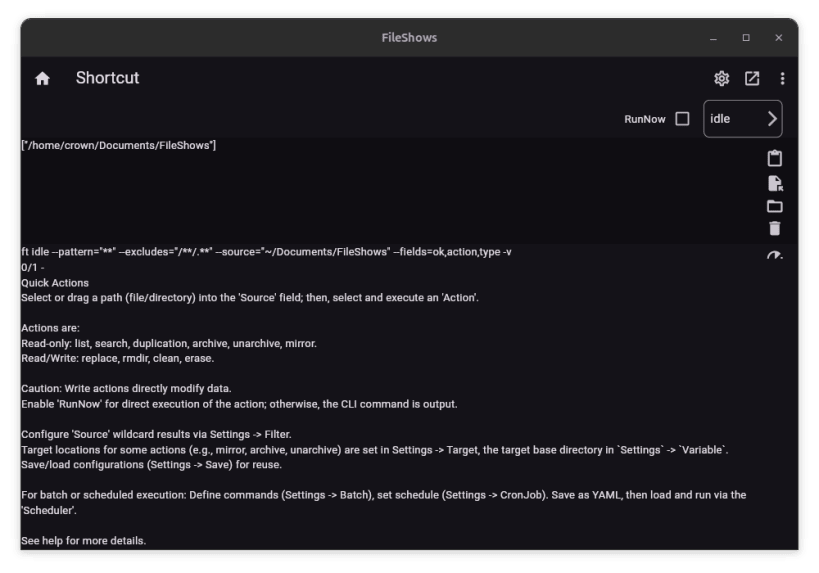
- Batch Processing: Incremental mirroring, duplicate finding, searching, replacing, archiving, unarchiving, one-click cleaning, and more, for convenient operations.
- Secure Deletion: Multi-pass overwrite mechanisms ensure files are permanently unrecoverable.
- Scheduled Tasks: Execute file management tasks at scheduled times, compatible with CRON expressions.
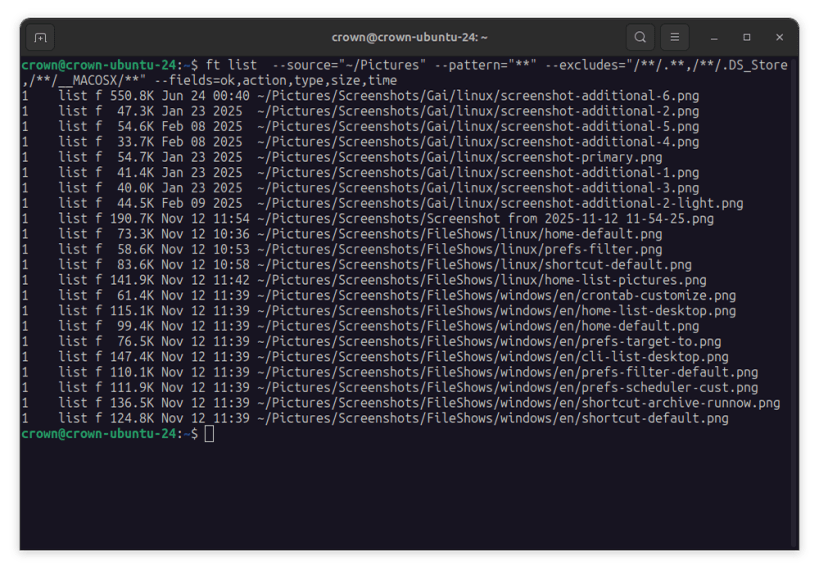
Customisation: Write custom rule scripts for complete command over file operations, similar to writing a Makefile, via the open-source CLI tool. The included CLI tool, ft, is accessible as fileshows.ft after installation. Users are encouraged to create a shell alias (e.g., alias ft=fileshows.ft) for convenient direct access.
Security & Access: Snap's sandboxing may limit file access outside your $HOME directory. For unrestricted access, download a pre-compiled ft binary from the official GitHub releases page: https://github.com/huanguan1978/ft/releases
| Revision | Channel | Version | Build | Commit |
|---|
The build and commit information is derived from build infrastructure records.
Install File Shows on your Linux distribution
Choose your Linux distribution to get detailed installation instructions. If yours is not shown, get more details on the installing snapd documentation.











