

filex (filex-app)
Install latest/stable of filex
Ubuntu 16.04 or later?
Make sure snap support is enabled in your Desktop store.
Details for filex
Package name
- filex-app
License
- MIT
Last updated
- Yesterday - latest/stable
- Yesterday - latest/edge
Websites
Contact
Source code
Report a bug
External link warning
You are about to open
Do you wish to proceed?
Report a Snap Store violation
Report filex for a Snap Store violation
Snap Store Violation Report submitted successfully
Thank you for your report. Information you provided will help us investigate further.
Error submitting report
There was an error while sending your report. Please try again later.
Share this snap
Generate an embeddable card to be shared on external websites.
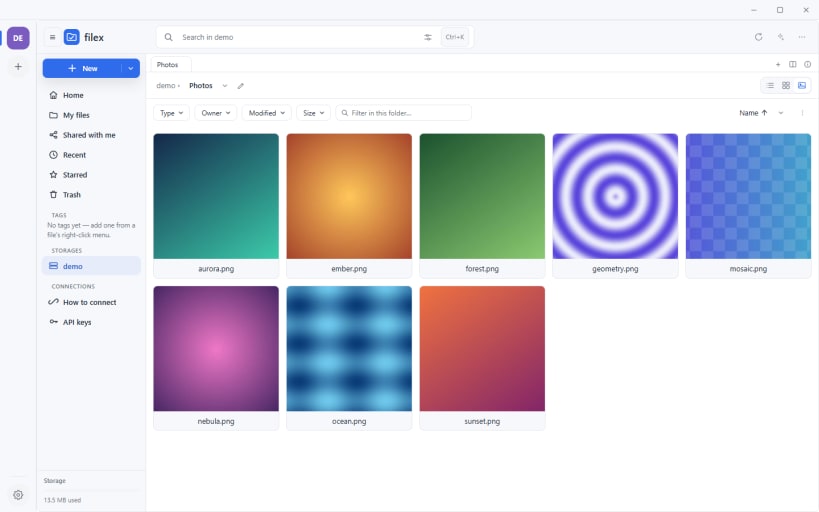
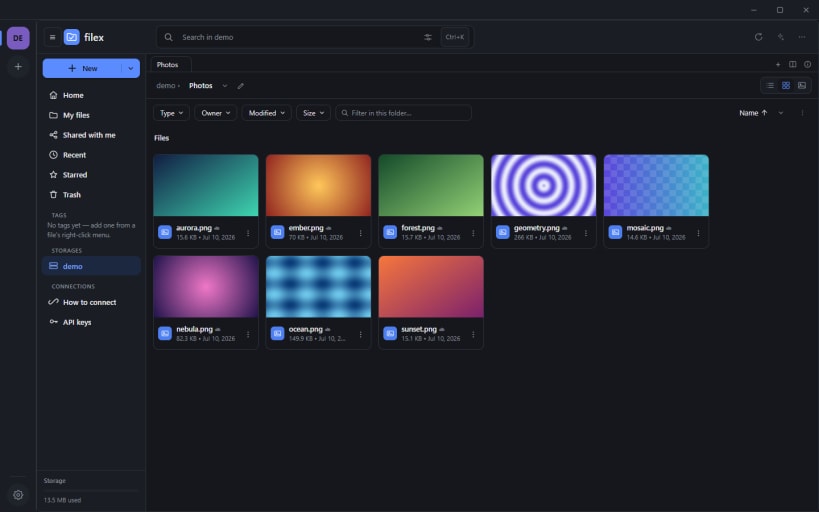
Your filex server's files in a window, with folder sync
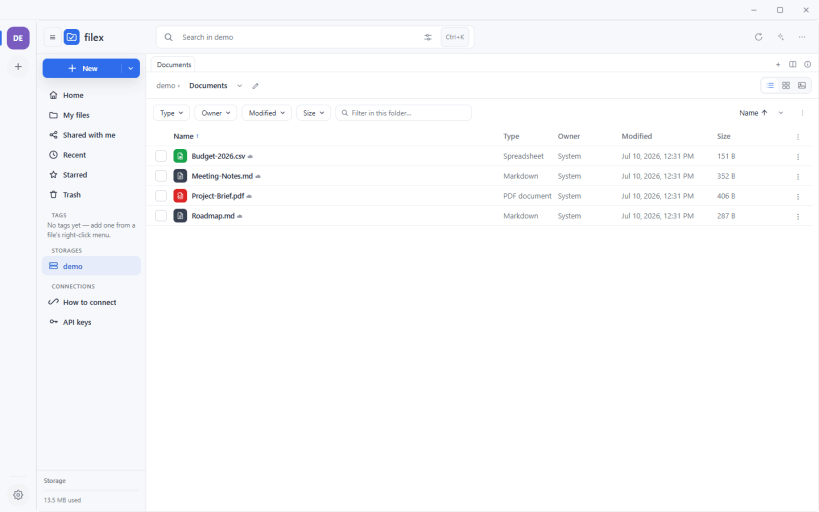
filex desktop is the filex file explorer in its own window, for files that live on your own filex server (https://filex.sh).
- Sign in through your browser. Single sign-on, passkeys and MFA work exactly as they do on the web; your password is never typed into the app.
- Two-way folder sync in the background, with pause, upload and download speed limits, and a sync window for evenings and nights.
- Keep files on this computer, or leave them online and open them when you need them.
- Several servers side by side: one rail on the left, and one search (Ctrl+K) across every account.
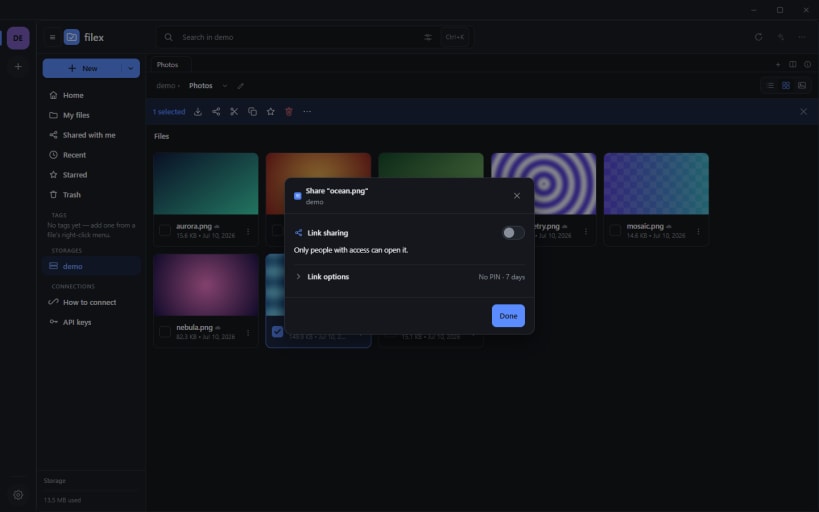
- Share a file or a folder with a link, an optional PIN and an expiry, straight from the right-click menu.
- Drag files out of the window into any other app, and open them with the app you choose.
- Every way in: the app shows how to reach the same server over WebDAV, S3, SFTP or FTPS, and creates the key for it.
filex is open source (MIT) and runs on your own hardware: https://github.com/BRF-Tech/filex. This snap is the desktop client, so you need a filex server to connect to. To try it first, use the live demo at https://demo.filex.sh (demo@demo.com / demo).
Permissions. The sign-in is kept in your system keyring. Connect that once with:
sudo snap connect filex-app:password-manager-service
To sync folders on USB drives and other removable media:
sudo snap connect filex-app:removable-media
| Revision | Channel | Version | Build | Commit | Download SBOM |
|---|
The build and commit information is derived from build infrastructure records.
Install filex on your Linux distribution
Choose your Linux distribution to get detailed installation instructions. If yours is not shown, get more details on the installing snapd documentation.












