
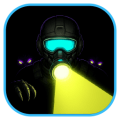
Beam Torch Hive Raid (flashlight-dark-alien)
Install latest/stable of Beam Torch Hive Raid
Ubuntu 16.04 or later?
Make sure snap support is enabled in your Desktop store.
Install using the command line
sudo snap install flashlight-dark-alienDon't have snapd? Get set up for snaps.
Details for Beam Torch Hive Raid
Package name
- flashlight-dark-alien
License
- MIT
Last updated
- Today - latest/stable
Websites
Contact
External link warning
You are about to open
Do you wish to proceed?
Report a Snap Store violation
Report Beam Torch Hive Raid for a Snap Store violation
Snap Store Violation Report submitted successfully
Thank you for your report. Information you provided will help us investigate further.
Error submitting report
There was an error while sending your report. Please try again later.
Share this snap
Generate an embeddable card to be shared on external websites.
60 FPS sci-fi flashlight beam survival shooter across 3 dark sectors
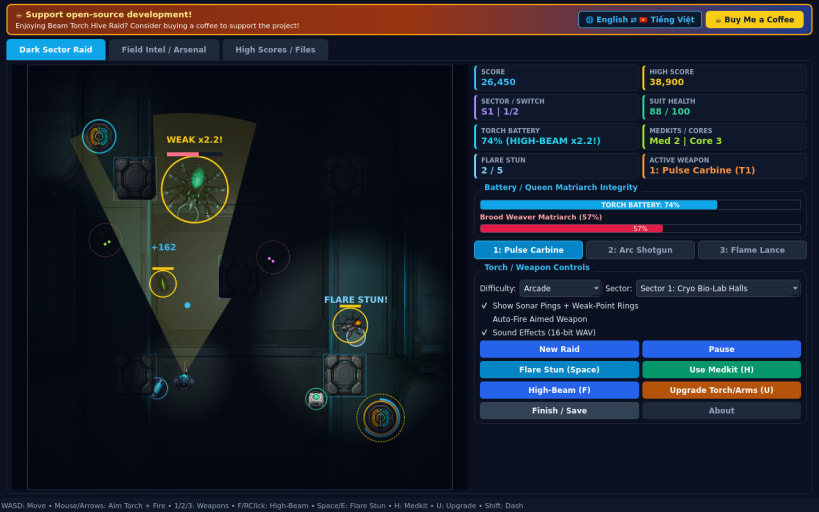
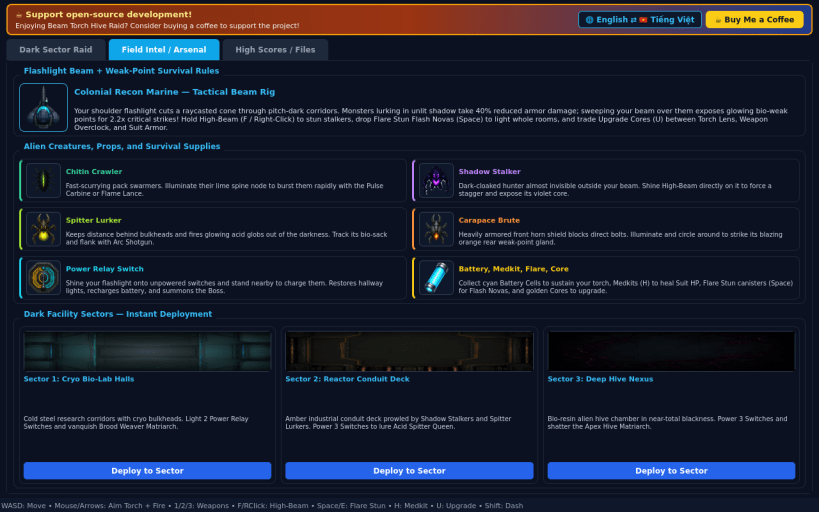
A 60 FPS top-down sci-fi survival shooter set inside pitch-dark research halls for Linux! Sweep your directional Flashlight Beam across dynamic darkness, illuminate Power Relay Switches, expose glowing alien weak points, and survive Chitin Crawlers, Shadow Stalkers, Spitter Lurkers, and three towering Hive Matriarchs.
FEATURES
- Dynamic Flashlight Beam and Weak-Point Combat: Carve bright sight cones through deep shadows to slow light-sensitive stalkers and reveal pulsing bio-weak points for 2.2x critical damage.
- Three Sci-Fi Weapons plus Flare Stun: Switch smoothly between the rapid Pulse Carbine, wide-arc Arc Shotgun, and searing Flame Lance while deploying Flare Stun Flash Novas to light up entire corridors.
- Battery vs Medkit Tactical Survival: Balance High-Beam Focus drain, emergency Power Relay Switches, Medkit recovery, and Upgrade Cores across Cryo Bio-Lab Halls, Reactor Conduit Deck, and Deep Hive Nexus.
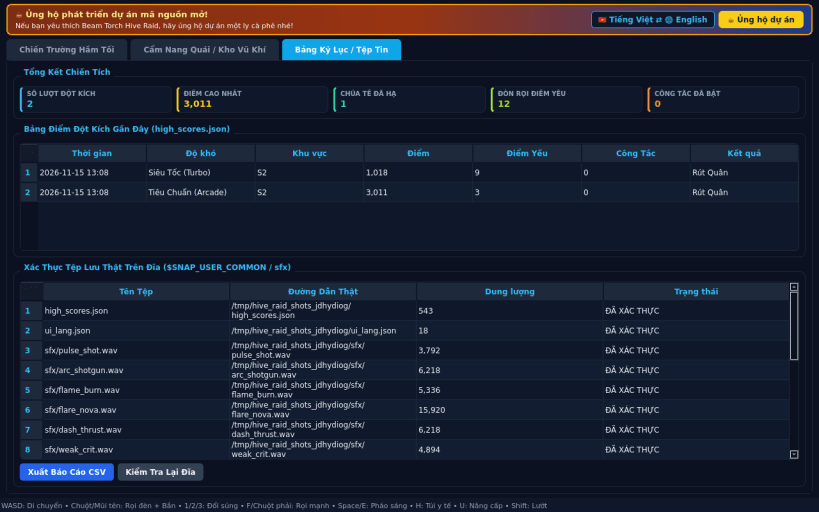
- Three Difficulties and Bilingual UI: Play Casual, Arcade, or Turbo modes with synthesized 16-bit PCM WAV audio, local JSON high scores, CSV report export, and instant English / Vietnamese UI switching.
SUPPORT AND DONATE
- Open-source development support: https://buymeacoffee.com/thanhnv128b
| Revision | Channel | Version | Build | Commit | Download SBOM |
|---|
The build and commit information is derived from build infrastructure records.
Install Beam Torch Hive Raid on your Linux distribution
Choose your Linux distribution to get detailed installation instructions. If yours is not shown, get more details on the installing snapd documentation.


