

Fluent Reader
Install latest/candidate of Fluent Reader
Ubuntu 16.04 or later?
Make sure snap support is enabled in your Desktop store.
Install using the command line
sudo snap install fluent-reader --candidateDon't have snapd? Get set up for snaps.


Details for Fluent Reader
Package name
- fluent-reader
License
- BSD-3-Clause
Last updated
- 12 August 2020 - latest/candidate
- 25 August 2020 - latest/beta
Websites
External link warning
You are about to open
Do you wish to proceed?
Report a Snap Store violation
Report Fluent Reader for a Snap Store violation
Snap Store Violation Report submitted successfully
Thank you for your report. Information you provided will help us investigate further.
Error submitting report
There was an error while sending your report. Please try again later.
Share this snap
Generate an embeddable card to be shared on external websites.
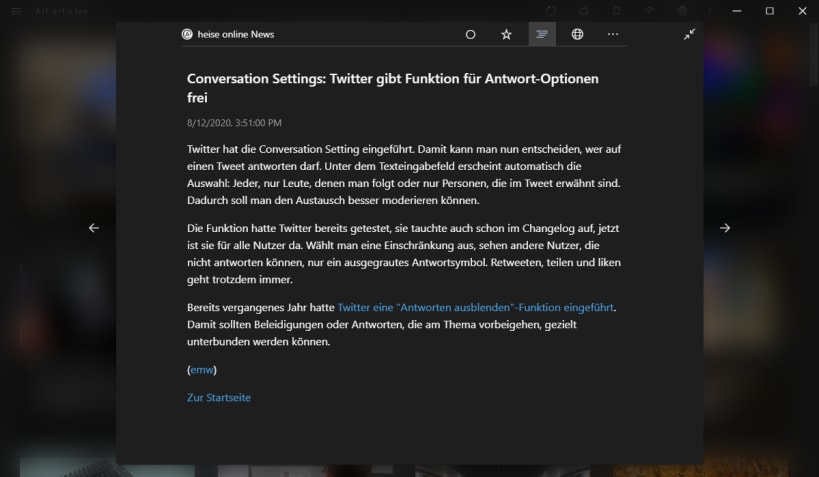
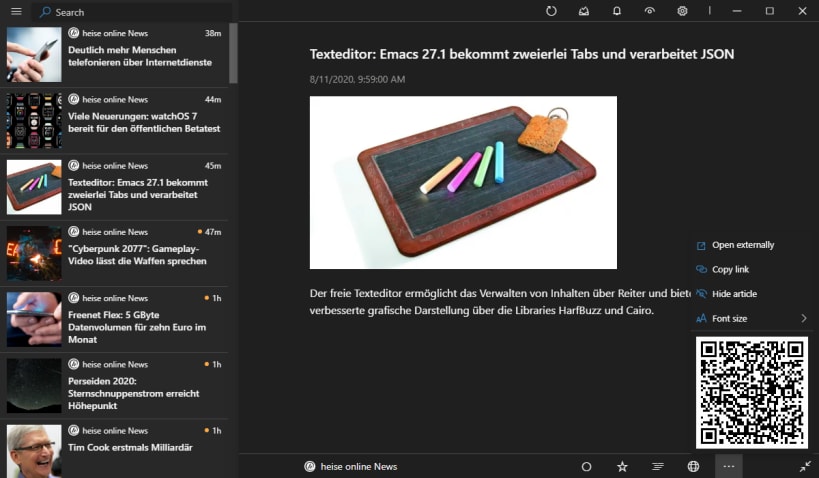
Modern desktop RSS reader built with Electron, React, and Fluent UI
This is an unofficial snap package of Fluent Reader. The official one, just have a AppImage for Linux. Upgrades coming instantly.
Features
- A modern UI inspired by Fluent Design System with full dark mode support.
- Read locally or sync with self-hosted services through Fever API.
- Importing or exporting OPML files, full application data backup & restoration.
- Read the full content with the built-in article view or load webpages by default.
- Search for articles with regular expressions or filter by read status.
- Organize your subscriptions with folder-like groupings.
- Single-key keyboard shortcuts.
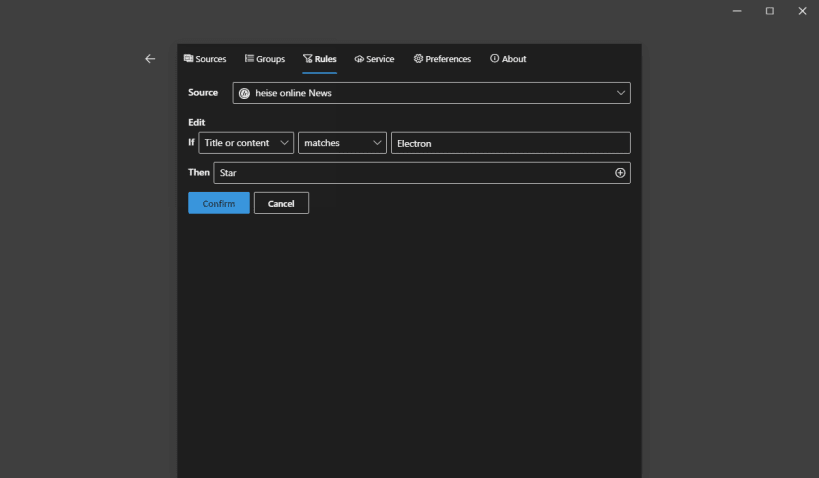
- Hide, mark as read, or star articles automatically as they arrive with regular expression rules.
- Fetch articles in the background and send push notifications.
And the biggest feature: [It's Open Source](https://github.com/yang991178/fluent-reader)
| Revision | Channel | Version | Build | Commit | Download SBOM |
|---|
The build and commit information is derived from build infrastructure records.
Install Fluent Reader on your Linux distribution
Choose your Linux distribution to get detailed installation instructions. If yours is not shown, get more details on the installing snapd documentation.











