

Glate

Install latest/stable of Glate
Ubuntu 16.04 or later?
Make sure snap support is enabled in your Desktop store.
Details for Glate
Package name
- glate
License
- GPL-3.0-or-later
Last updated
- 4 November 2026 - latest/stable
- 4 November 2026 - latest/edge
Websites
Donations
Source code
Report a bug
External link warning
You are about to open
Do you wish to proceed?
Report a Snap Store violation
Report Glate for a Snap Store violation
Snap Store Violation Report submitted successfully
Thank you for your report. Information you provided will help us investigate further.
Error submitting report
There was an error while sending your report. Please try again later.
Share this snap
Generate an embeddable card to be shared on external websites.
Offline translator, text to speech
Glate is a fast, private translator for the Linux desktop with built-in text to speech. Translate text between more than 100 languages online with Google Translate, or translate offline on your own computer with local translation models, then listen to the result read aloud. Free and open source.
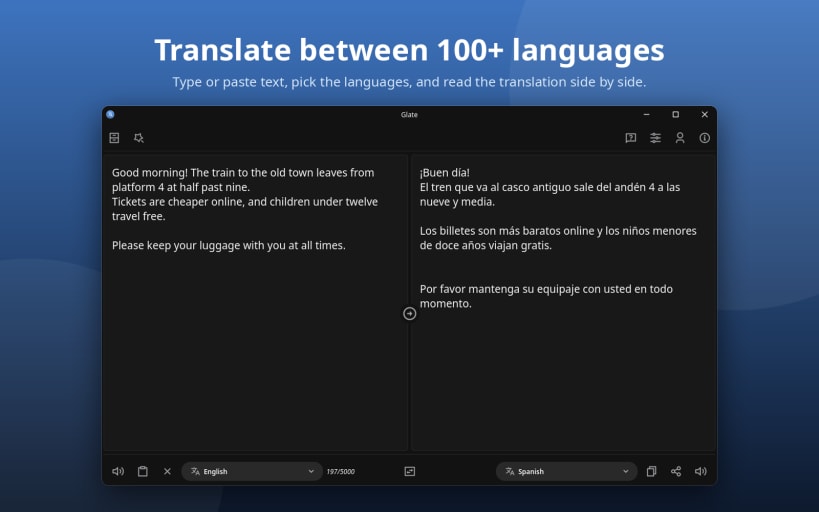
Translate between 100+ languages
- Online translation through Google Translate, with automatic language detection.
- Side by side source and translation, with one-click swap, copy and clear.
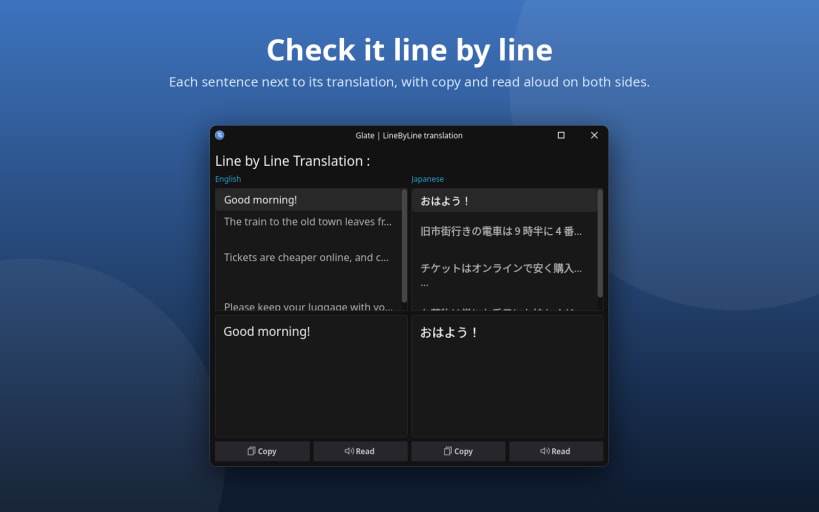
- Line by line view to check long text sentence by sentence, with copy and read aloud for each line.
- Searchable history of earlier translations: load, copy or remove them.
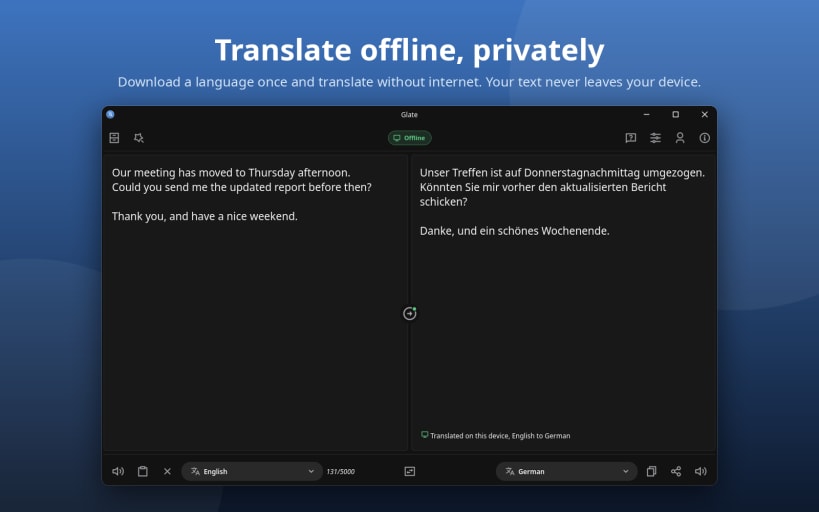
Offline translator: private, no internet needed
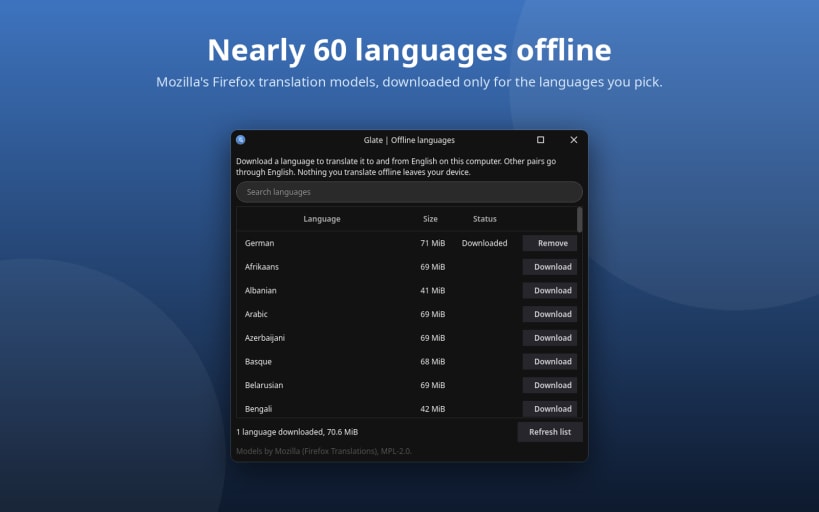
- Translate offline in nearly 60 languages with Mozilla's Firefox translation models, the same engine as Firefox Translations (Pro).
- Your text never leaves your device in offline mode.
- Download only the languages you need from Manage languages; no model ships with the app. Pairs without English go through English.
- Every model file is checked against its SHA-256 before it is used.
- An offline indicator shows when offline mode is on and which results were translated on your computer.
Text to speech and audio export
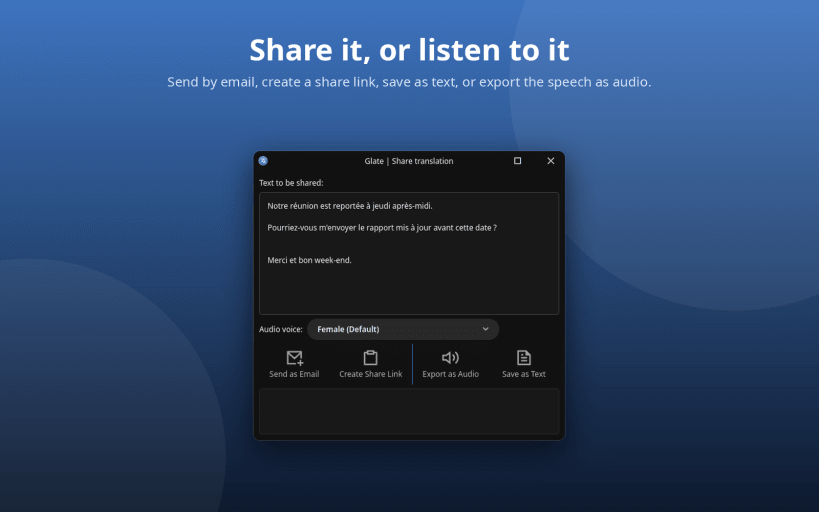
- Read aloud the text, its translation, or only the part you select, with a choice of voice.
- Export speech to audio: MP3, WAV, FLAC or AAC, with bitrate, sample rate and volume options.
Quick Translate from any app
- Select text anywhere and translate it with a global keyboard shortcut (Ctrl+Shift+Space), on X11 and Wayland.
- Stays in the system tray, with a choice between quitting and minimizing to the tray on close.
Share and save
- Share a translation by email or a paste link, or save it as a text file.
Made for the desktop
- Light, dark or follow the system, Fusion and Fusion 2 themes, and your own accent colour.
- Keyboard shortcuts, a short welcome for new users, and What's new in the Help menu.
- Report a bug from the app, with the system details filled in for you.
- Interface in English, German, French, Brazilian Portuguese and Italian.
- Runs on amd64 and arm64.
| Revision | Channel | Version | Build | Commit | Download SBOM |
|---|
The build and commit information is derived from build infrastructure records.
Install Glate on your Linux distribution
Choose your Linux distribution to get detailed installation instructions. If yours is not shown, get more details on the installing snapd documentation.


