

Guardian Eye
Install latest/stable of Guardian Eye
Ubuntu 16.04 or later?
Make sure snap support is enabled in your Desktop store.
Install using the command line
sudo snap install guardian-eyeDon't have snapd? Get set up for snaps.
Details for Guardian Eye
Package name
- guardian-eye
License
- Proprietary
Last updated
- 2 November 2026 - latest/stable
Websites
Contact
External link warning
You are about to open
Do you wish to proceed?
Report a Snap Store violation
Report Guardian Eye for a Snap Store violation
Snap Store Violation Report submitted successfully
Thank you for your report. Information you provided will help us investigate further.
Error submitting report
There was an error while sending your report. Please try again later.
Share this snap
Generate an embeddable card to be shared on external websites.
Video surveillance with motion detection
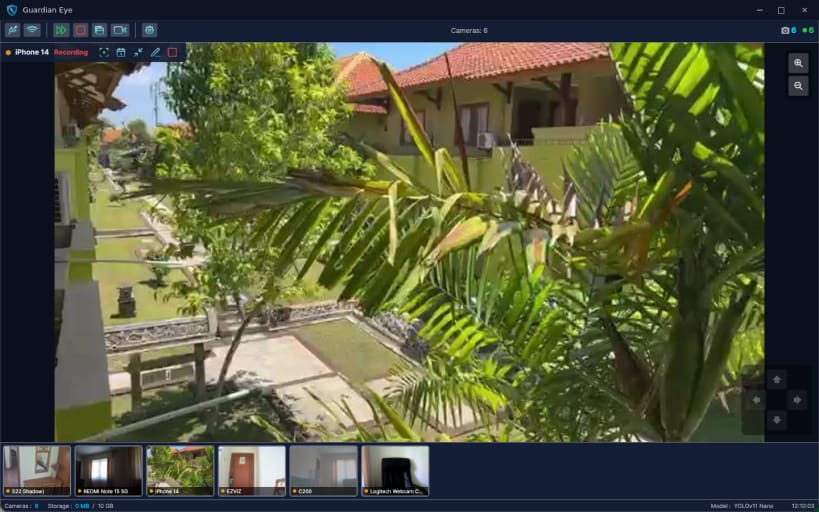
Guardian Eye turns a desktop into a private video surveillance system. Recordings, motion and AI detection and the event timeline stay on the machine: no cloud storage, no account, no subscription.
Cameras:
- IP cameras over RTSP, ONVIF and HTTP/MJPEG
- USB and built-in webcams, including imaging controls
- Automatic discovery of cameras on the local network
- PTZ control for supported cameras
Detection:
- Motion detection with adjustable sensitivity and tamper detection
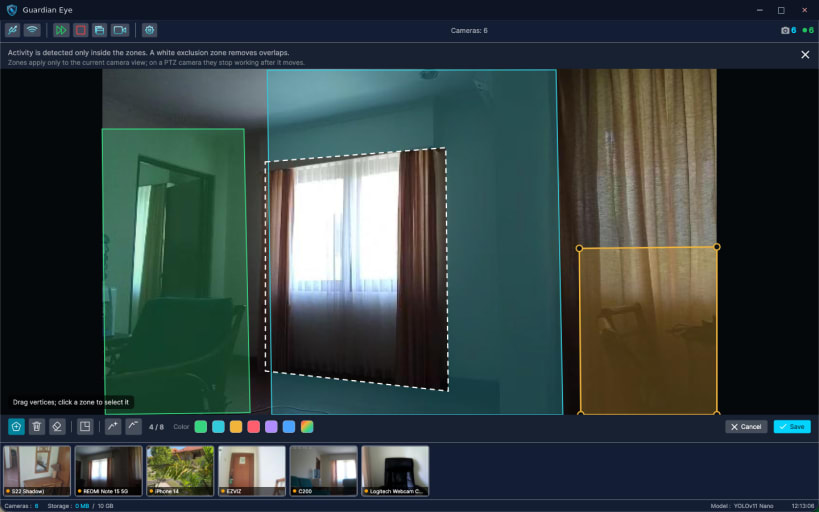
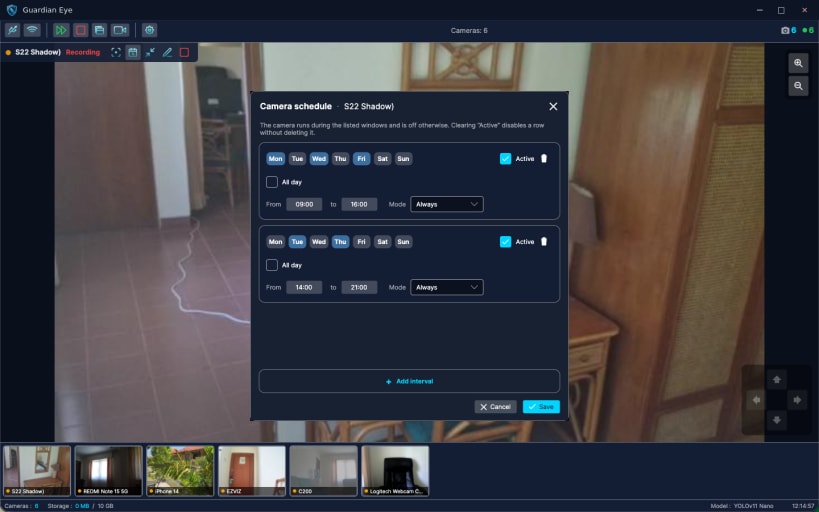
- Detection zones and per-camera schedules
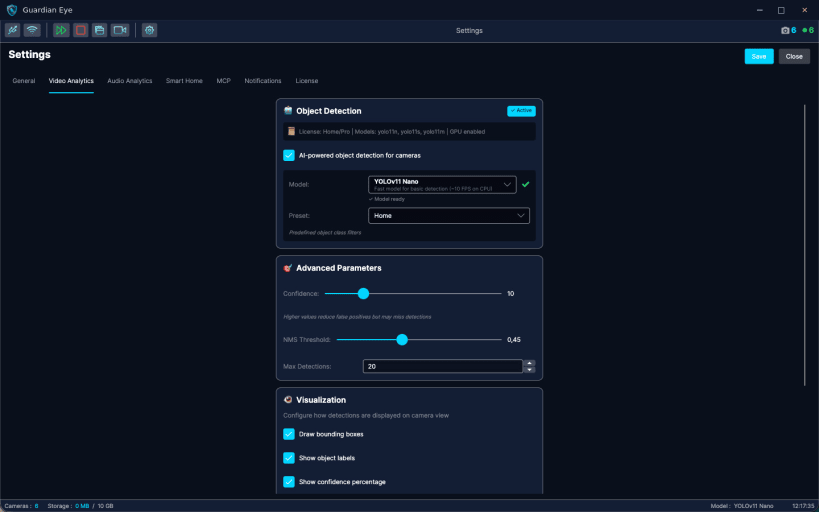
- On-device AI object detection (people, vehicles, animals)
- Audio analytics for events such as a baby crying or glass breaking
Recording and integrations:
- Continuous or event-triggered H.264 recording with storage rotation
- Event journal with thumbnails and a timeline linked to the recordings
- Telegram notifications and Home Assistant over MQTT
- MJPEG stream of any camera for other tools on the network
Guardian Eye collects no analytics and has no account. It is free for one camera; paid plans unlock more cameras, longer retention and advanced AI models.
| Revision | Channel | Version | Build | Commit | Download SBOM |
|---|
The build and commit information is derived from build infrastructure records.
Install Guardian Eye on your Linux distribution
Choose your Linux distribution to get detailed installation instructions. If yours is not shown, get more details on the installing snapd documentation.











