

HAMAL File Transfer (hamal)
Install latest/stable of HAMAL File Transfer
Ubuntu 16.04 or later?
Make sure snap support is enabled in your Desktop store.

Details for HAMAL File Transfer
Package name
- hamal
License
- Proprietary
Last updated
- 15 November 2026 - latest/stable
- 15 November 2026 - latest/candidate
Websites
Contact
Source code
Report a bug
External link warning
You are about to open
Do you wish to proceed?
Report a Snap Store violation
Report HAMAL File Transfer for a Snap Store violation
Snap Store Violation Report submitted successfully
Thank you for your report. Information you provided will help us investigate further.
Error submitting report
There was an error while sending your report. Please try again later.
Share this snap
Generate an embeddable card to be shared on external websites.
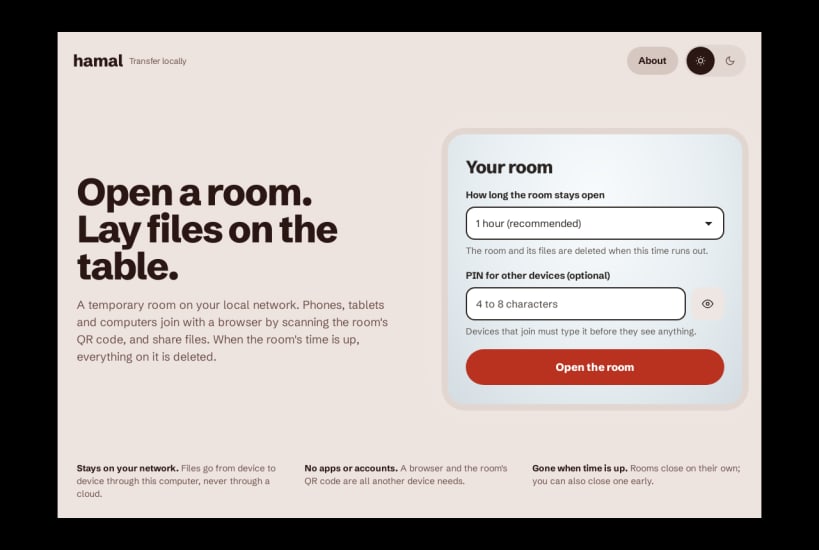
Fast, private, temporary file transfer between devices
HAMAL is a fast, private file transfer tool for sending files directly between devices on your local network.
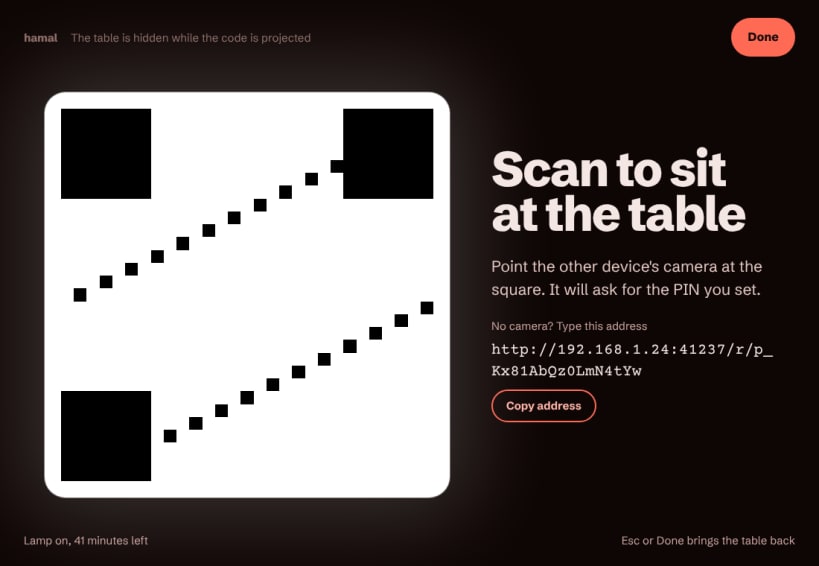
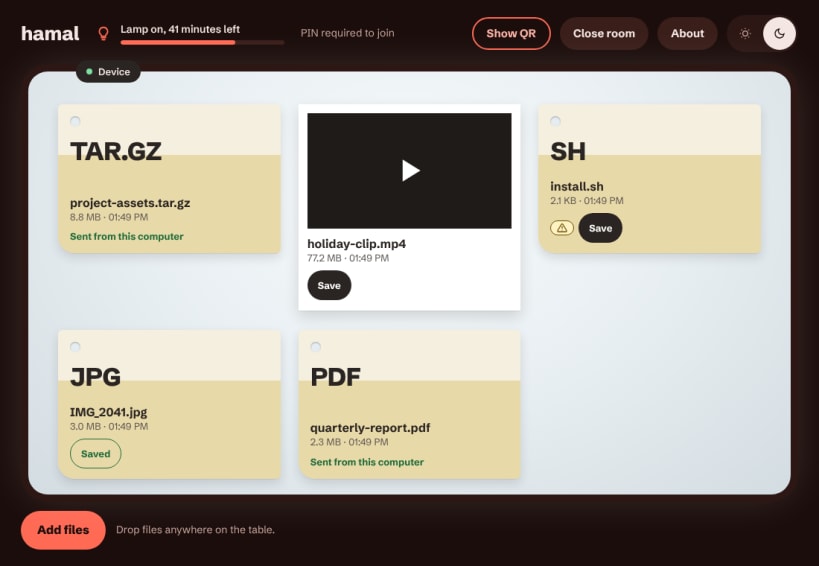
Create a temporary transfer room on your Linux desktop, scan the QR code with another device, and start transferring files — without uploading them to permanent cloud storage.
Simple by design
• Create temporary transfer rooms • Connect instantly with a QR code • Optional PIN protection • Transfer files directly over your local network • Upload and download from any modern browser • See transfer progress and download status • Automatic room expiration and cleanup • Participants can close the room when finished • Dark and light themes • 20 languages
HAMAL is designed for quick, private transfers when you don't want to send your files through a third-party cloud service.
Open source
Source code, documentation, releases and issue tracking are available on GitHub.
| Revision | Channel | Version | Build | Commit | Download SBOM |
|---|
The build and commit information is derived from build infrastructure records.
Install HAMAL File Transfer on your Linux distribution
Choose your Linux distribution to get detailed installation instructions. If yours is not shown, get more details on the installing snapd documentation.


