

HandyRec
Install latest/stable of HandyRec
Ubuntu 16.04 or later?
Make sure snap support is enabled in your Desktop store.
Details for HandyRec
Package name
- handyrec
License
- GPL-3.0
Last updated
- 8 April 2026 - latest/stable
Websites
Contact
External link warning
You are about to open
Do you wish to proceed?
Report a Snap Store violation
Report HandyRec for a Snap Store violation
Snap Store Violation Report submitted successfully
Thank you for your report. Information you provided will help us investigate further.
Error submitting report
There was an error while sending your report. Please try again later.
Share this snap
Generate an embeddable card to be shared on external websites.
A fast and efficient 8-track audio recording application.
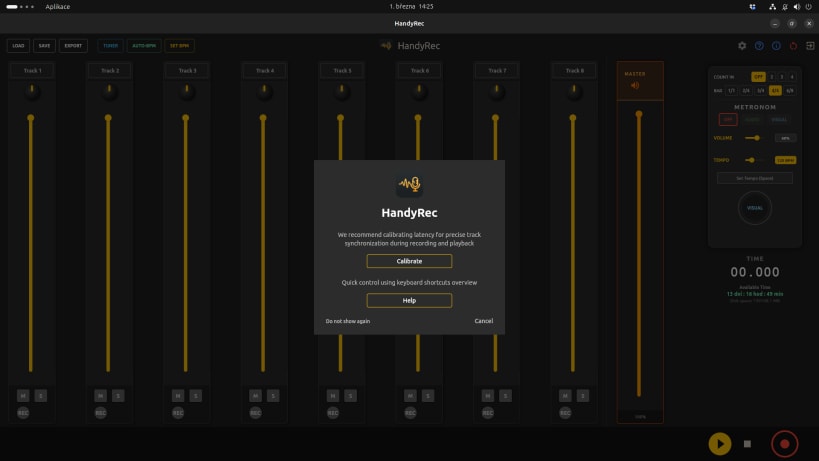
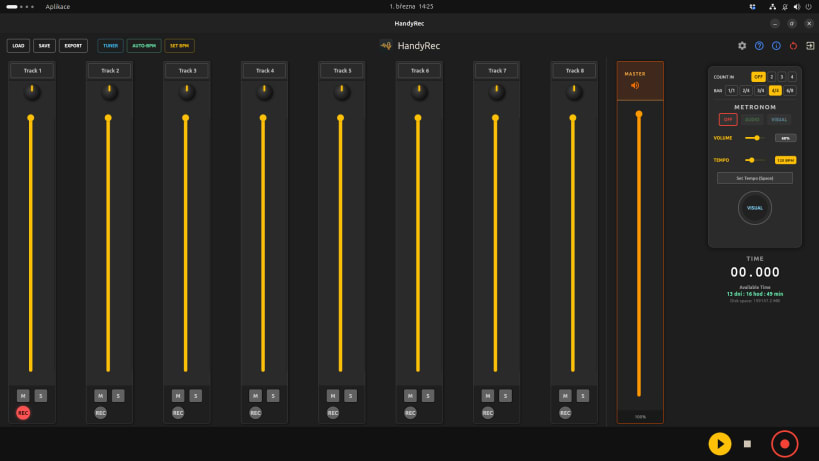
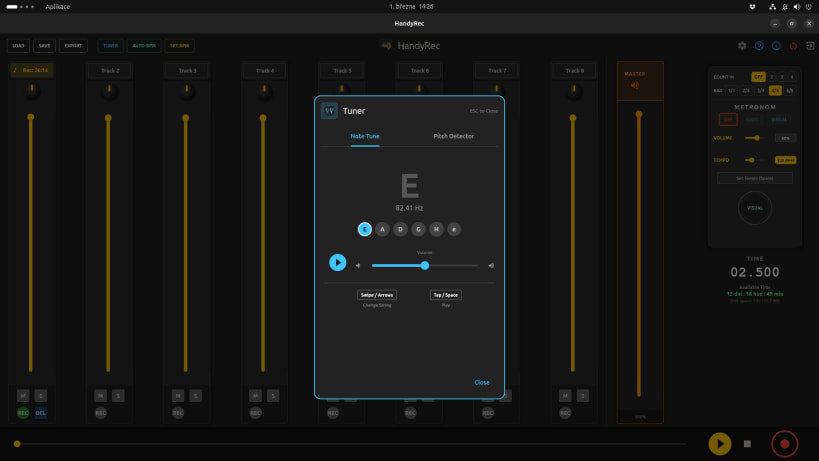
Capture your musical ideas instantly with HandyRec, a fast and efficient 8-track audio recording application designed specifically for musicians. Entirely offline and privacy-friendly.
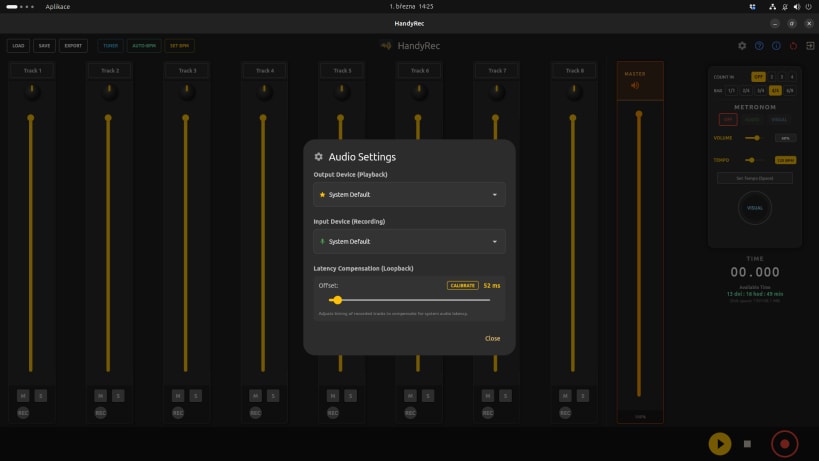
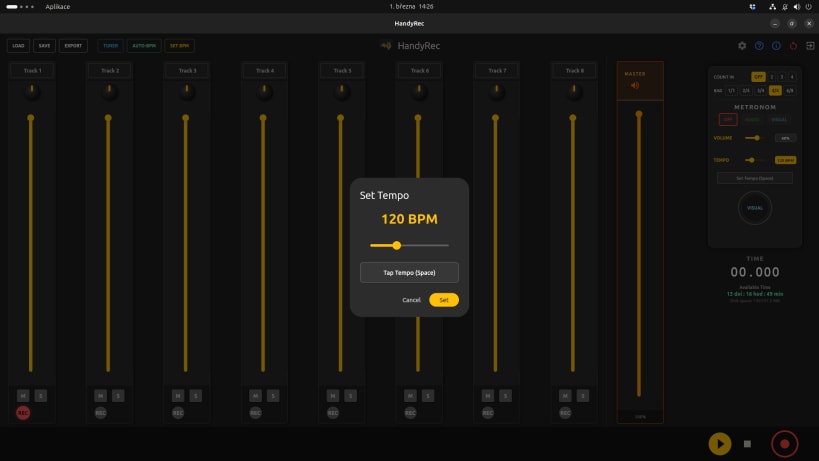
🔥 Key Features: • 8 Independent Audio Tracks: Record, mute, solo, and mix with a built-in visual mixing console. • Fast Keyboard Shortcuts Control: Navigate the entire app without taking your hands off your instrument. • Interactive Tuner: Built-in chromatic tuner to get your instrument pitch-perfect before recording in a snap. • Professional Metronome & BPM Detection: Features visual and audio cues, time signatures, Count-In, Tap Tempo, and automatic Auto-BPM detection. • Track Synchronization Calibration: Flawlessly sync all your overdubbed tracks using our automatic latency calibration tool. • High-Quality Export: Instantly mix down and export your entire project to Wave (WAV) or MP3 formats. • Dark Mode & Visual Navigation: Beautiful, eye-saving interface with real-time audio waveform visuals and fast seeking.
Focus on what matters the most—your music. Let HandyRec handle the rest!
| Revision | Channel | Version | Build | Commit | Download SBOM |
|---|
The build and commit information is derived from build infrastructure records.
Install HandyRec on your Linux distribution
Choose your Linux distribution to get detailed installation instructions. If yours is not shown, get more details on the installing snapd documentation.











