

Hourglass Palace Blade
Install latest/stable of Hourglass Palace Blade
Ubuntu 16.04 or later?
Make sure snap support is enabled in your Desktop store.
Install using the command line
sudo snap install hourglass-palace-bladeDon't have snapd? Get set up for snaps.
Details for Hourglass Palace Blade
Package name
- hourglass-palace-blade
License
- MIT
Last updated
- Today - latest/stable
Websites
Contact
External link warning
You are about to open
Do you wish to proceed?
Report a Snap Store violation
Report Hourglass Palace Blade for a Snap Store violation
Snap Store Violation Report submitted successfully
Thank you for your report. Information you provided will help us investigate further.
Error submitting report
There was an error while sending your report. Please try again later.
Share this snap
Generate an embeddable card to be shared on external websites.
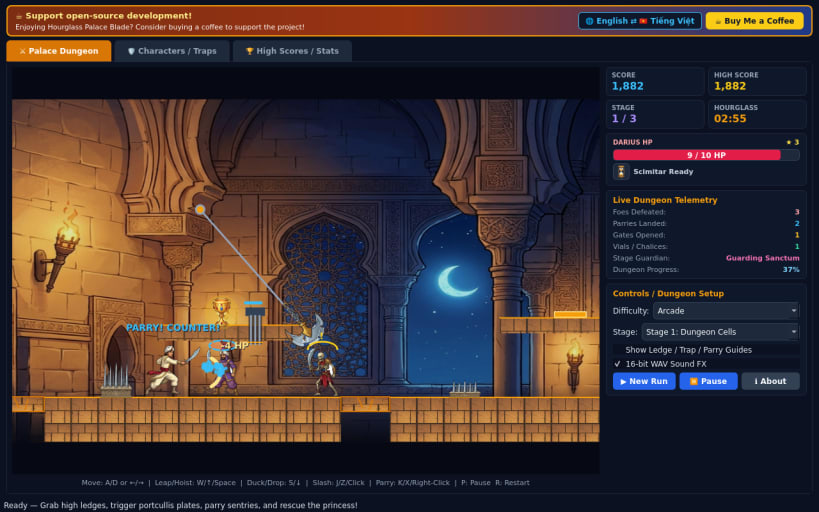
Tactical scimitar dueling and ledge-leap palace dungeon escape action
A 60 FPS 2D side-scrolling Arabian-fantasy palace dungeon escape and tactical sword-dueling platformer for Linux, featuring cel-shaded 2D sprites, precision ledge grabbing, interactive switch-and-portcullis puzzles, and 16-bit PCM WAV sound effects.
FEATURES
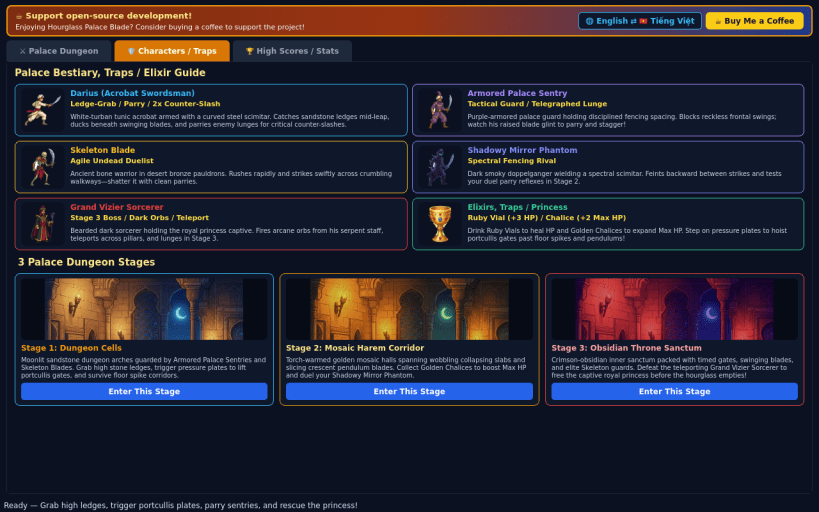
- Precision Ledge Acrobatics: Guide white-turban acrobat swordsman Darius across torchlit sandstone corridors, leap across chasms, grab stone ledges, and haul up onto high alcoves.
- Mechanical Traps & Switch Plates: Trigger floor pressure plates to raise heavy iron portcullis gates, sprint past wobbling collapsing stone slabs, and time your dash through snapping floor spikes and slicing pendulum blades.
- Tactical Scimitar Fencing: Enter duel stance to clash blades, parry enemy lunges, and counter-slash Armored Palace Sentries, Skeleton Blades, the Shadowy Mirror Phantom, and the Grand Vizier Sorcerer before the Sand Hourglass runs out.
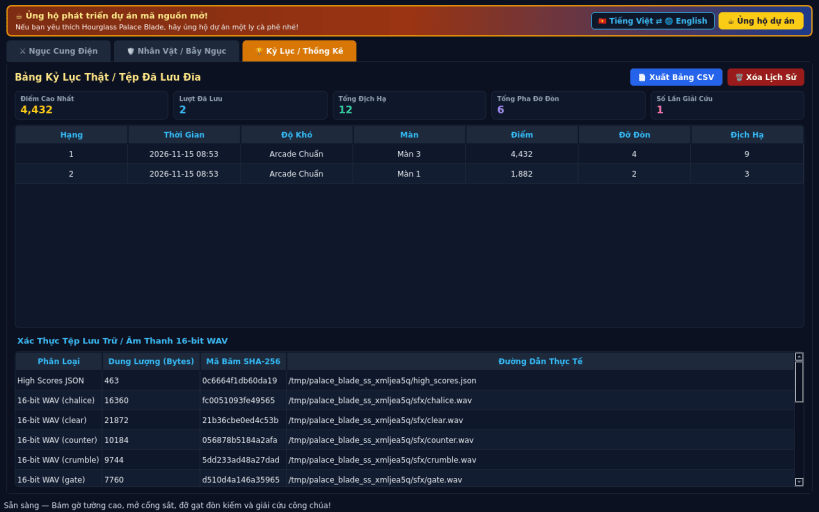
- Potions, Chalices & Bilingual UI: Drink glowing ruby healing vials and golden chalices that expand max HP across 3 dungeon stages and 3 difficulty tiers (Casual, Arcade, Turbo), with local JSON high scores, CSV export, and instant English / Vietnamese language switching.
SUPPORT & DONATE
- Open-source development support: https://buymeacoffee.com/thanhnv128b
| Revision | Channel | Version | Build | Commit | Download SBOM |
|---|
The build and commit information is derived from build infrastructure records.
Install Hourglass Palace Blade on your Linux distribution
Choose your Linux distribution to get detailed installation instructions. If yours is not shown, get more details on the installing snapd documentation.


