

Hull Module Voyager
Install latest/stable of Hull Module Voyager
Ubuntu 16.04 or later?
Make sure snap support is enabled in your Desktop store.
Install using the command line
sudo snap install hull-module-voyagerDon't have snapd? Get set up for snaps.
Details for Hull Module Voyager
Package name
- hull-module-voyager
License
- MIT
Last updated
- Today - latest/stable
Websites
Contact
External link warning
You are about to open
Do you wish to proceed?
Report a Snap Store violation
Report Hull Module Voyager for a Snap Store violation
Snap Store Violation Report submitted successfully
Thank you for your report. Information you provided will help us investigate further.
Error submitting report
There was an error while sending your report. Please try again later.
Share this snap
Generate an embeddable card to be shared on external websites.
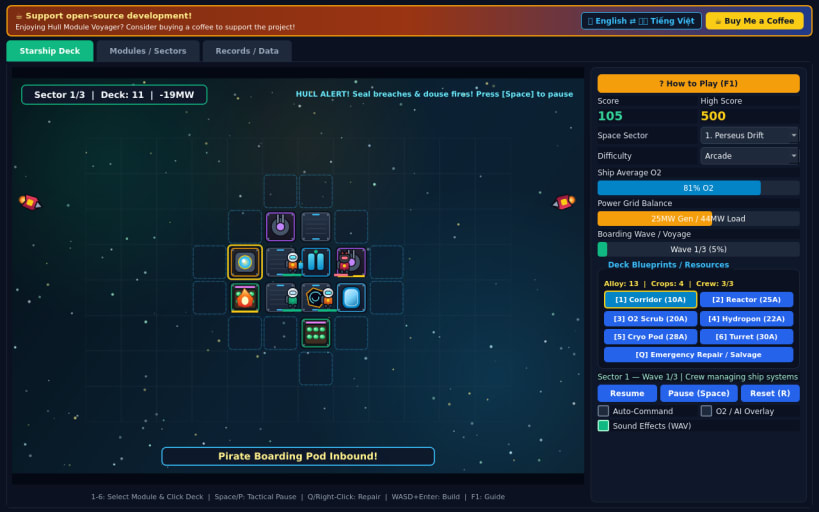
Build starship deck modules and command crew survival against raids
Hull Module Voyager is a 60 FPS real-time starship interior builder and crew survival game featuring tactical pause across three deep-space sectors.
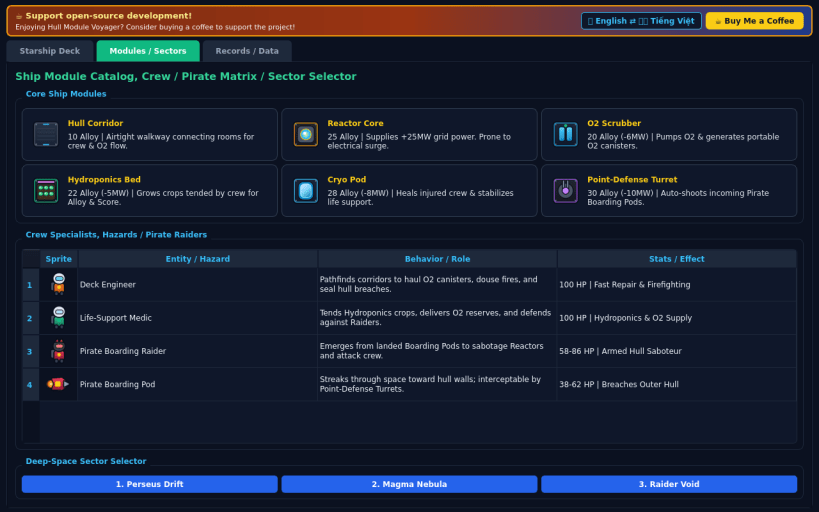
Construct and connect Hull Corridors, Reactor Cores, O2 Scrubbers, Hydroponics Beds, Cryo Pods, and Point-Defense Turrets on your ship deck grid. Pause time anytime to plan layouts, watch autonomous crew haul O2 canisters, tend crops, extinguish electrical fires, seal meteor hull breaches, and repel Pirate Boarding Pods.
Features:
- Real-time 60 FPS deck simulation with full Tactical Pause building mode
- 6 interconnected ship modules with live power grid and oxygen diffusion
- Autonomous crew pathfinding for firefighting, breach repair, and defense
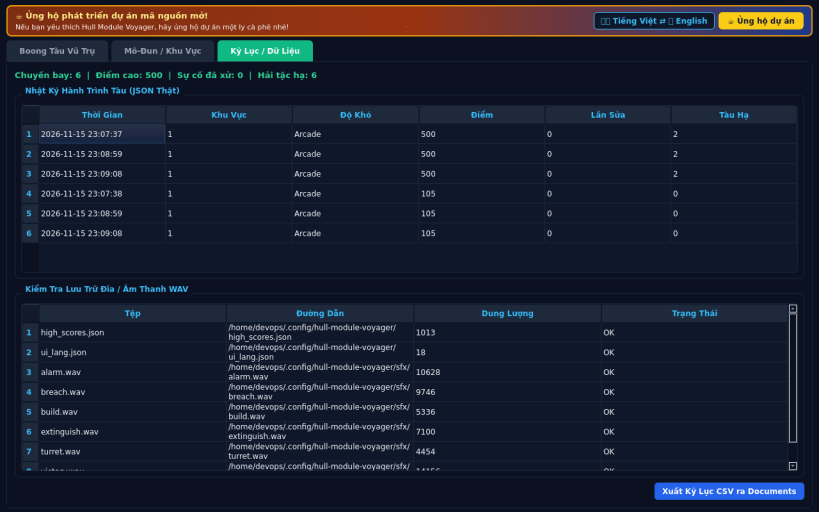
- 3 Sectors, 3 difficulty levels (Casual, Arcade, Turbo), WAV SFX, EN/VI UI
Disclaimer: This project is an independent open-source game and is not affiliated with, sponsored by, or endorsed by any commercial title.
| Revision | Channel | Version | Build | Commit | Download SBOM |
|---|
The build and commit information is derived from build infrastructure records.
Install Hull Module Voyager on your Linux distribution
Choose your Linux distribution to get detailed installation instructions. If yours is not shown, get more details on the installing snapd documentation.


