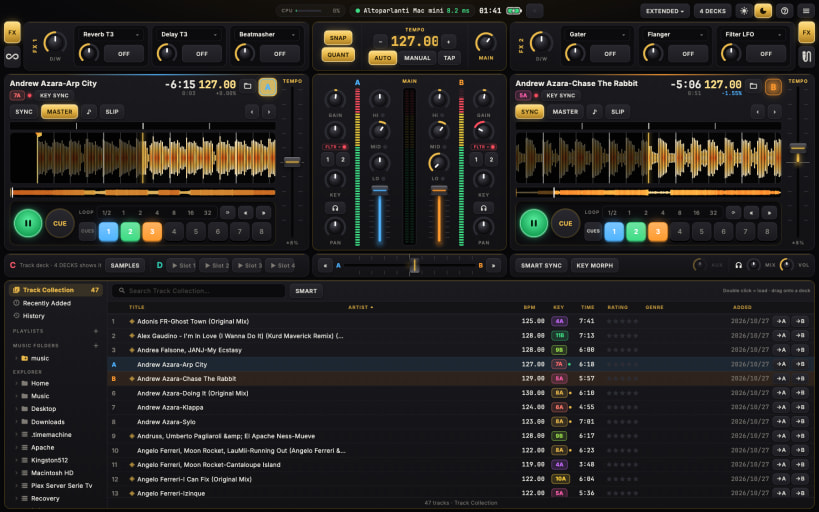
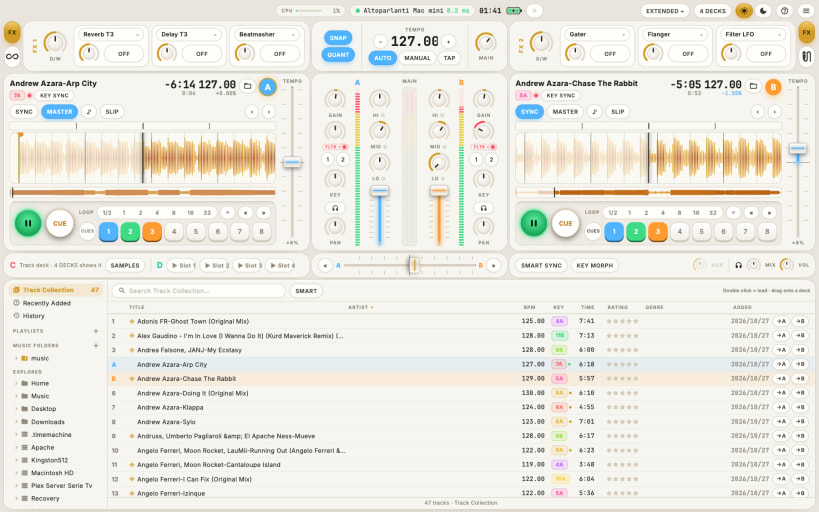
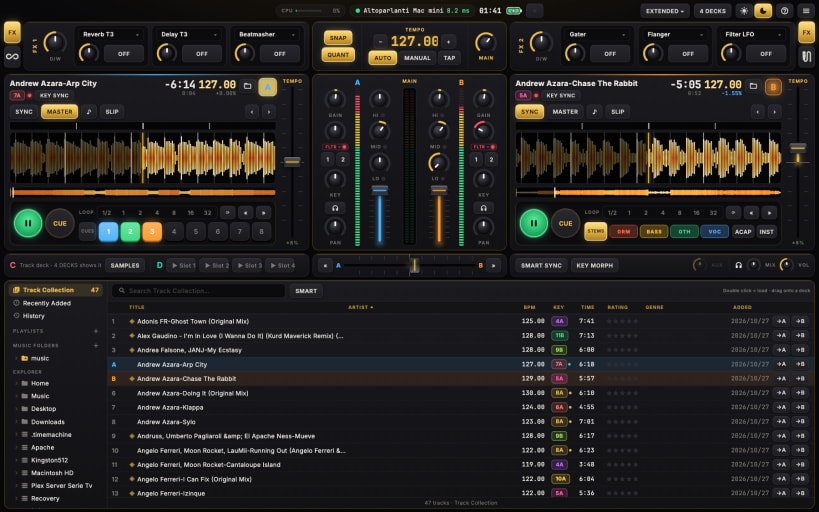
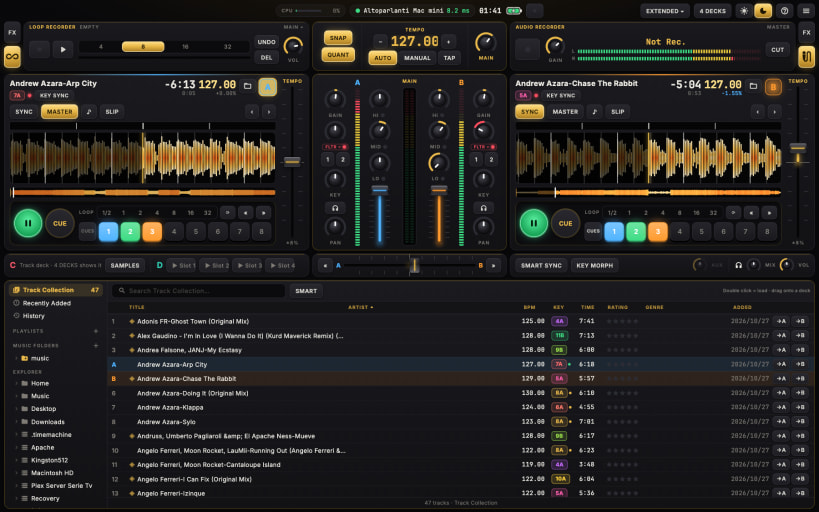
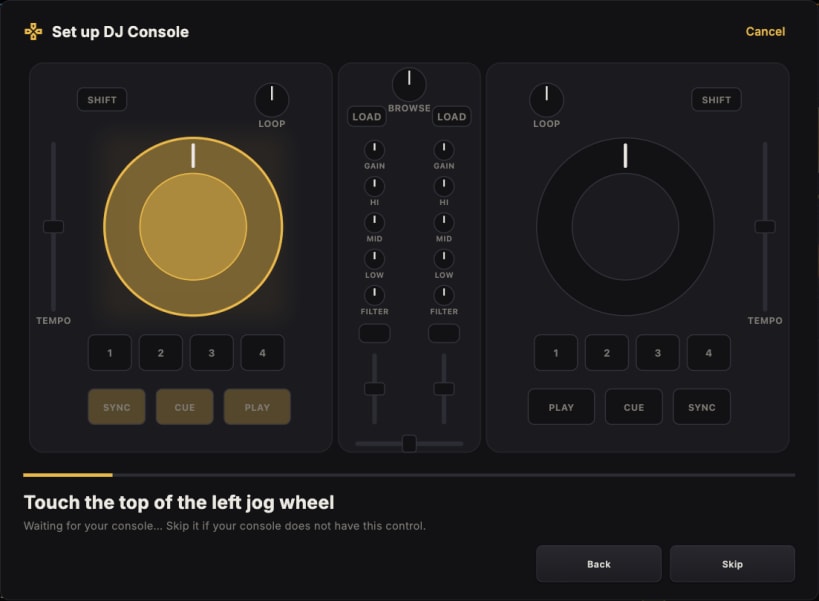
4DJ is DJ software with the layout DJs already know: decks, mixer, effects and browser where you expect them. It goes further with stems made on your own computer, transitions that stay in key and in tempo, a tablet as a second screen, and controllers that map themselves.
BEFORE YOU START (one time only) After installing, open a terminal and type these two commands, then open 4DJ again:
sudo snap connect 4dj-mixer:alsa
sudo snap connect 4dj-mixer:raw-usb
The Snap Store does not connect them for you yet: without them 4DJ still plays music, but your sound card and console may not show up.
Consoles driven over HID (such as the Kontrol S2 MK3) also need a udev rule once: when you plug one in, 4DJ shows the command to copy into the terminal.
You are about to open
Do you wish to proceed?
Thank you for your report. Information you provided will help us investigate further.
There was an error while sending your report. Please try again later.
Snaps are applications packaged with all their dependencies to run on all popular Linux distributions from a single build. They update automatically and roll back gracefully.
Snaps are discoverable and installable from the Snap Store, an app store with an audience of millions.
On Debian 9 (Stretch) and newer, snap can be installed directly from the command line:
sudo apt update
sudo apt install snapd
After this, install the snapd snap in order to get the latest snapd:
sudo snap install snapd
To install 4DJ, simply use the following command:
sudo snap install 4dj-mixer
Browse and find snaps from the convenience of your desktop using the snap store snap.
Interested to find out more about snaps? Want to publish your own application? Visit snapcraft.io now.