

4DJ (4dj-mixer)
Install latest/stable of 4DJ
Ubuntu 16.04 or later?
Make sure snap support is enabled in your Desktop store.
Details for 4DJ
Package name
- 4dj-mixer
License
- Proprietary
Last updated
- Yesterday - latest/stable
- 6 November 2026 - latest/edge
Websites
Contact
Donations
Source code
Report a bug
External link warning
You are about to open
Do you wish to proceed?
Report a Snap Store violation
Report 4DJ for a Snap Store violation
Snap Store Violation Report submitted successfully
Thank you for your report. Information you provided will help us investigate further.
Error submitting report
There was an error while sending your report. Please try again later.
Share this snap
Generate an embeddable card to be shared on external websites.
Mix music with decks, effects and stems
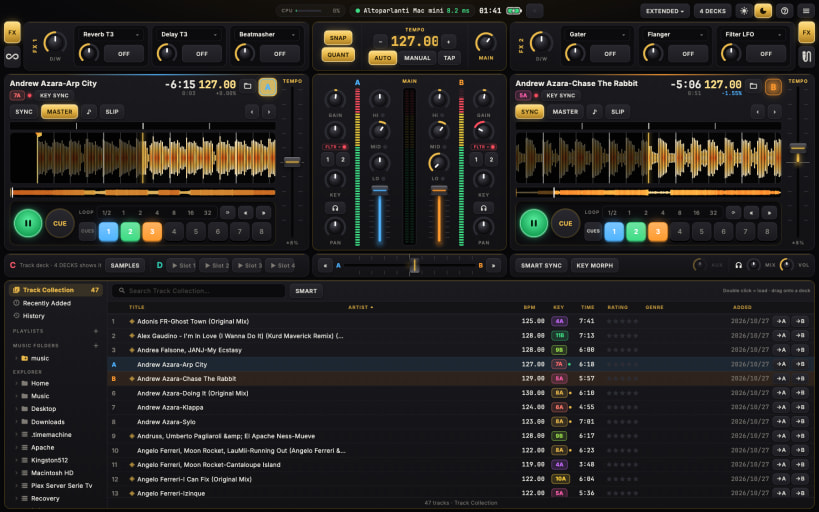
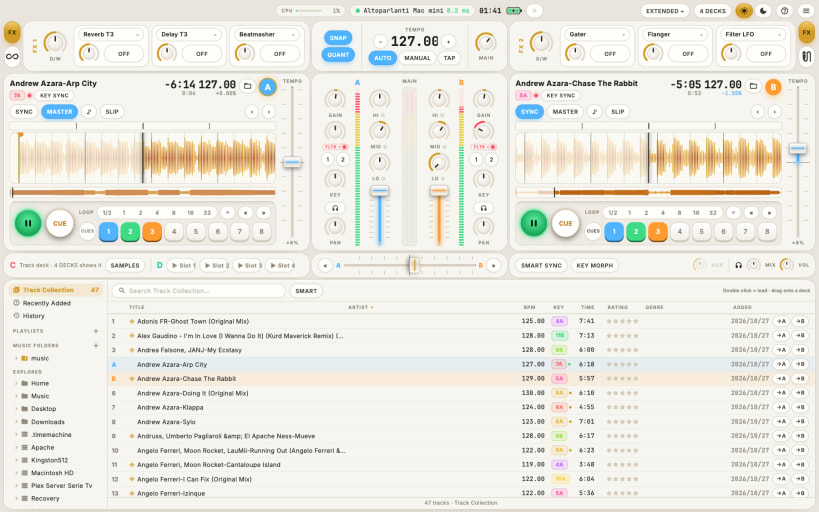
4DJ is DJ software with the layout DJs already know: decks, mixer, effects and browser where you expect them. It goes further with stems made on your own computer, transitions that stay in key and in tempo, a tablet as a second screen, and controllers that map themselves.
- 2 or 4 decks with hotcues, loops, beatjump, slip, key lock and SYNC
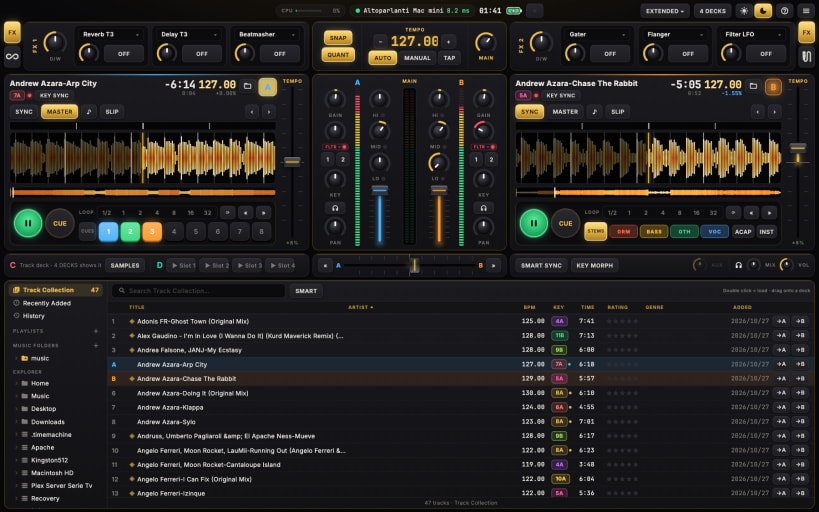
- StemX: splits any track into drums, bass, other and vocals on your computer, nothing is sent online
- SmartSync: the next crossfade glides in key and in tempo
- Three-band EQ, filter, two FX units with 19 effects
- Library with playlists, smart playlists, instant search and import of collections from other DJ apps
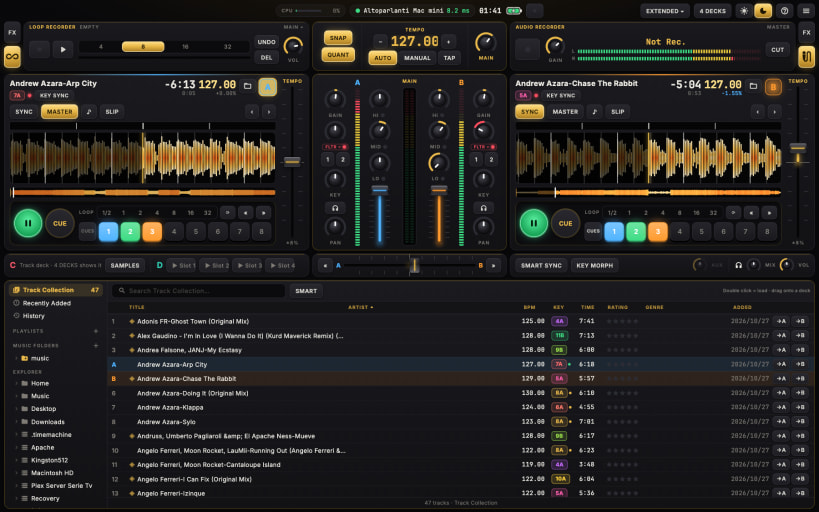
- Audio recorder, microphone with talkover, loop recorder, live inputs and timecode vinyl
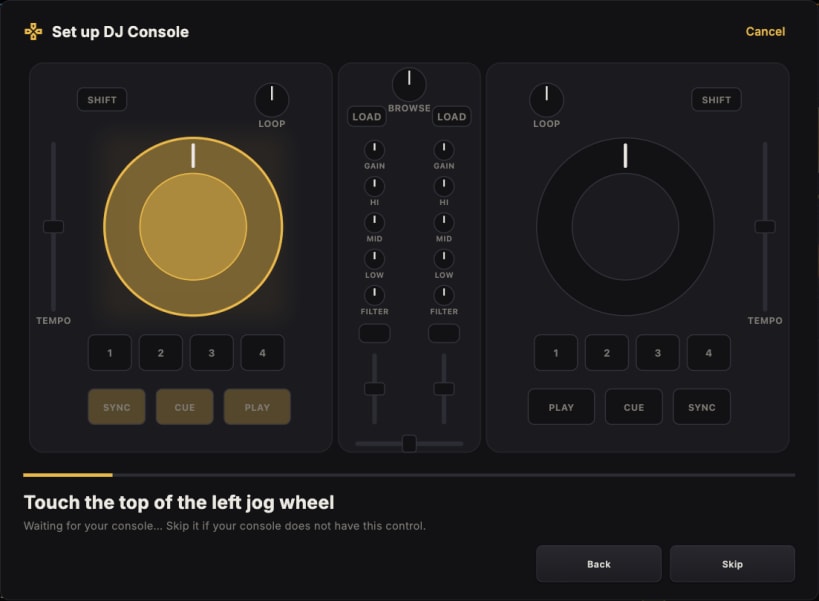
- More than 110 MIDI consoles recognised as soon as they are plugged in
- RemoteDeck: a tablet or phone becomes a second screen
BEFORE YOU START (one time only) After installing, open a terminal and type these two commands, then open 4DJ again:
 sudo snap connect 4dj-mixer:alsa
 sudo snap connect 4dj-mixer:raw-usb
- alsa: sound cards with separate master and headphone outputs, and MIDI consoles
- raw-usb: consoles with lights and jog wheels that talk over USB HID
The Snap Store does not connect them for you yet: without them 4DJ still plays music, but your sound card and console may not show up.
Consoles driven over HID (such as the Kontrol S2 MK3) also need a udev rule once: when you plug one in, 4DJ shows the command to copy into the terminal.
| Revision | Channel | Version | Build | Commit | Download SBOM |
|---|
The build and commit information is derived from build infrastructure records.
Install 4DJ on your Linux distribution
Choose your Linux distribution to get detailed installation instructions. If yours is not shown, get more details on the installing snapd documentation.


