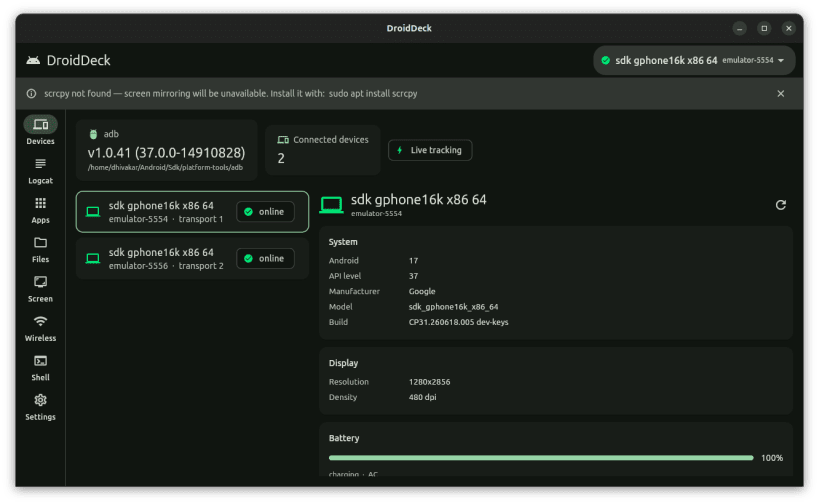
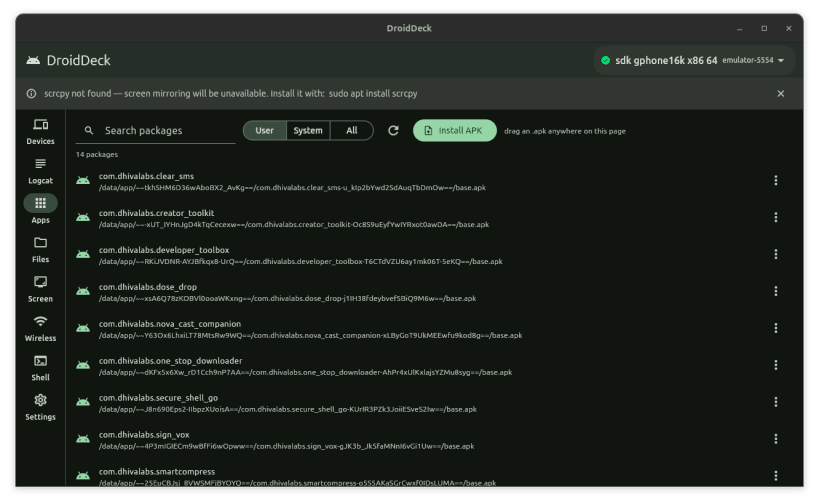
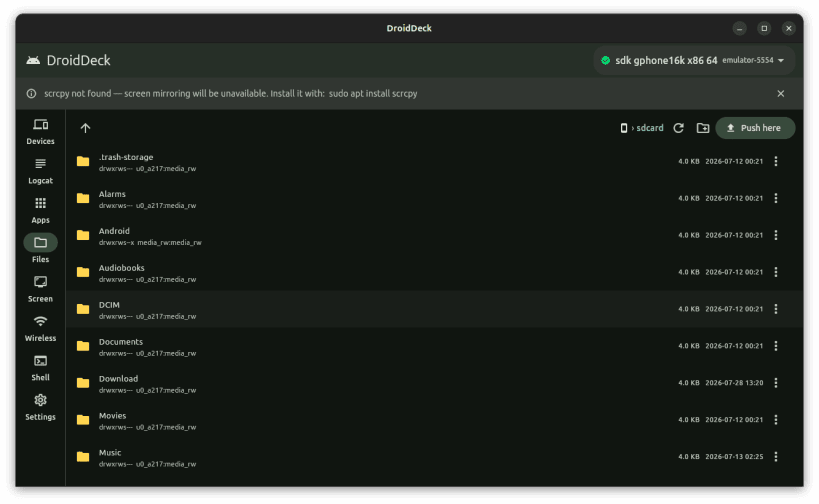
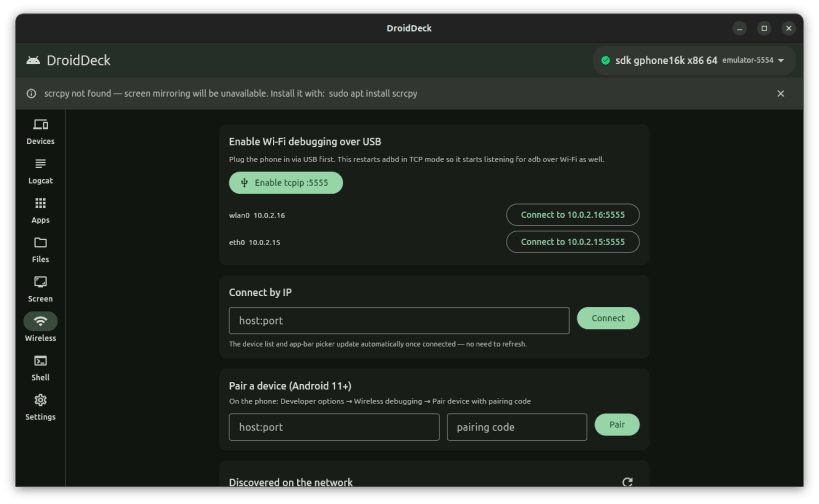
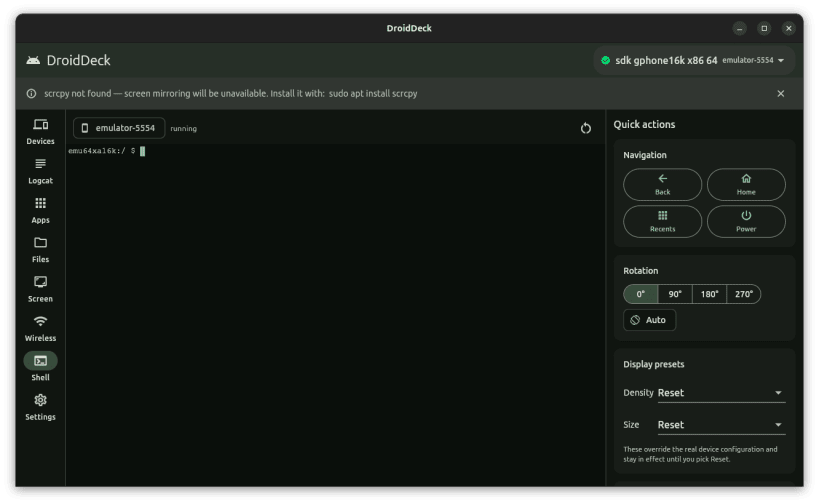
DroidDeck is a Linux desktop app that puts a graphical front end on adb, the Android Debug Bridge. It is for people who ship Android apps: check a device, read its log, install a build or move a file without retyping commands or tracking serial numbers.
Features
- Live device dashboard with Android version, API level, battery, resolution, density and IP address
- Logcat viewer with a 50,000-line buffer and filters for priority, tag, text and package
- App manager: launch, force-stop, clear data, uninstall, install APKs by drag and drop, extract base and split APKs
- Device file explorer: drag-and-drop push, pull to Downloads, new folder, rename, delete
- Screenshots and screen recordings of up to 3 minutes per clip
- Wireless debugging: Android 11+ pairing code, connect by IP, tcpip mode, saved devices for one-click reconnect
- Interactive adb shell in a real terminal, with quick actions for navigation keys, rotation and display presets
- Runs on x86-64 and ARM64 Linux
Snap notes
adb ships inside the snap, so nothing else needs installing. As a strictly confined snap it reaches USB devices only through an interface that must be connected once after install:
sudo snap connect adb-deck:adb-support
Then unplug and replug the phone if it was already connected. If it is still not detected, its USB vendor is probably missing from that interface's list; connect the broader one as well:
sudo snap connect adb-deck:raw-usb
Pulled files, screenshots and recordings go to folders in your home directory. To use them on removable drives as well:
sudo snap connect adb-deck:removable-media
Things that differ from a normal install:
- The phone is asked to authorise this computer separately from any adb you run outside the snap.
- Devices on the network are not discovered automatically; enter the address and port shown on the phone.
- Screen mirroring needs scrcpy, which is not part of this snap.
- The adb server keeps running after you close the window. Stop it with
adb-deck.adb kill-server; adb-deck.adb is the same adb the app uses.
MIT licensed. Source: https://github.com/Dhiva-Labs/DroidDeck
A Dhiva Labs project.