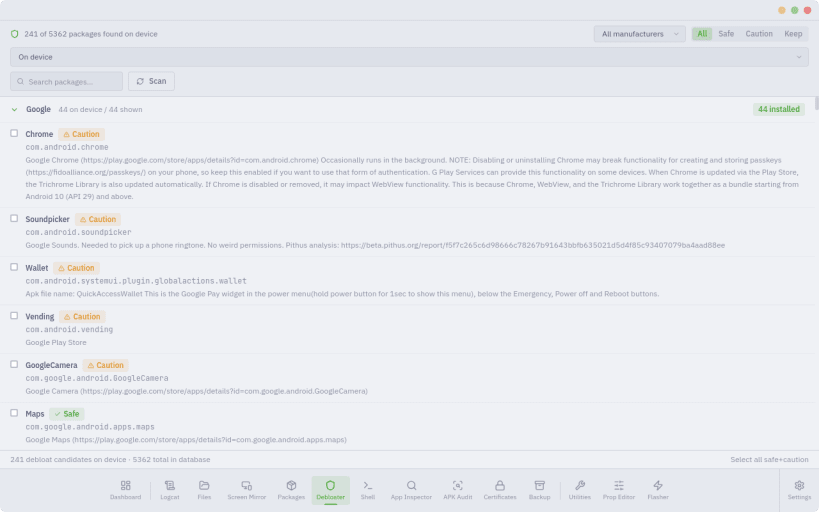
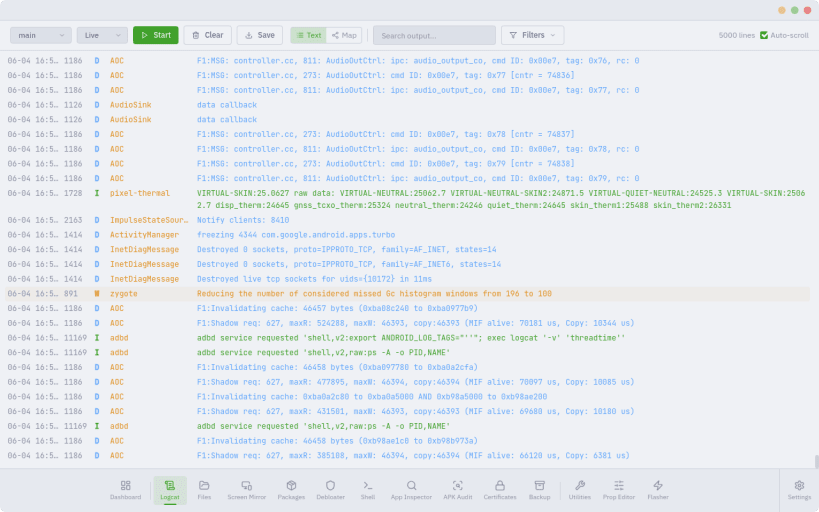
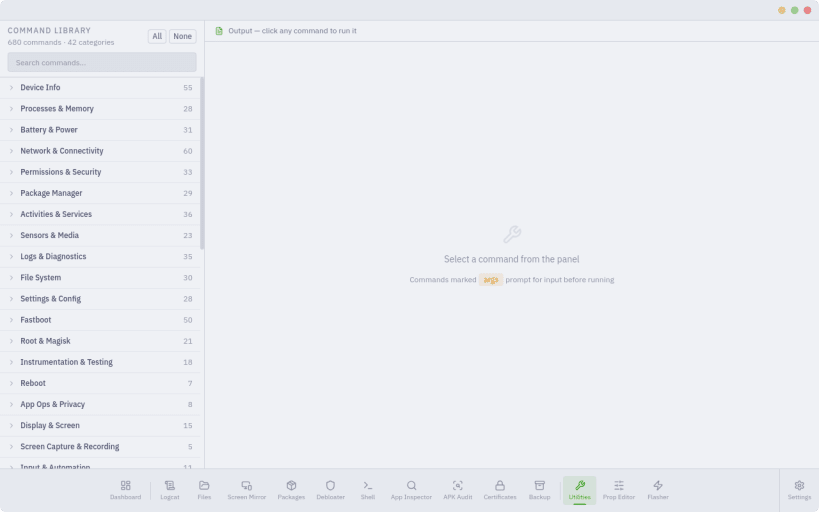
ATK is an all-in-one Android command centre for power users, security researchers and bug hunters. It gives you the tools of an OEM service centre in one themeable desktop app, plus a real-time debugging engine no other Android tool has.
Live System Map
ATK turns the logcat firehose into a live, interactive map of your phone. Processes, services and components become nodes; launches, crashes, ANRs, kills and signals become edges, with every event flowing between them as a packet. Watch how system_server, SurfaceFlinger, the media and telephony stacks and your apps interact in real time — in 2D, neon flow or 3D tree views — with crash and ANR alerts, keyword watch-rules, focus filters, timeline scrubbing, baseline diffs and packet capture for offline analysis.
Control and flash
Inspect and audit
Manage the device
26 themes including Catppuccin, Dracula, Nord, Tokyo Night and Gruvbox; 8 display fonts; custom colours; a movable sidebar; hide the modules you don't use. App Lock password-protects ATK and puts flashing behind a separate danger unlock. A tray icon keeps it running in the background.
About this snap The snap bundles its own adb, fastboot and scrcpy. Connect USB access once after installing:
sudo snap connect android-tool-kit:adb-support
Your phone will ask you to authorise this computer again the first time, because the snap keeps its own adb keys.
You are about to open
Do you wish to proceed?
Thank you for your report. Information you provided will help us investigate further.
There was an error while sending your report. Please try again later.
Snaps are applications packaged with all their dependencies to run on all popular Linux distributions from a single build. They update automatically and roll back gracefully.
Snaps are discoverable and installable from the Snap Store, an app store with an audience of millions.
Snap is available for CentOS 7.6+, and Red Hat Enterprise Linux 7.6+, from the Extra Packages for Enterprise Linux (EPEL) repository. The EPEL repository can be added to your system with the following command:
sudo yum install epel-release
Snap can now be installed as follows:
sudo yum install snapd
Once installed, the systemd unit that manages the main snap communication socket needs to be enabled:
sudo systemctl enable --now snapd.socket
To enable classic snap support, enter the following to create a symbolic link between /var/lib/snapd/snap and /snap:
sudo ln -s /var/lib/snapd/snap /snap
Either log out and back in again, or restart your system, to ensure snap’s paths are updated correctly.
To install ATK · Android Tool Kit, simply use the following command:
sudo snap install android-tool-kit
Browse and find snaps from the convenience of your desktop using the snap store snap.

Interested to find out more about snaps? Want to publish your own application? Visit snapcraft.io now.