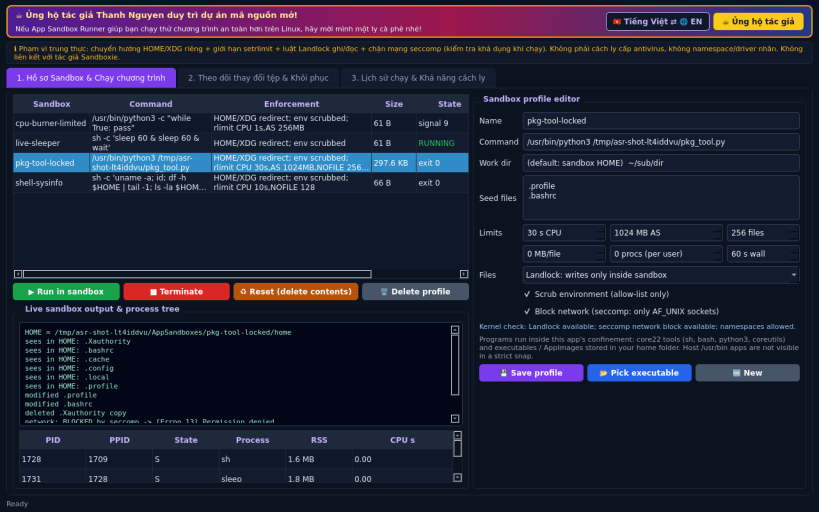
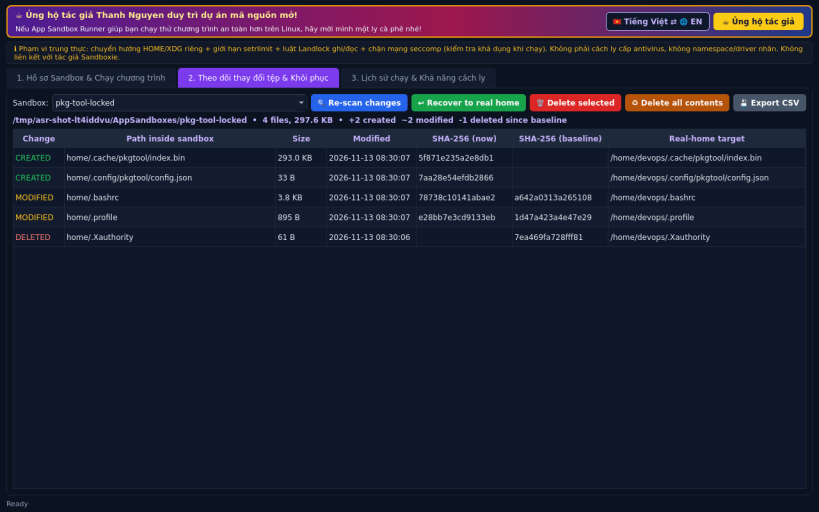
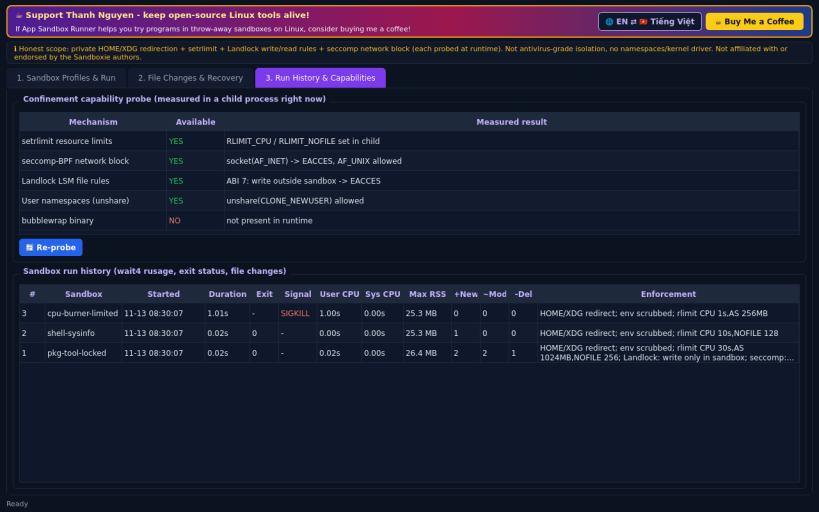
App Sandbox Runner is a Linux alternative to Sandboxie-Plus for trying programs and scripts in disposable sandbox profiles and seeing exactly what they changed.
What it really does:
Honest limitations: this is NOT antivirus-grade isolation. There are no Linux namespaces (user namespaces and bubblewrap are blocked inside a strict snap), no kernel driver and no virtualisation. In "redirect only" mode a program can still write to absolute paths in your home. X11 programs can still see other X11 windows. Programs run inside this app's confinement (core22 runtime tools and executables / AppImages stored in your home folder). The snap "home" interface does not grant access to hidden files/folders directly in your home (e.g. ~/.bashrc, ~/.config), so such paths cannot be seeded into, or recovered from, a sandbox when installed as a snap.
Disclaimer: This project is an independent open-source tool and is not affiliated with, sponsored by, or endorsed by Sandboxie-Plus, David Xanatos or Sophos.
Support development: https://buymeacoffee.com/thanhnv128b
You are about to open
Do you wish to proceed?
Thank you for your report. Information you provided will help us investigate further.
There was an error while sending your report. Please try again later.
Snaps are applications packaged with all their dependencies to run on all popular Linux distributions from a single build. They update automatically and roll back gracefully.
Snaps are discoverable and installable from the Snap Store, an app store with an audience of millions.
On Debian 9 (Stretch) and newer, snap can be installed directly from the command line:
sudo apt update
sudo apt install snapd
After this, install the snapd snap in order to get the latest snapd:
sudo snap install snapd
To install App Sandbox Runner, simply use the following command:
sudo snap install app-sandbox-runner
Browse and find snaps from the convenience of your desktop using the snap store snap.
Interested to find out more about snaps? Want to publish your own application? Visit snapcraft.io now.