
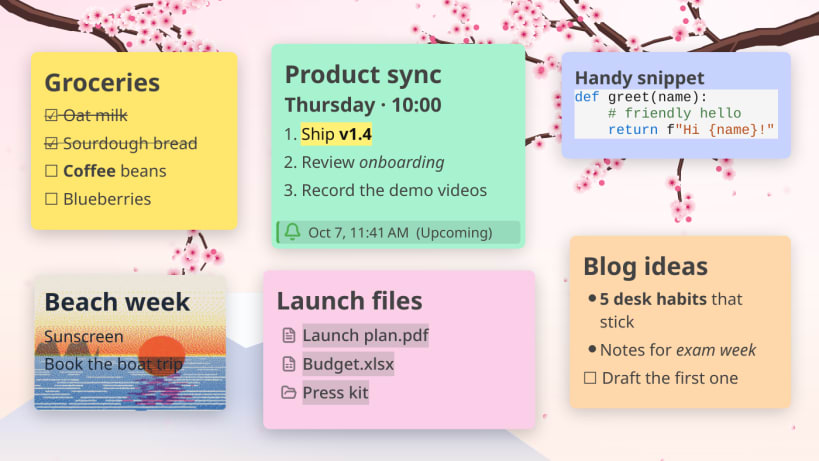
Desktop sticky notes that stay visible while you work. Stick images, GIFs, files, folders, or anything to your desktop. Fast and offline.
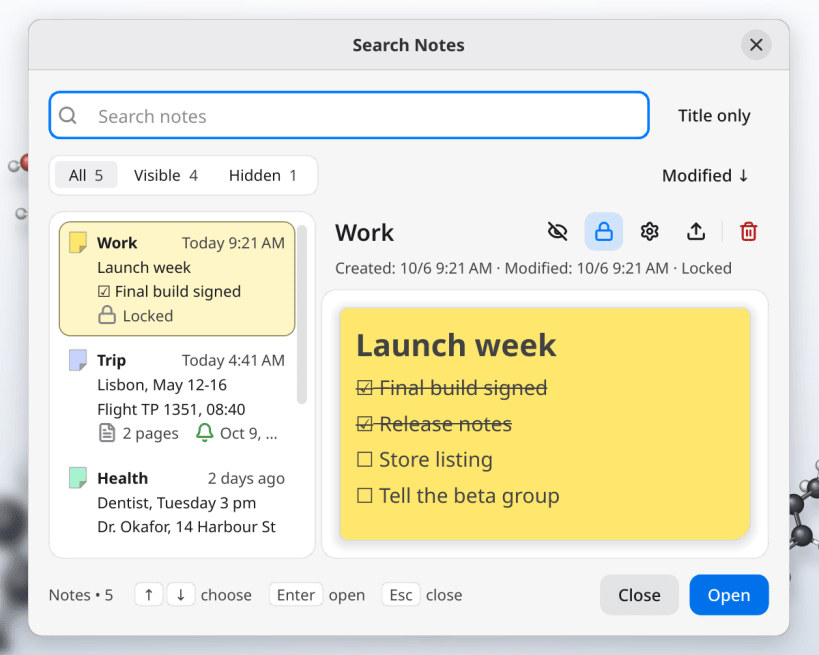
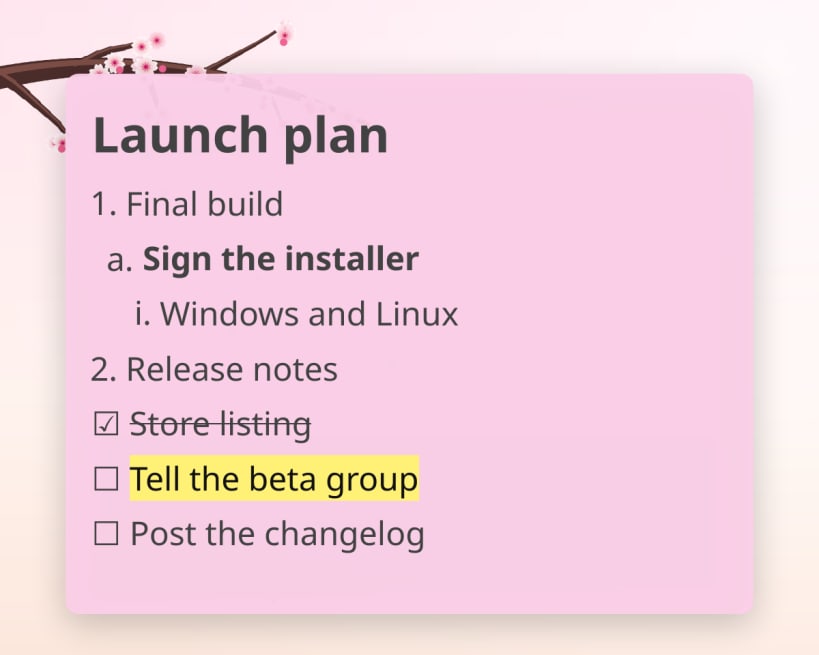
New in 1.4: • Search is now a notes browser: every note as a card with a live preview, and rename, hide, lock, export or delete it right there • Bullet and numbered lists that nest with Tab and Shift+Tab • Highlight text in six colors; underline with Ctrl+U • Align lines left, center or right; set each note's text direction • Colored code blocks: comments, strings and keywords, no setting needed • Start Better Stickies when you log in • Export a single note, named after its title • Polish translation
Common Use Cases: • Stick images & GIFs of loved ones, memes, or decorations • Organize desktop files and folders into small renamable links • Keep notes, to-dos and lists always visible above other windows • Set reminders with desktop notifications • Paste anything inside notes (text, code, images, files)
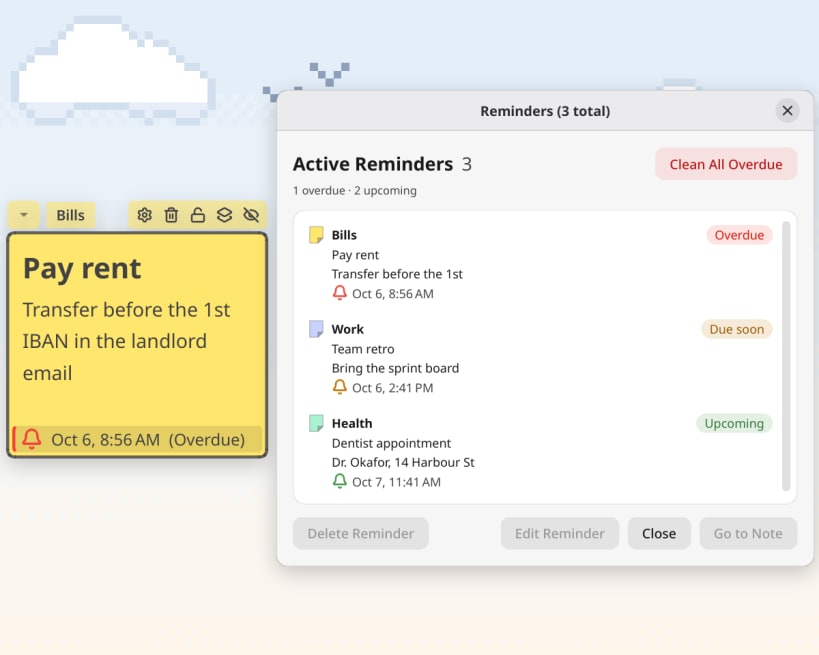
Features: • Up to 3 tabbed pages per note — one window, several sheets • Search every note and page, hidden ones too, with a live preview • Reminders with a status strip on the note and an overdue badge • Fully customizable: font, color, size, background images/GIFs • Drag files and folders in, rename them, drag them back out • Hover over images and PDFs to quick preview them, click to enlarge • Automatic code detection when pasting (~50ms) • Checklists, bullet and numbered lists with nesting • Snap to grid for organizing stickies on desktop • Customize the in-app keyboard shortcuts • Always on top, lock notes to fix their position and content • Export to TXT, Markdown, or JSON — no vendor lock • Daily backups of your notes • 13 languages including Arabic (right to left) and Polish • CJK input method support (ibus) • Multi-monitor support
The Snap's sandbox rules out global shortcuts, playing sound clips inside notes and KDE Activities. The AppImage has all three: https://betterstickies.com/download
Free version: 4 notes (tabs count toward the limit); every other feature unrestricted. Unlimited notes at https://betterstickies.com/pricing
You are about to open
Do you wish to proceed?
Thank you for your report. Information you provided will help us investigate further.
There was an error while sending your report. Please try again later.
Snaps are applications packaged with all their dependencies to run on all popular Linux distributions from a single build. They update automatically and roll back gracefully.
Snaps are discoverable and installable from the Snap Store, an app store with an audience of millions.
On Arch Linux, snap can be installed from the Arch User Repository (AUR). The manual build process is the Arch-supported install method for AUR packages, and you’ll need the prerequisites installed before you can install any AUR package. You can then install snap with the following:
git clone https://aur.archlinux.org/snapd.git
cd snapd
makepkg -si
Once installed, the systemd unit that manages the main snap communication socket needs to be enabled:
sudo systemctl enable --now snapd.socket
If AppArmor is enabled in your system, enable the service which loads AppArmor profiles for snaps:
sudo systemctl enable --now snapd.apparmor.service
To enable classic snap support, enter the following to create a symbolic link between /var/lib/snapd/snap and /snap:
sudo ln -s /var/lib/snapd/snap /snap
Either log out and back in again, or restart your system, to ensure snap’s paths are updated correctly.
To install Better Stickies, simply use the following command:
sudo snap install betterstickies
Browse and find snaps from the convenience of your desktop using the snap store snap.

Interested to find out more about snaps? Want to publish your own application? Visit snapcraft.io now.


