
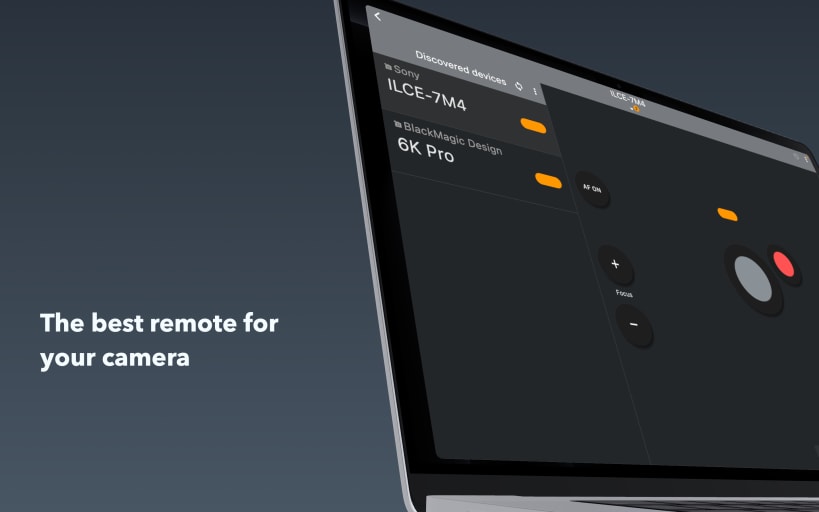
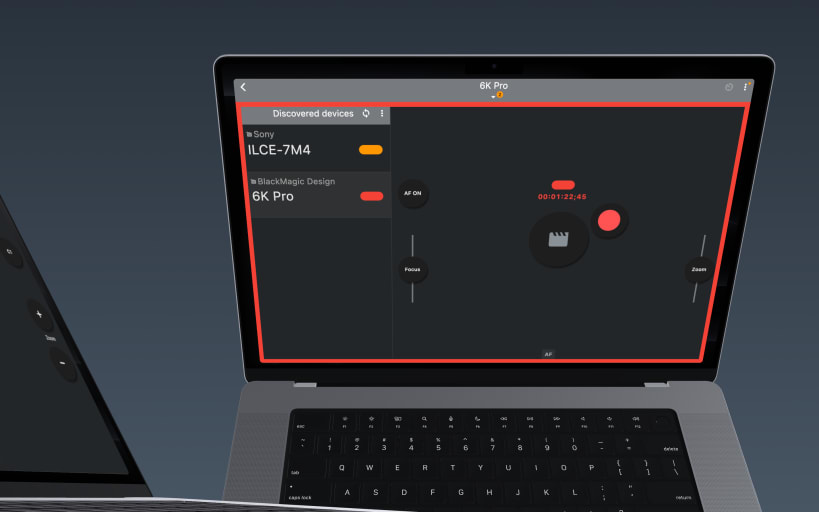
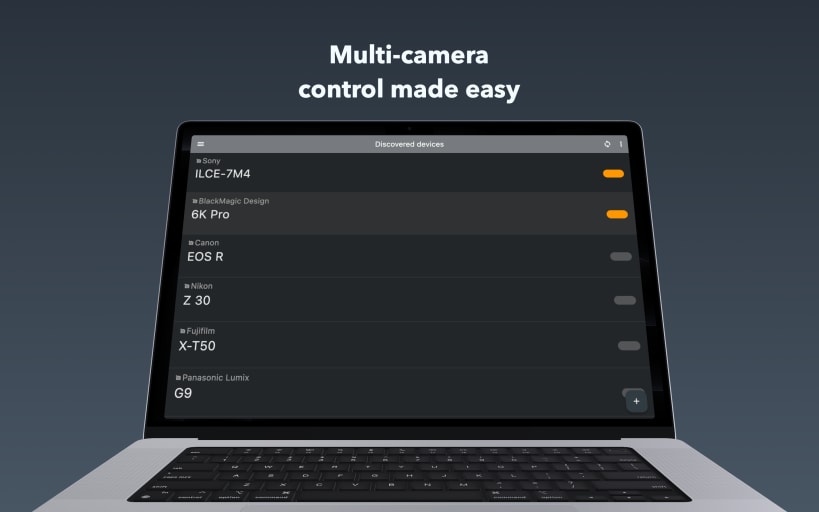
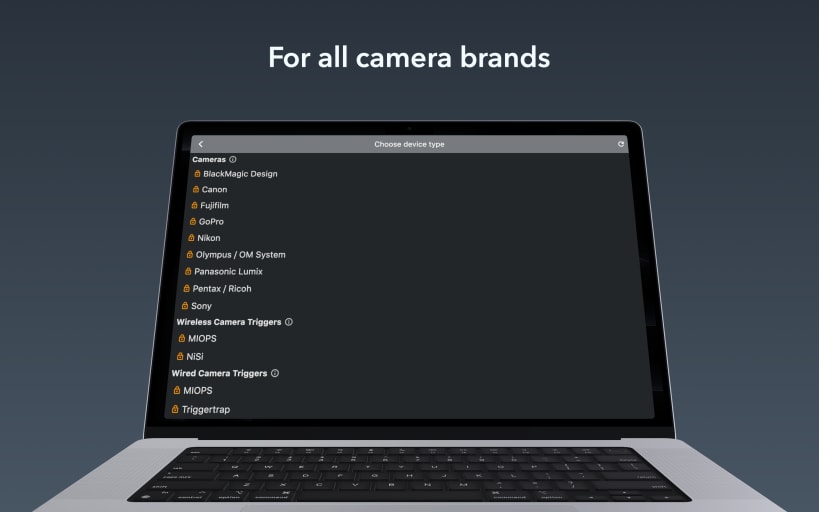
BT Cam is the ultimate Bluetooth camera remote control app for photographers and videographers. Control multiple camera brands with a single app - Canon, Nikon, Sony, FujiFilm, Olympus, Blackmagic, GoPro, Panasonic, Pentax. Purchases unlock all platforms.
Get complete wireless control over your camera using Bluetooth. Take photos, record videos, set timers and more - all from your device. Perfect for professionals and enthusiasts alike — ideal for photo and video creators who need reliable remote camera control.
KEY FEATURES Bluetooth Connectivity: Reliable, low-power control that preserves key features like eye-tracking and prevents overheating, unlike WiFi remotes. Multi-Camera Control: Connect and control multiple cameras simultaneously to capture stunning multi-angle shots. Universal: Bring together modern and older cameras using external triggers.
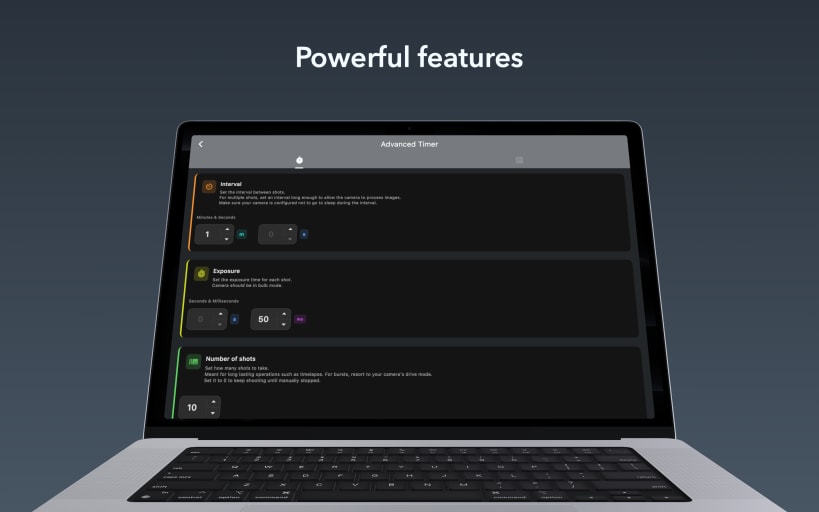
ADDITIONAL FEATURES Fast & Easy: Quick initial setup, seamless auto-connect every time. Smart Shutter: Automatic photo captures as soon as focus is achieved. Capture Link: Trigger photos/videos on all cameras from the one in your hand. Video Recording: Start/stop recording with automatic restart when time limits are reached. Shutter Button Lock: Lock the shutter to enable burst, bulb, or interval shooting when paired with the timer. Timers: Adjust exposure, interval, and number of shots. Script timers for complex sequences. Focus/Zoom: Autofocus & precise linear, variable or absolute focus/zoom control. Geotagging: Add location data to your photos to know exactly where they were taken. Offline & Private: No sign-up required. Works fully offline, anywhere you go.
GETTING STARTED Bluetooth ON Pair camera Start shooting with powerful remote control
PRICING Free trial Subscription or one-time purchase Individual or ALL brands Pro package
Purchases unlock access to all platforms
CAMERAS Canon
EXTERNAL TRIGGERS
SWITCHERS
FOLLOW FOCUS
PRO PACKAGE
REPLACED REMOTES
You are about to open
Do you wish to proceed?
Thank you for your report. Information you provided will help us investigate further.
There was an error while sending your report. Please try again later.
Snaps are applications packaged with all their dependencies to run on all popular Linux distributions from a single build. They update automatically and roll back gracefully.
Snaps are discoverable and installable from the Snap Store, an app store with an audience of millions.
Snapd can be installed from Manjaro’s Add/Remove Software application (Pamac), found in the launch menu. From the application, search for snapd, select the result, and click Apply.
Alternatively, snapd can be installed from the command line:
sudo pacman -S snapd
Once installed, the systemd unit that manages the main snap communication socket needs to be enabled:
sudo systemctl enable --now snapd.socket
To enable classic snap support, enter the following to create a symbolic link between /var/lib/snapd/snap and /snap:
sudo ln -s /var/lib/snapd/snap /snap
Either log out and back in again, or restart your system, to ensure snap’s paths are updated correctly.
To install BT Cam: remote for Canon Nikon Sony Fuji, simply use the following command:
sudo snap install bt-cam
Browse and find snaps from the convenience of your desktop using the snap store snap.

Interested to find out more about snaps? Want to publish your own application? Visit snapcraft.io now.