
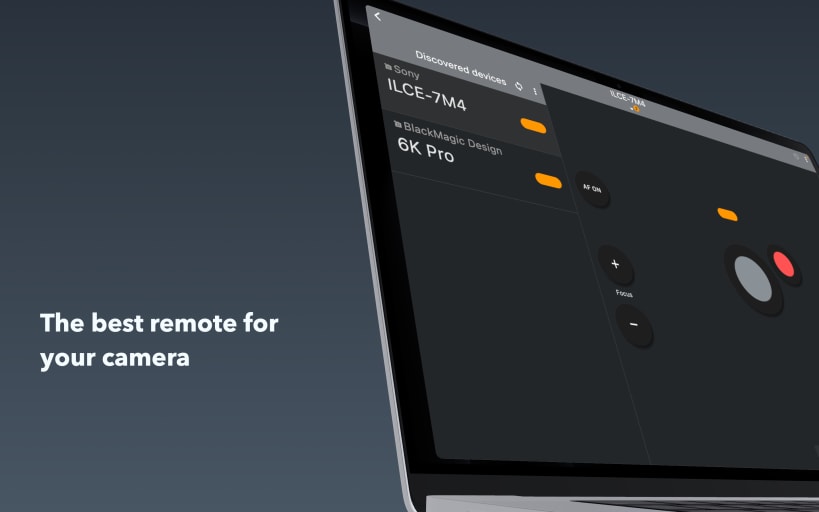
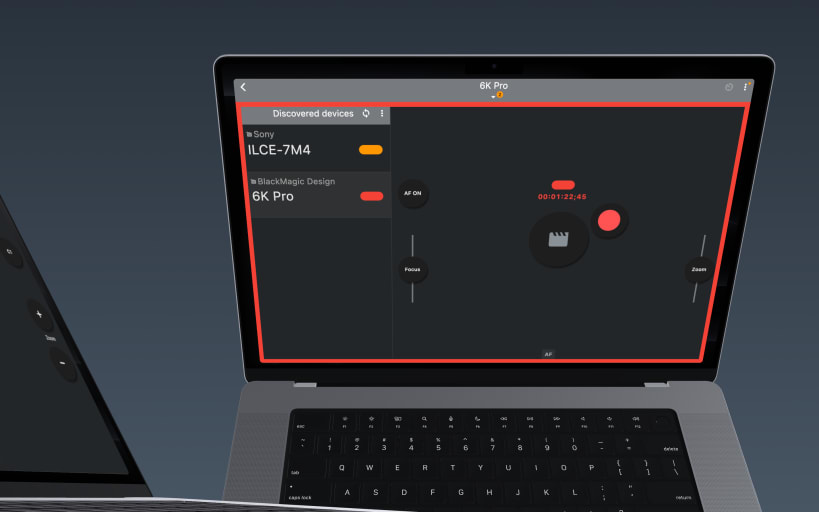
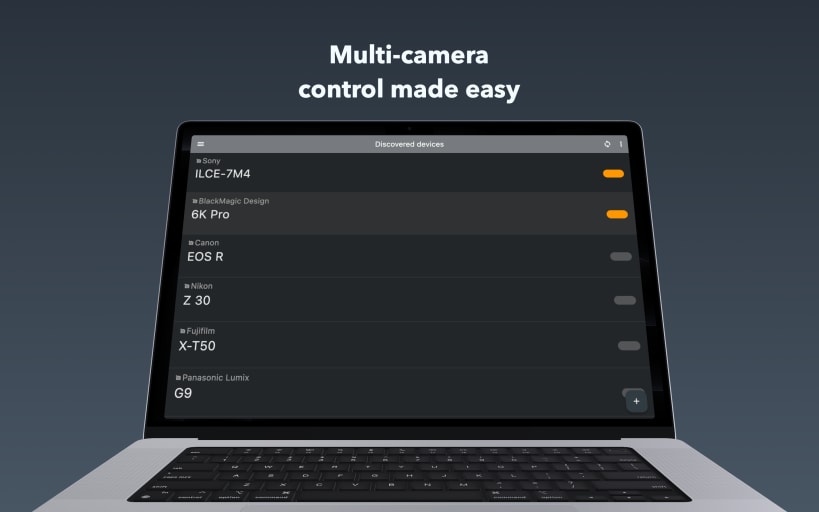
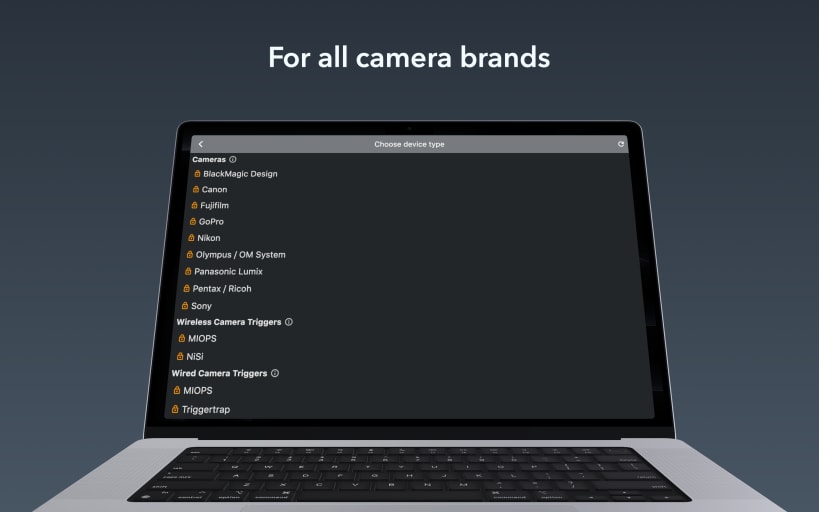
BT Cam is the ultimate Bluetooth camera remote control app for photographers and videographers. Control multiple camera brands with a single app - Canon, Nikon, Sony, FujiFilm, Olympus, Blackmagic, GoPro, Panasonic, Pentax. Purchases unlock all platforms.
Get complete wireless control over your camera using Bluetooth. Take photos, record videos, set timers and more - all from your device. Perfect for professionals and enthusiasts alike — ideal for photo and video creators who need reliable remote camera control.
KEY FEATURES Bluetooth Connectivity: Reliable, low-power control that preserves key features like eye-tracking and prevents overheating, unlike WiFi remotes. Multi-Camera Control: Connect and control multiple cameras simultaneously to capture stunning multi-angle shots. Universal: Bring together modern and older cameras using external triggers.
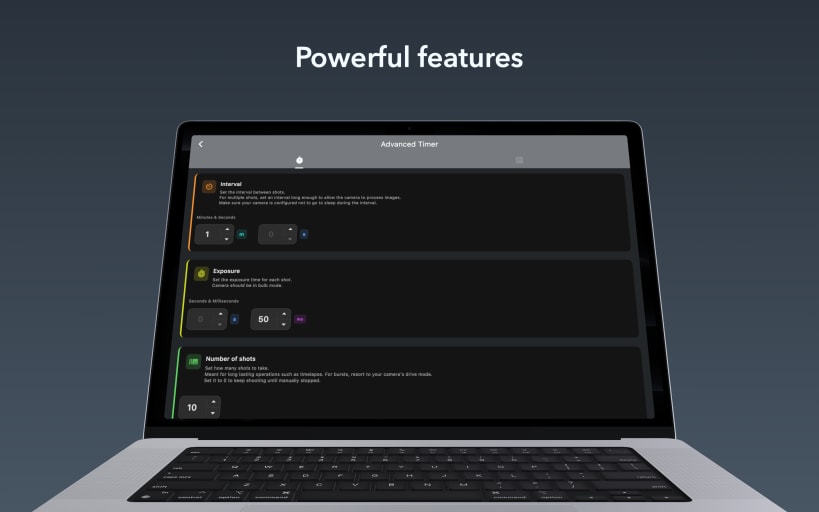
ADDITIONAL FEATURES Fast & Easy: Quick initial setup, seamless auto-connect every time. Smart Shutter: Automatic photo captures as soon as focus is achieved. Capture Link: Trigger photos/videos on all cameras from the one in your hand. Video Recording: Start/stop recording with automatic restart when time limits are reached. Shutter Button Lock: Lock the shutter to enable burst, bulb, or interval shooting when paired with the timer. Timers: Adjust exposure, interval, and number of shots. Script timers for complex sequences. Focus/Zoom: Autofocus & precise linear, variable or absolute focus/zoom control. Geotagging: Add location data to your photos to know exactly where they were taken. Offline & Private: No sign-up required. Works fully offline, anywhere you go.
GETTING STARTED Bluetooth ON Pair camera Start shooting with powerful remote control
PRICING Free trial Subscription or one-time purchase Individual or ALL brands Pro package
Purchases unlock access to all platforms
CAMERAS Canon
EXTERNAL TRIGGERS
SWITCHERS
FOLLOW FOCUS
PRO PACKAGE
REPLACED REMOTES
You are about to open
Do you wish to proceed?
Thank you for your report. Information you provided will help us investigate further.
There was an error while sending your report. Please try again later.
Snaps are applications packaged with all their dependencies to run on all popular Linux distributions from a single build. They update automatically and roll back gracefully.
Snaps are discoverable and installable from the Snap Store, an app store with an audience of millions.
Snap can be installed from the command line on openSUSE Leap 15.x and Tumbleweed.
You need first add the snappy repository from the terminal. Choose the appropriate command depending on your installed openSUSE flavor.
Tumbleweed:
sudo zypper addrepo --refresh https://download.opensuse.org/repositories/system:/snappy/openSUSE_Tumbleweed snappy
Leap 15.x:
sudo zypper addrepo --refresh https://download.opensuse.org/repositories/system:/snappy/openSUSE_Leap_15.6 snappy
If needed, Swap out openSUSE_Leap_15. for, openSUSE_Leap_16.0 if you’re using a different version of openSUSE.
With the repository added, import its GPG key:
sudo zypper --gpg-auto-import-keys refresh
Finally, upgrade the package cache to include the new snappy repository:
sudo zypper dup --from snappy
Snap can now be installed with the following:
sudo zypper install snapd
You then need to either reboot, logout/login or source /etc/profile to have /snap/bin added to PATH.
Additionally, enable and start both the snapd and the snapd.apparmor services with the following commands:
sudo systemctl enable --now snapd
sudo systemctl enable --now snapd.apparmor
To install BT Cam: remote for Canon Nikon Sony Fuji, simply use the following command:
sudo snap install bt-cam
Browse and find snaps from the convenience of your desktop using the snap store snap.

Interested to find out more about snaps? Want to publish your own application? Visit snapcraft.io now.


