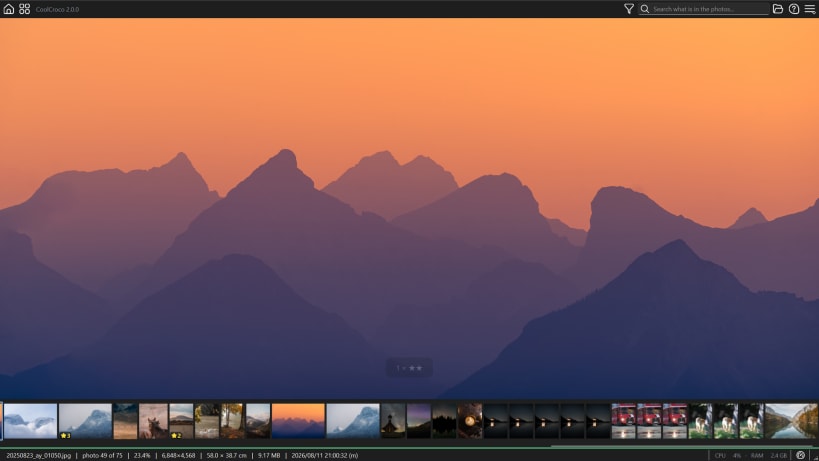
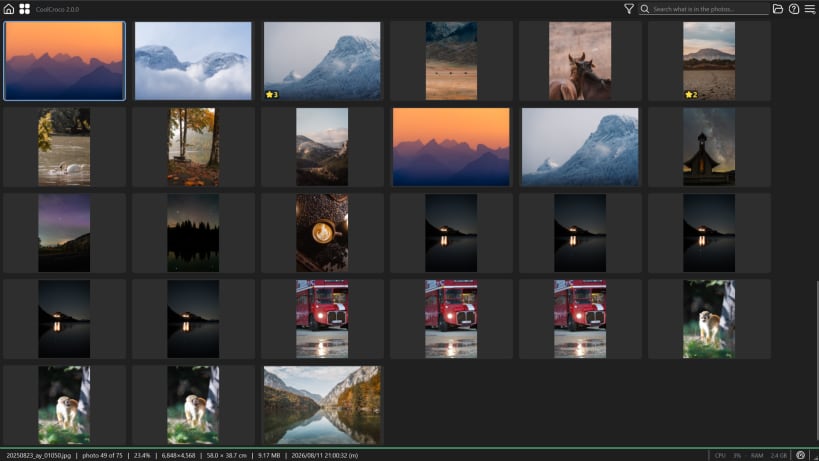
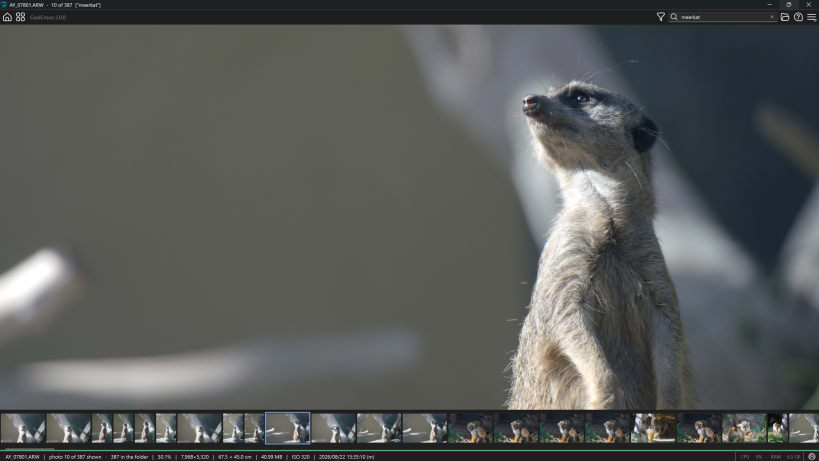
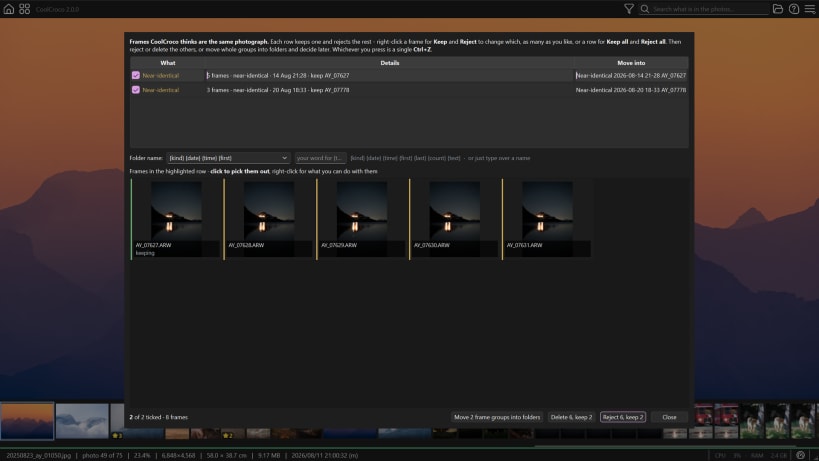
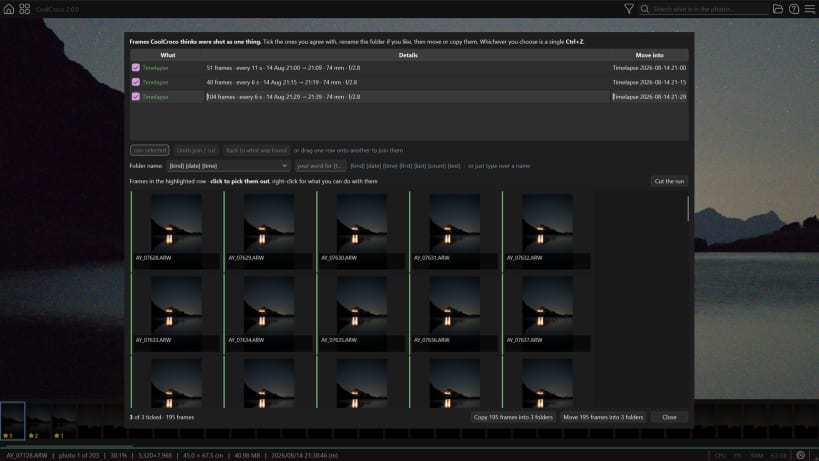
CoolCroco decodes the whole folder and holds it in RAM. Once the first pass is done you move through hundreds of RAW files instantly, forwards or backwards, with no re-decoding and no cache thrashing. It is built for one job: getting through a shoot without waiting for it.
Reads what your camera writes
Every major RAW format via LibRaw - Sony, Canon, Nikon, Fujifilm, Olympus, Panasonic, Pentax, Leica and more - plus HEIC/HEIF from an iPhone, and JPEG, PNG, TIFF and WebP.
Culling
Finding what is in the shoot
Looking closely
Metadata
A note on permissions
Photographs on an SD card or an external drive need the removable-media permission, which is not granted automatically. Turn it on under this app's Permissions in App Center, or run:
snap connect coolcroco:removable-media
Deleting a photograph sends it to the desktop's Trash, from where your file manager can restore it. Undo inside CoolCroco covers everything else, including every cull and rating.
You are about to open
Do you wish to proceed?
Thank you for your report. Information you provided will help us investigate further.
There was an error while sending your report. Please try again later.
Snaps are applications packaged with all their dependencies to run on all popular Linux distributions from a single build. They update automatically and roll back gracefully.
Snaps are discoverable and installable from the Snap Store, an app store with an audience of millions.
Snap can be installed on Fedora from the command line:
sudo dnf install snapd
Either log out and back in again, or restart your system, to ensure snap’s paths are updated correctly.
To enable classic snap support, enter the following to create a symbolic link between /var/lib/snapd/snap and /snap:
sudo ln -s /var/lib/snapd/snap /snap
To install CoolCroco, simply use the following command:
sudo snap install coolcroco
Browse and find snaps from the convenience of your desktop using the snap store snap.

Interested to find out more about snaps? Want to publish your own application? Visit snapcraft.io now.