

CoolCroco
Install latest/stable of CoolCroco
Ubuntu 16.04 or later?
Make sure snap support is enabled in your Desktop store.
Details for CoolCroco
Package name
- coolcroco
License
- Proprietary
Last updated
- 19 October 2026 - latest/stable
Websites
Donations
Report a bug
External link warning
You are about to open
Do you wish to proceed?
Report a Snap Store violation
Report CoolCroco for a Snap Store violation
Snap Store Violation Report submitted successfully
Thank you for your report. Information you provided will help us investigate further.
Error submitting report
There was an error while sending your report. Please try again later.
Share this snap
Generate an embeddable card to be shared on external websites.
A RAM-resident image viewer for fast photo culling
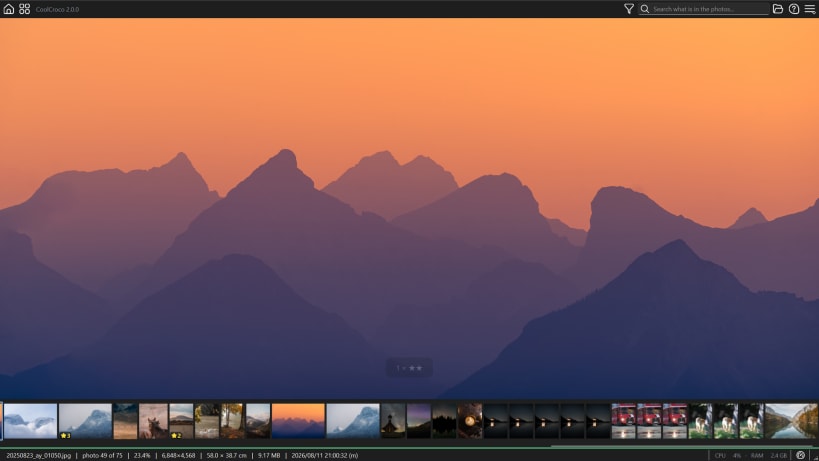
CoolCroco decodes the whole folder and holds it in RAM. Once the first pass is done you move through hundreds of RAW files instantly, forwards or backwards, with no re-decoding and no cache thrashing. It is built for one job: getting through a shoot without waiting for it.
Reads what your camera writes
Every major RAW format via LibRaw - Sony, Canon, Nikon, Fujifilm, Olympus, Panasonic, Pentax, Leica and more - plus HEIC/HEIF from an iPhone, and JPEG, PNG, TIFF and WebP.
Culling
- Keep or reject with one key. A files a photo into Approved/, X into Rejected/, and Ctrl+Z puts it back. Nothing is deleted: your photographs are only ever moved beside the originals.
- Rate 1 to 5, written where Lightroom, Bridge and Capture One read them.
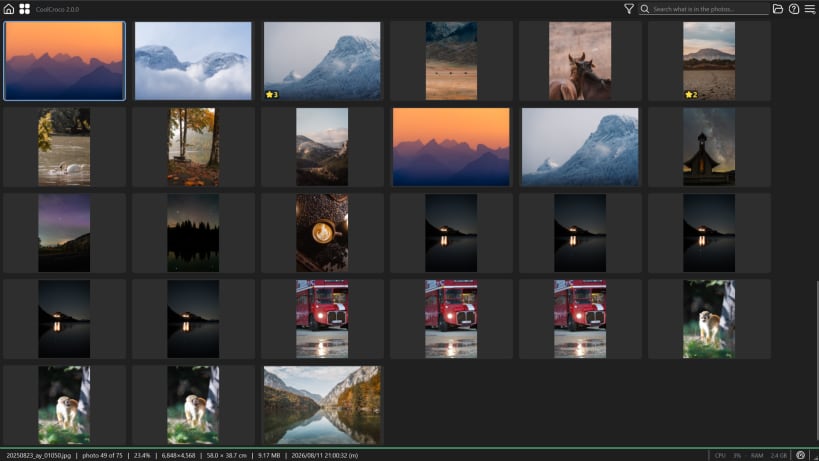
- Cull as a contact sheet. Press G for a grid of the whole folder and use the same keys on it.
- Thumbnail filmstrip, with the divider draggable to whatever size suits.
Finding what is in the shoot
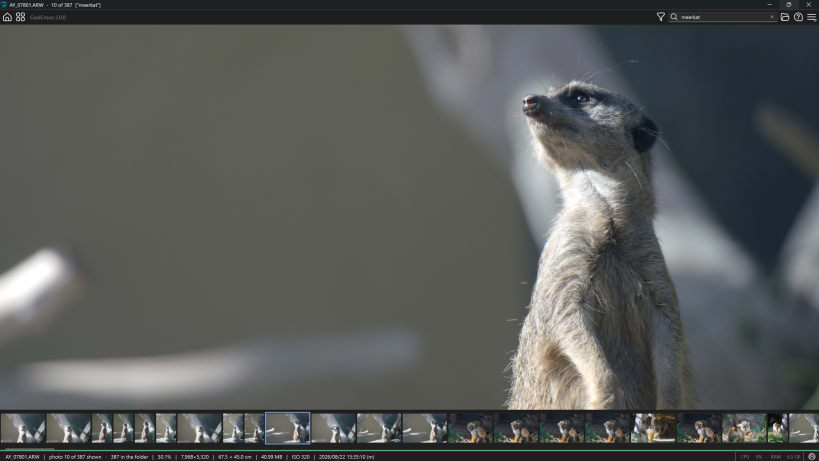
- Search by picture content. Type motorcycle, or stars over a lake, and the frames that match come to the front. It runs entirely on your own computer and needs a one-off model download the first time. No face recognition, and there never will be.
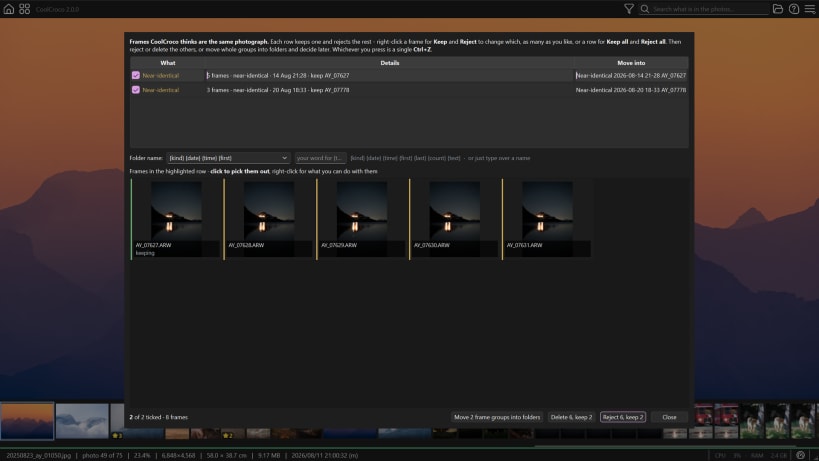
- Near-duplicates, found rather than hunted for.
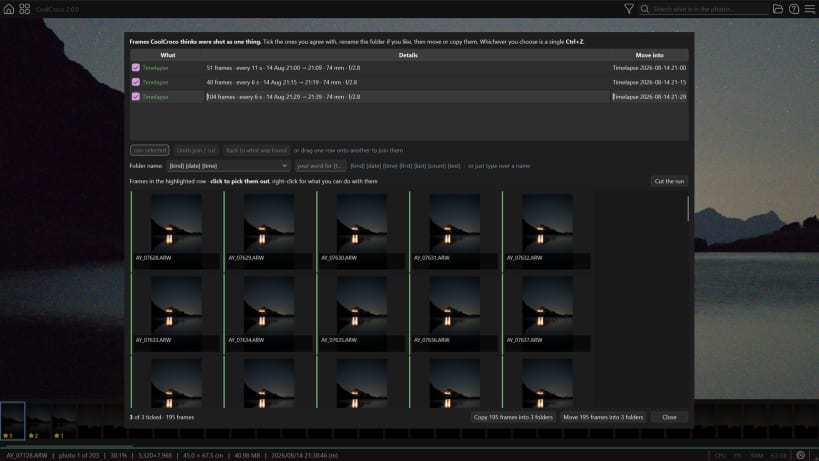
- Bursts and timelapses, picked out of the folder on their own.
- Focus and camera-shake detection, with a soft-frame triage window.
Looking closely
- Sticky zoom across frames - set it once and compare the same corner of every shot in the run.
- Full-resolution decode on zoom, for true 1:1 pixel peeping.
Metadata
- EXIF in properties, and selective EXIF removal with a restorable backup.
- IPTC writing, embedded or as a sidecar.
A note on permissions
Photographs on an SD card or an external drive need the removable-media permission, which is not granted automatically. Turn it on under this app's Permissions in App Center, or run:
snap connect coolcroco:removable-media
Deleting a photograph sends it to the desktop's Trash, from where your file manager can restore it. Undo inside CoolCroco covers everything else, including every cull and rating.
| Revision | Channel | Version | Build | Commit | Download SBOM |
|---|
The build and commit information is derived from build infrastructure records.
Install CoolCroco on your Linux distribution
Choose your Linux distribution to get detailed installation instructions. If yours is not shown, get more details on the installing snapd documentation.











