CPU Bloom is a live system resource monitor for Linux that turns CPU activity into animated flowers and landscapes. Track per-thread CPU usage, overall processor load, RAM use, CPU temperature and load average in a full desktop window or a compact always-on-top overlay.
Animated flowers that respond to your CPU
Choose from four included themes:
- Orchid: a photorealistic moth orchid that turns towards you and opens from bud to full bloom as CPU load rises.
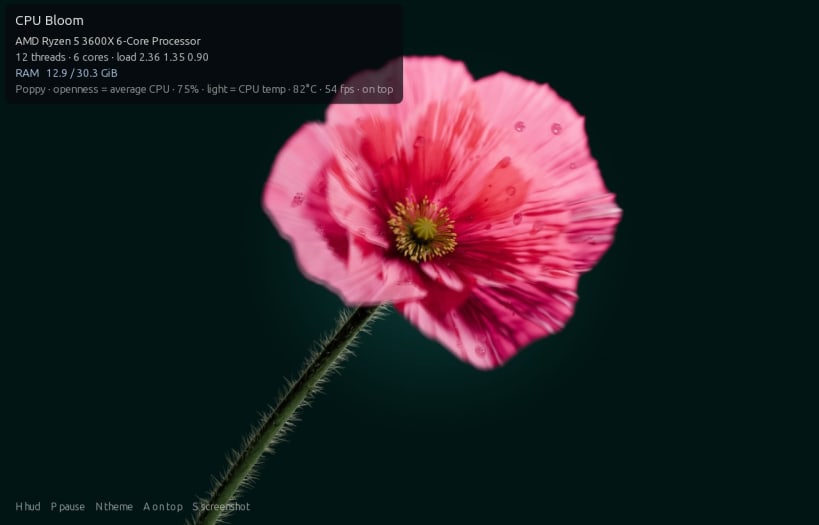
- Poppy: a photorealistic poppy that opens as your processor gets busier.
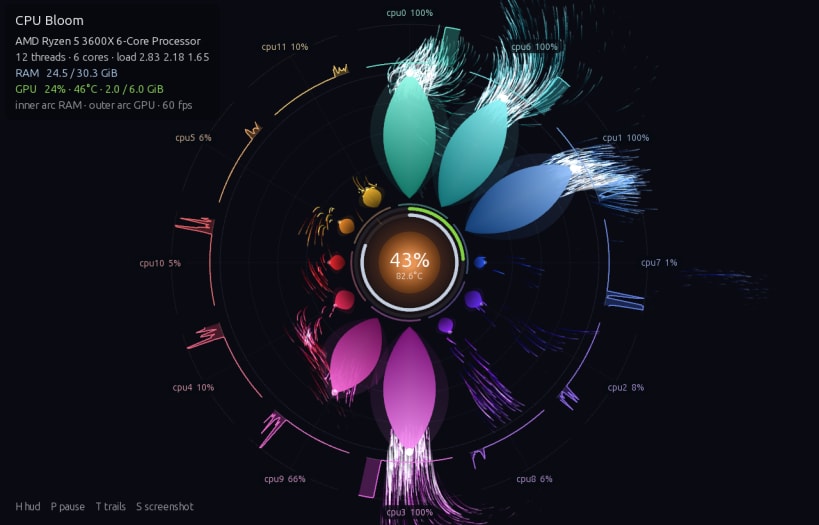
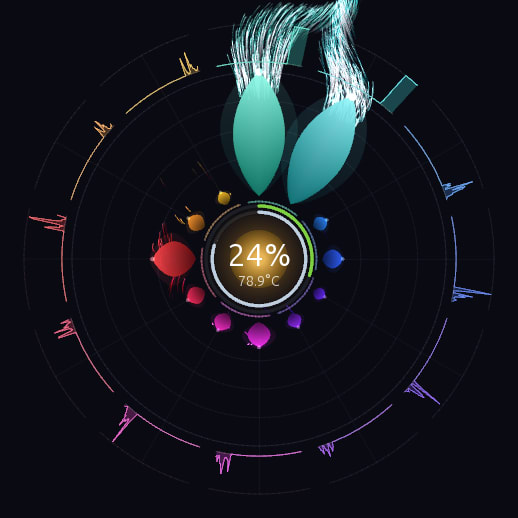
- Bloom: one glowing petal per CPU thread, with animated particles, a 45-second load history and a RAM usage arc.
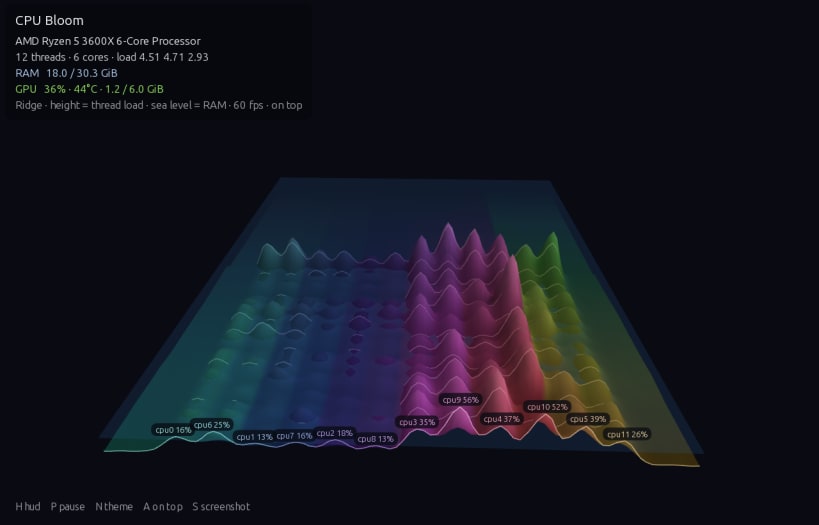
- Ridge: a moving 3D landscape with one ridge per CPU thread and a translucent sea that rises with RAM use.
Orchid and Poppy respond to live CPU load, and their backlight brightens with CPU temperature when sensor access is enabled. Press N in the window or choose Theme from the tray menu to switch; your choice is remembered.
Keep system resources in view
- See CPU and memory readings alongside the visualisation.
- Use the draggable, resizable overlay to keep an eye on activity while you work.
- Show average CPU load in the system tray and optionally start at login.
- Pause the animation or hide the on-screen readings with keyboard shortcuts.
The optional tray indicator needs a compatible system tray; GNOME users need the AppIndicator extension.
Sensor permissions
Allow access to supported temperature sensors once after installing:
sudo snap connect cpu-bloom:hardware-observe
Check the current permissions with snap connections cpu-bloom. To remove temperature sensor access again, run:
sudo snap disconnect cpu-bloom:hardware-observe
NVIDIA GPU monitoring
NVIDIA GPU utilisation, temperature and video-memory use are read directly
from the installed NVIDIA driver. No separate CPU Bloom installation or
nvidia-smi command is needed. The first NVIDIA GPU is monitored; individual
readings depend on driver and hardware support. AMD and Intel GPU monitoring
are not included.
The opengl interface normally connects automatically. If it is disconnected:
sudo snap connect cpu-bloom:opengl
Restart CPU Bloom after changing permissions. The NVIDIA driver must be
installed and working on the host. Unsupported readings are omitted.
CPU and RAM monitoring continue when NVIDIA telemetry is unavailable.
The Snap remains strictly confined; classic or developer mode is not needed.