Offline multi-format codec, chained transform pipeline, and ID workbench
Data Format Encoder is a fast, 100% offline encoding, transformation, and
identifier generation studio for Linux developers.
Key features:
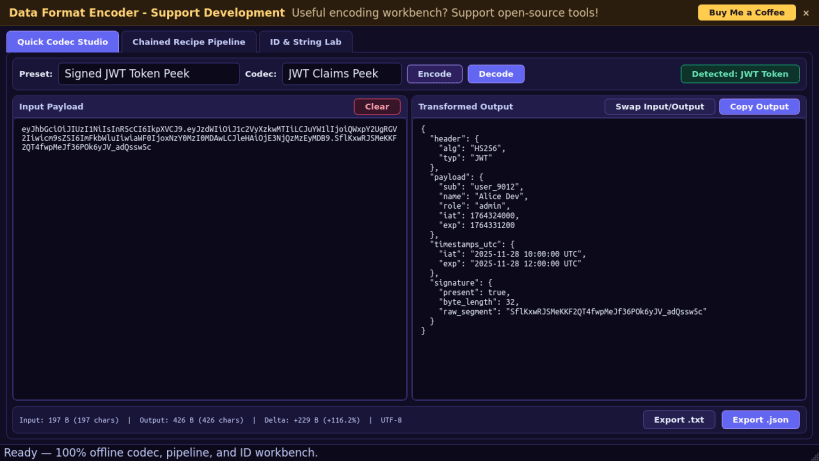
Quick Codec Studio: Auto-detect input formats and bidirectionally encode or
decode Base64, Base64URL, Base32, URL Percent, HTML Entities, Unicode
\uXXXX, Hex Bytes, Binary Bits, ROT13, offline JWT Claims Peek, and five
programming case styles with live UTF-8 byte delta telemetry.
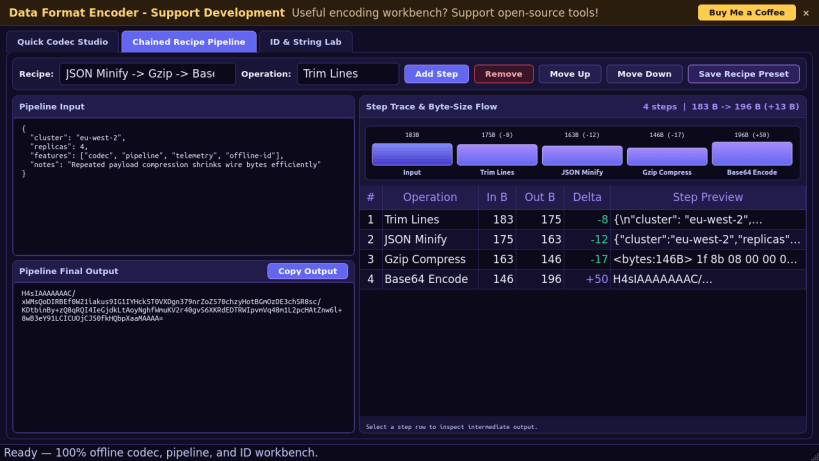
Chained Recipe Pipeline: Stack multi-step data transformations such as Trim
Lines, Sort Unique, JSON Minify/Pretty, Gzip/Zlib Compress/Decompress, and
Base64 with per-step byte trace inspection and a visual byte-size flow bar.
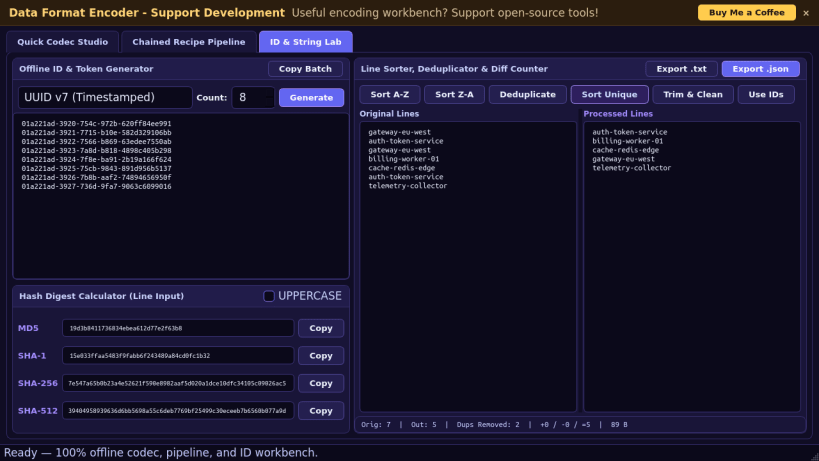
ID & String Lab: Generate batches of UUID v4, timestamped UUID v7, ULID,
random hex tokens, and URL slugs, compute MD5/SHA-1/SHA-256/SHA-512 digests,
sort/deduplicate lines with diff counts, and export to .txt or .json.
(Ownership verified)
The publisher has verified that they own this domain.
It does not guarantee the Snap is an official upload
from the upstream project.
Enable snaps on KDE Neon and install Data Format Encoder
Snaps are applications packaged with all their dependencies to run on all popular Linux distributions from a single build. They update automatically and roll back gracefully.
Snaps are discoverable and installable from the Snap Store, an app store with an audience of millions.
Enable snapd
Snap can be installed from the command line. Open the Konsole terminal and enter the following:
sudo apt update
sudo apt install snapd
Install Data Format Encoder
To install Data Format Encoder, simply use the following command: