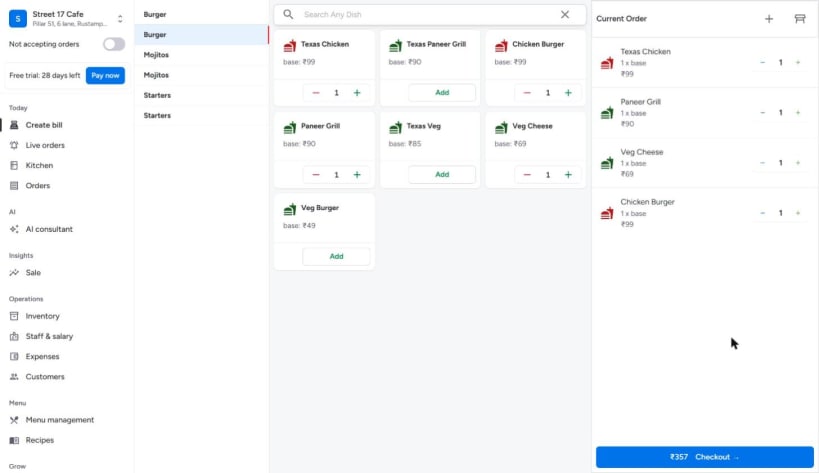
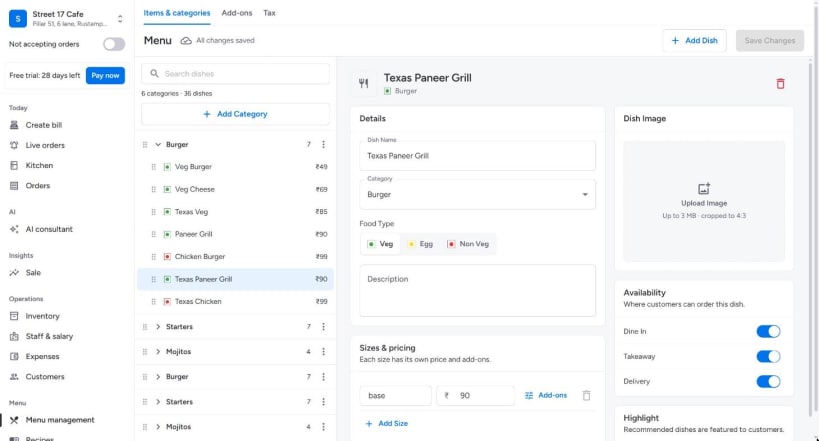
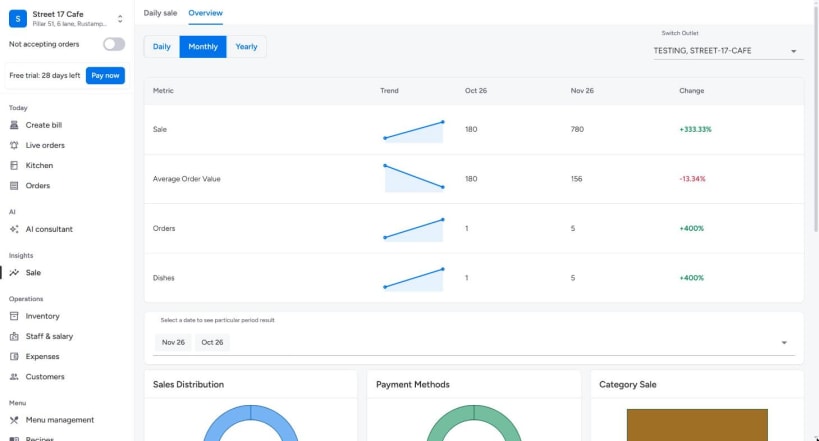
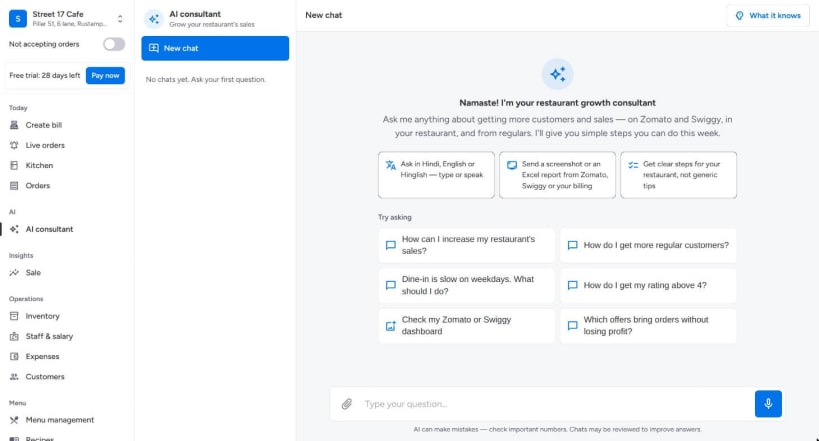
Digital Eatery Restaurant POS is a point-of-sale and back-office app for restaurants, cafes and cloud kitchens.
Billing that doesn't stop Bills, tables and the menu are saved on this computer, so billing keeps working when the internet or the server is down. Everything syncs when you're back online.
Receipts without the print dialog Pick your receipt printer once. After Pay, the customer copy prints straight to it. Any printer your system can print to works, so there's no special hardware to buy.
Everything a counter needs
Your team, your rules Give each staff member their own login and a role. Roles decide who can delete bills, see reports or change settings.
The same account works in the browser, on Android and on Windows, so the owner can check sales from anywhere.
Sign in with your Digital Eatery account, or create one in the app.
You are about to open
Do you wish to proceed?
Thank you for your report. Information you provided will help us investigate further.
There was an error while sending your report. Please try again later.
Snaps are applications packaged with all their dependencies to run on all popular Linux distributions from a single build. They update automatically and roll back gracefully.
Snaps are discoverable and installable from the Snap Store, an app store with an audience of millions.
Snap can be installed on Fedora from the command line:
sudo dnf install snapd
Either log out and back in again, or restart your system, to ensure snap’s paths are updated correctly.
To enable classic snap support, enter the following to create a symbolic link between /var/lib/snapd/snap and /snap:
sudo ln -s /var/lib/snapd/snap /snap
To install Digital Eatery Restaurant POS, simply use the following command:
sudo snap install digital-eatery-pos

Browse and find snaps from the convenience of your desktop using the snap store snap.

Interested to find out more about snaps? Want to publish your own application? Visit snapcraft.io now.