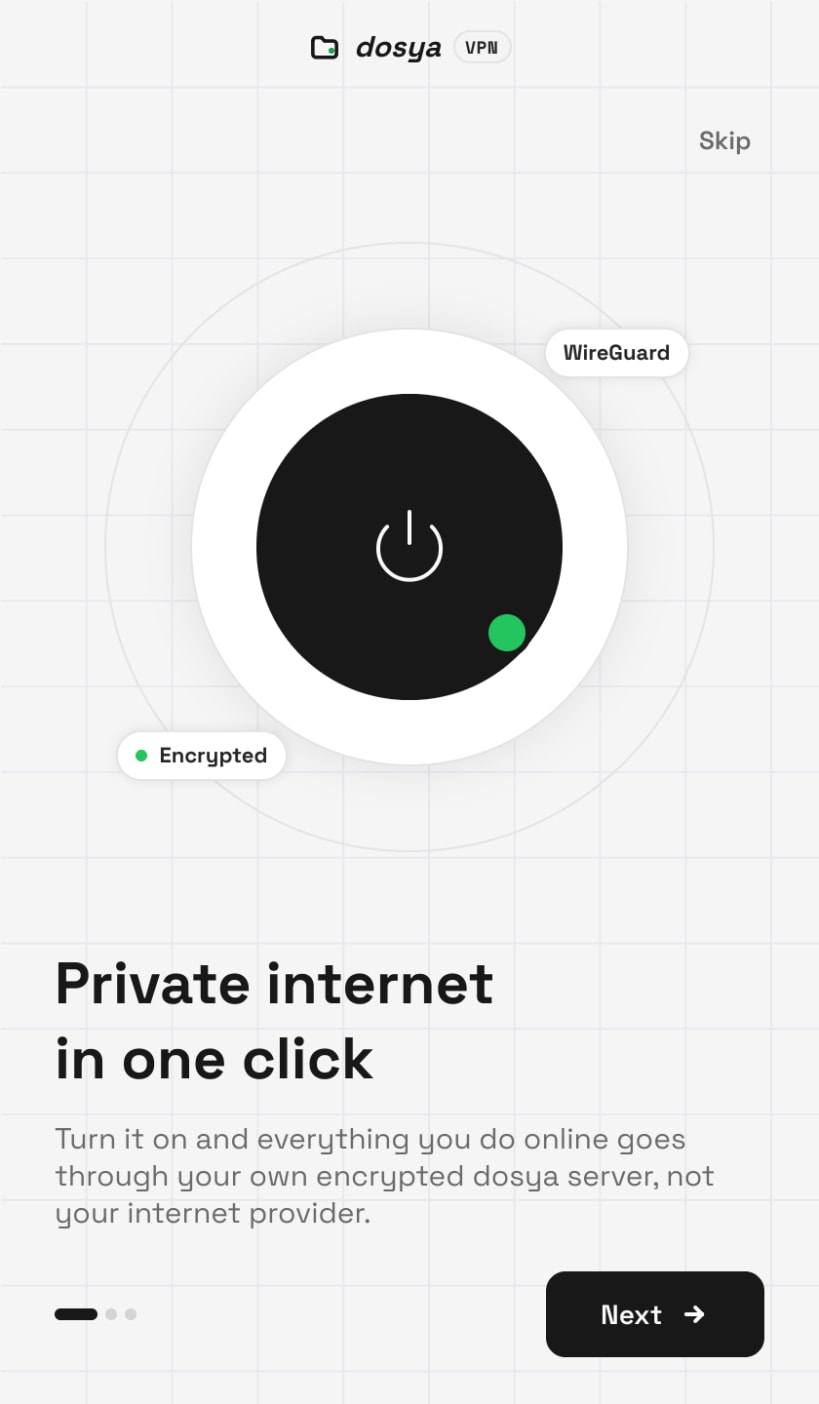
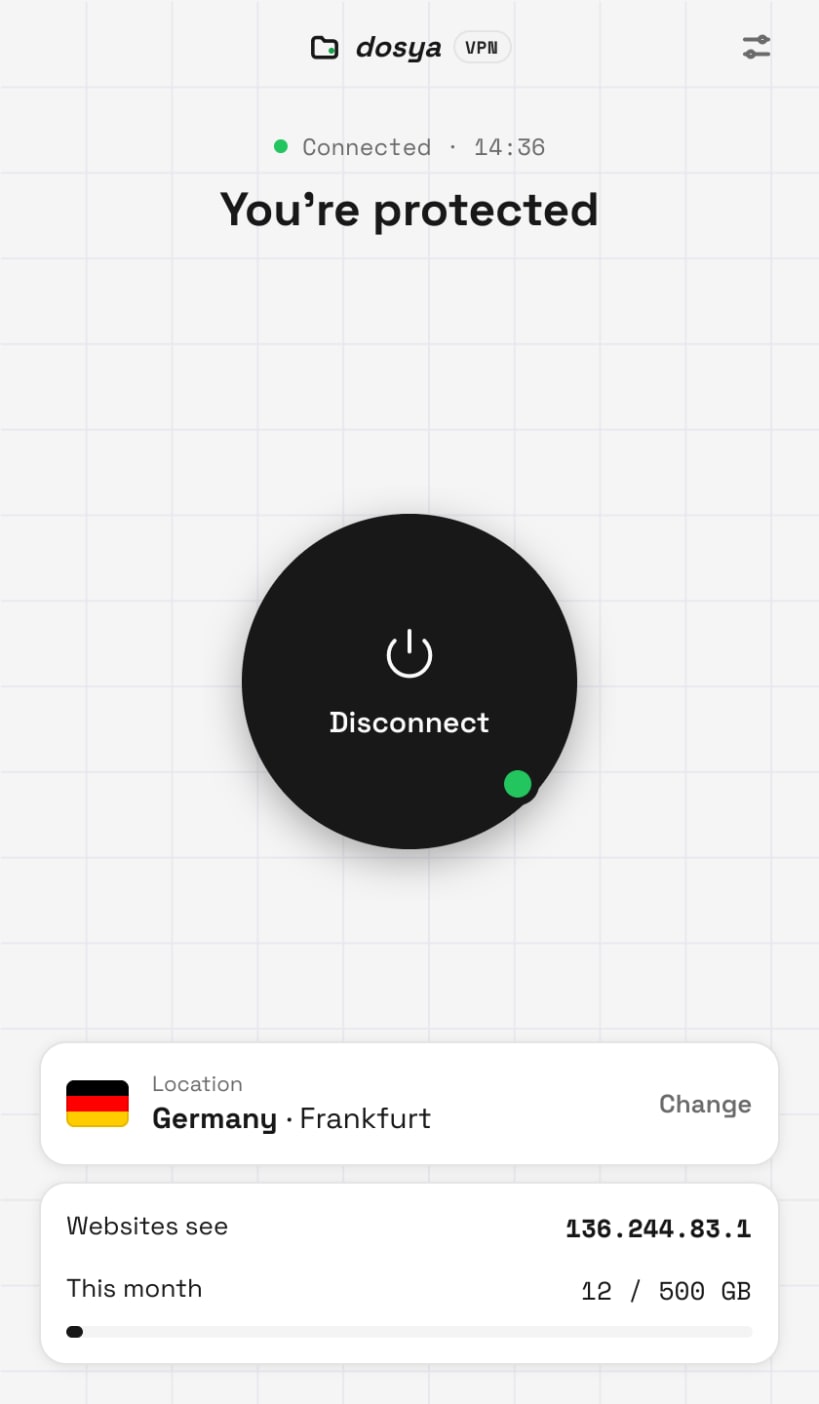
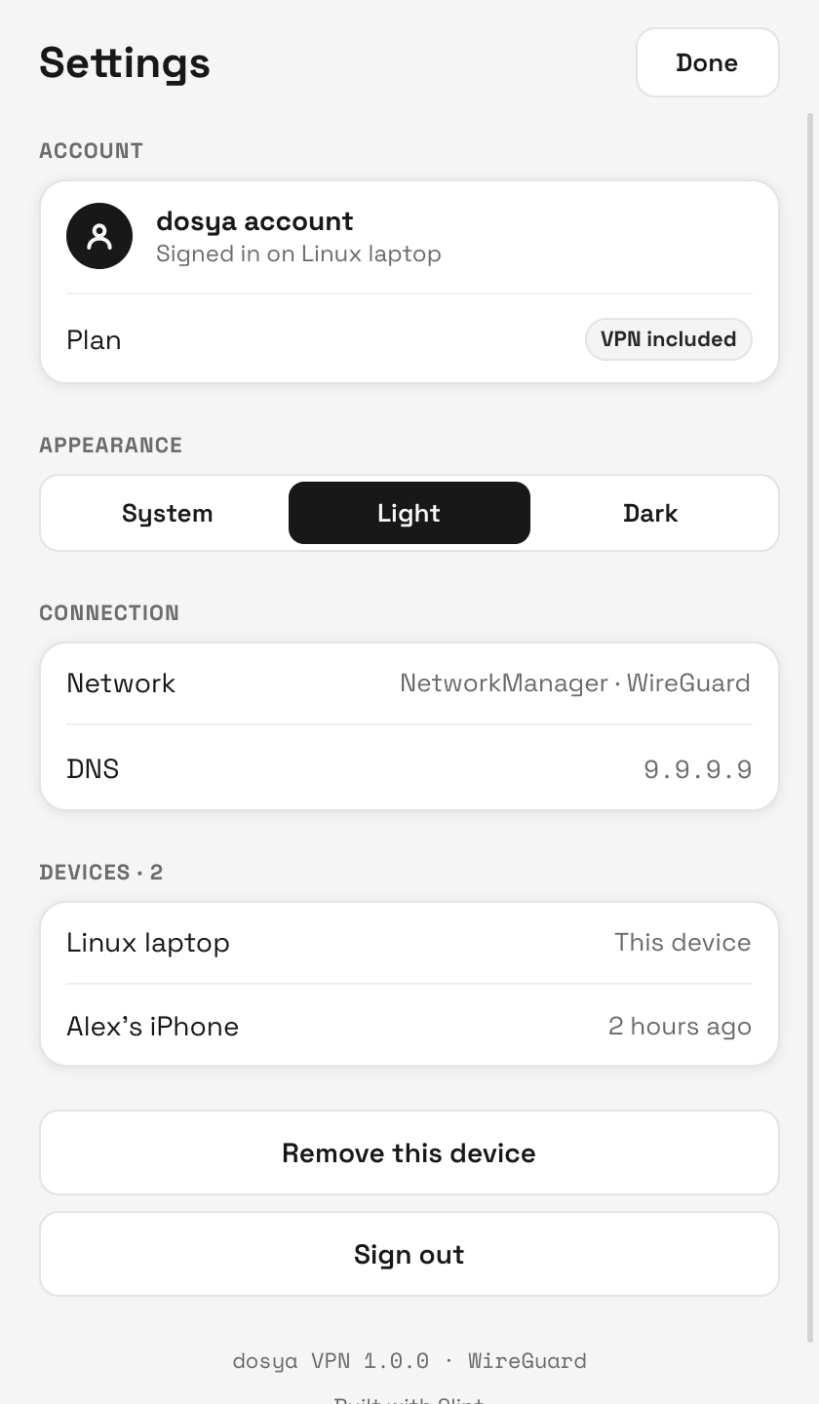
Dosya VPN is a WireGuard VPN that comes with every paid dosya plan, or on its own. Pick a city, press Connect, and websites see our server's address instead of yours. We never log the sites you visit.
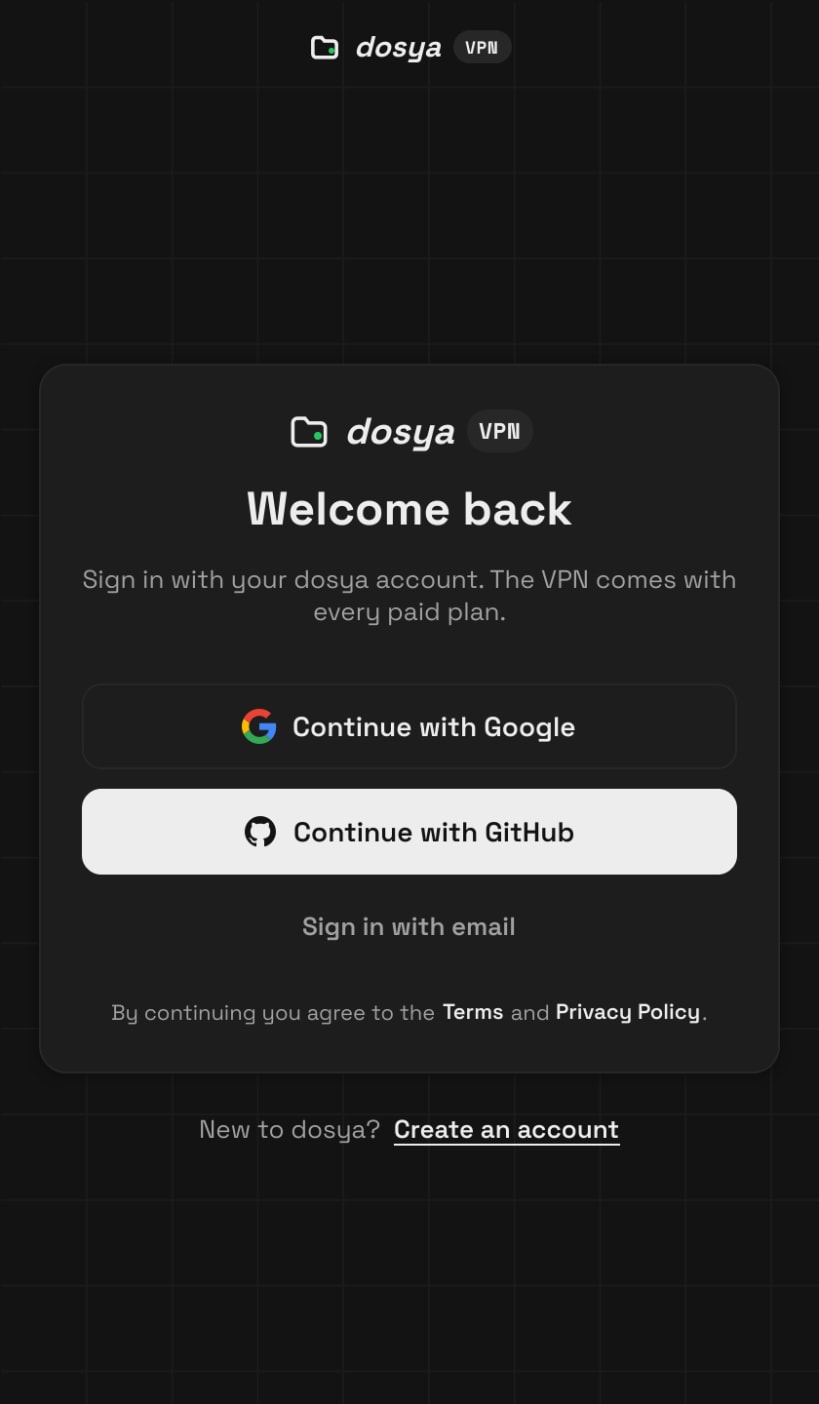
The tunnel is a normal NetworkManager connection, so it also shows in your system's network menu. Sign in with Google, GitHub or your dosya email.
After installing, allow dosya VPN to manage network connections once:
sudo snap connect dosya-vpn:network-manager
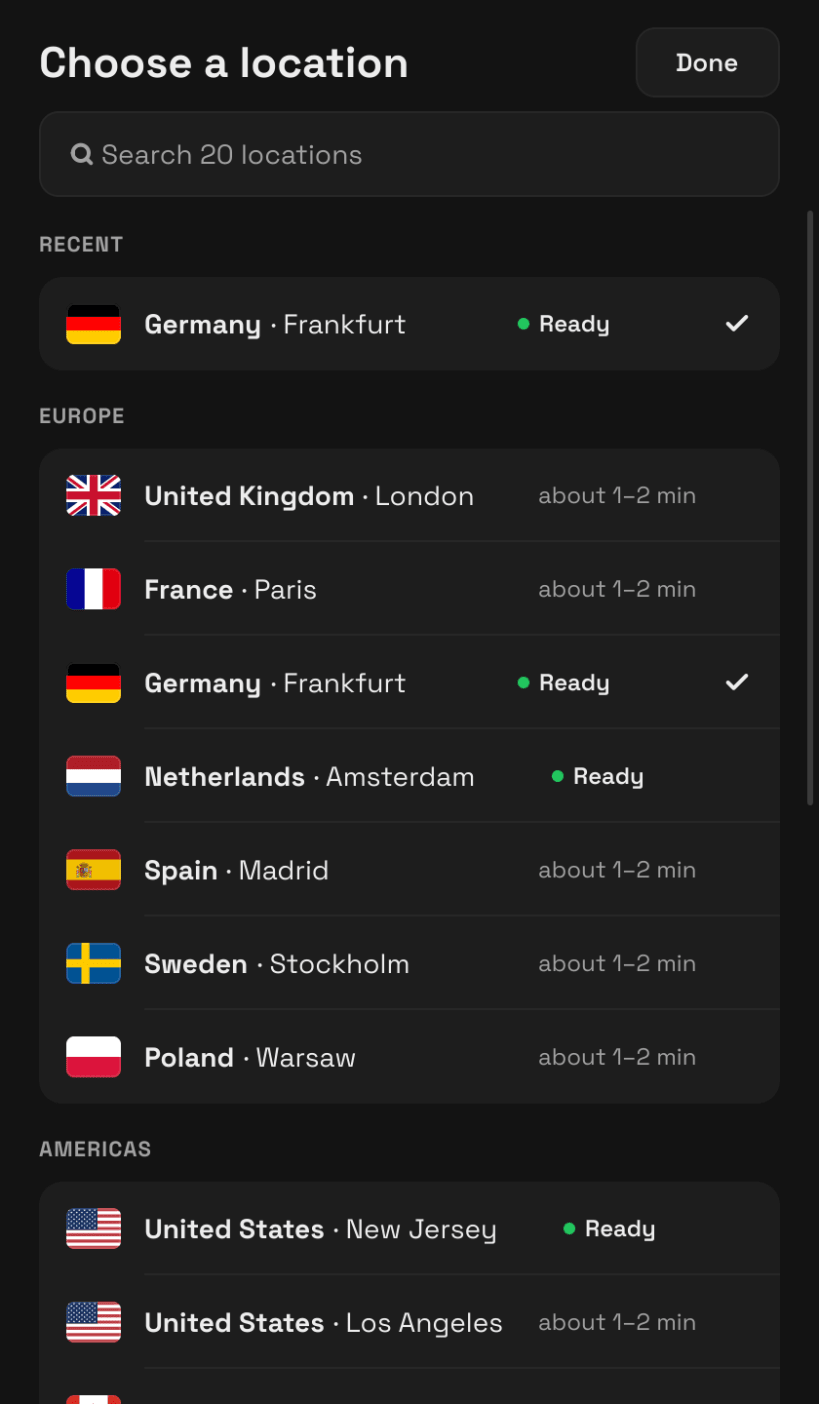
20 locations in Europe, the Americas, Asia-Pacific, and the Middle East and Africa. Up to 5 devices per account. Apps for iPhone, iPad, Mac, Android, Windows and Linux: https://dosya.dev/vpn/
You are about to open
Do you wish to proceed?
Thank you for your report. Information you provided will help us investigate further.
There was an error while sending your report. Please try again later.
Snaps are applications packaged with all their dependencies to run on all popular Linux distributions from a single build. They update automatically and roll back gracefully.
Snaps are discoverable and installable from the Snap Store, an app store with an audience of millions.
Snap can be installed on Pop!_OS from the command line. Open Terminal from the Applications launcher and type the following:
sudo apt update
sudo apt install snapd
Either log out and back in again, or restart your system, to ensure snap’s paths are updated correctly.
To install dosya VPN, simply use the following command:
sudo snap install dosya-vpn

Browse and find snaps from the convenience of your desktop using the snap store snap.

Interested to find out more about snaps? Want to publish your own application? Visit snapcraft.io now.