
dosya VPN
Install latest/stable of dosya VPN
Ubuntu 16.04 or later?
Make sure snap support is enabled in your Desktop store.
Details for dosya VPN
Package name
- dosya-vpn
License
- Proprietary
Last updated
- Yesterday - latest/stable
Websites
Contact
Report a bug
External link warning
You are about to open
Do you wish to proceed?
Report a Snap Store violation
Report dosya VPN for a Snap Store violation
Snap Store Violation Report submitted successfully
Thank you for your report. Information you provided will help us investigate further.
Error submitting report
There was an error while sending your report. Please try again later.
Share this snap
Generate an embeddable card to be shared on external websites.
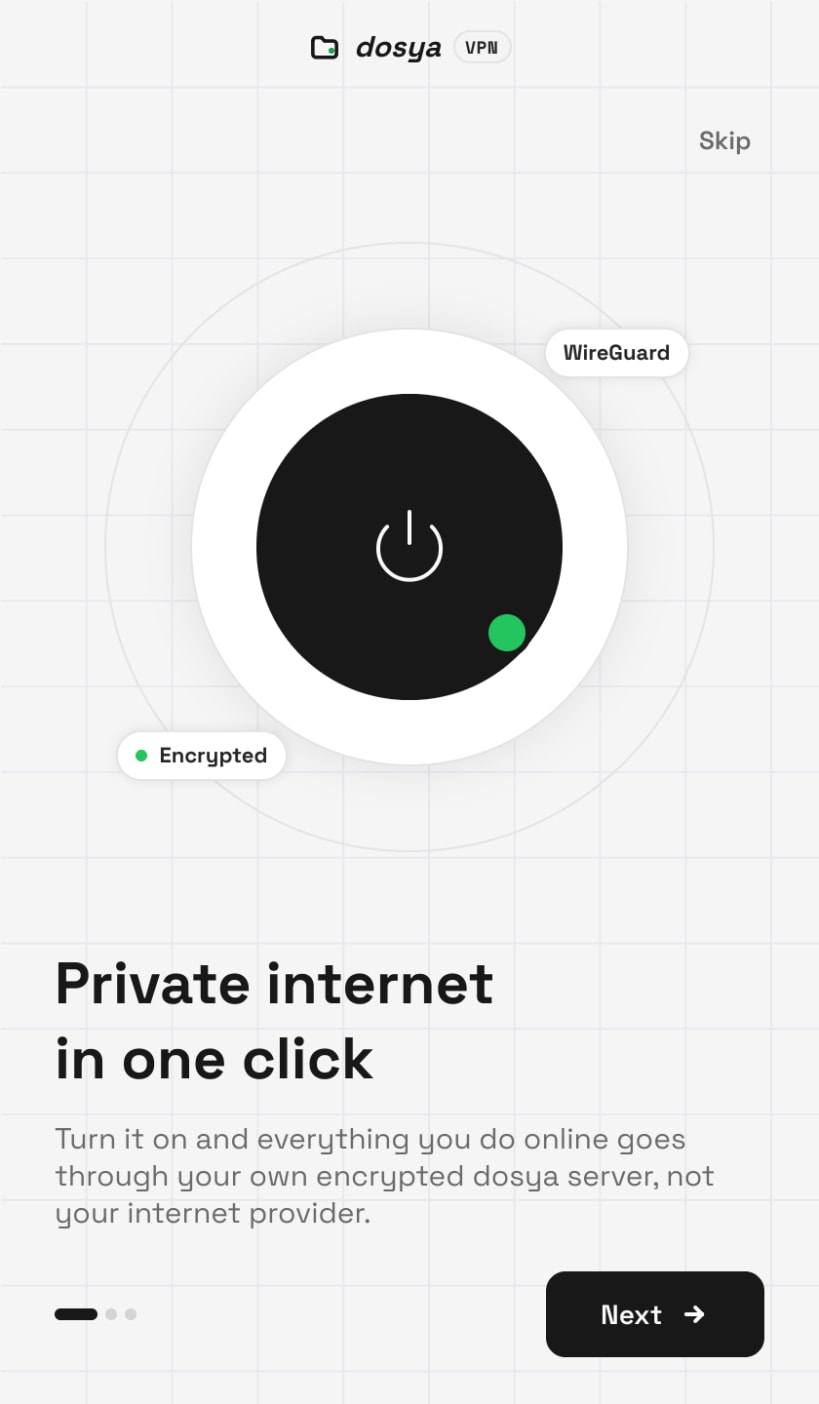
One button. 20 places to be. The dosya WireGuard VPN.
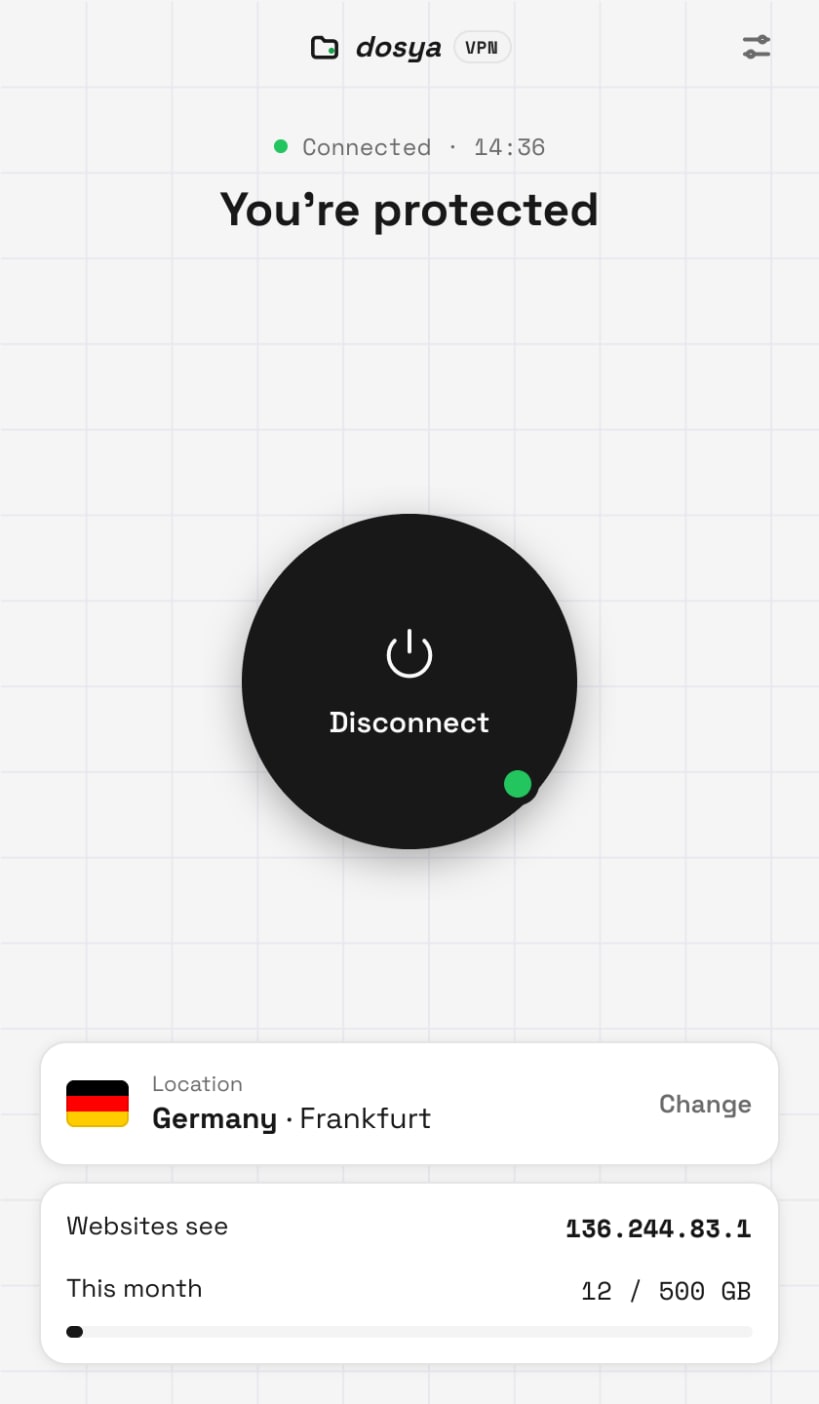
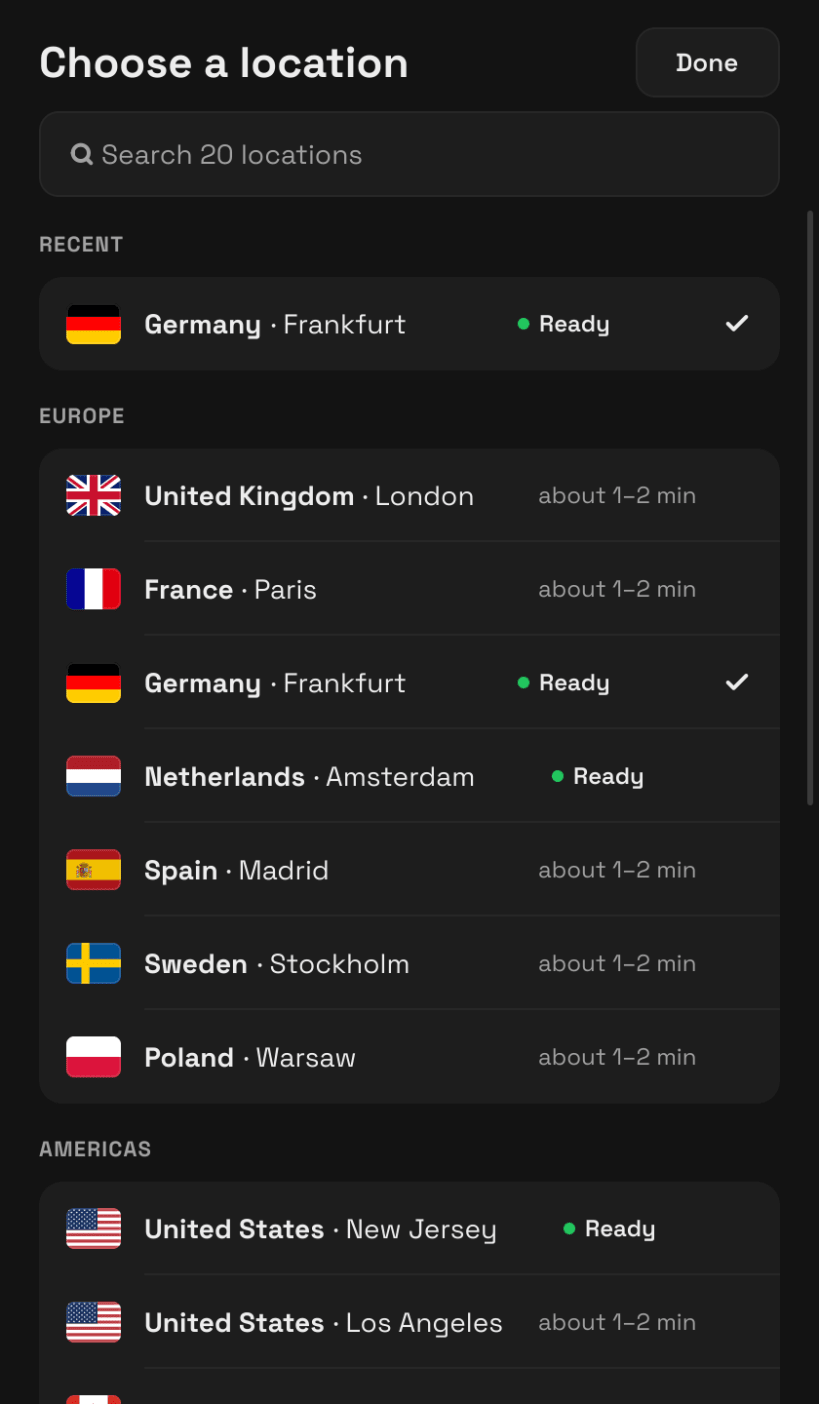
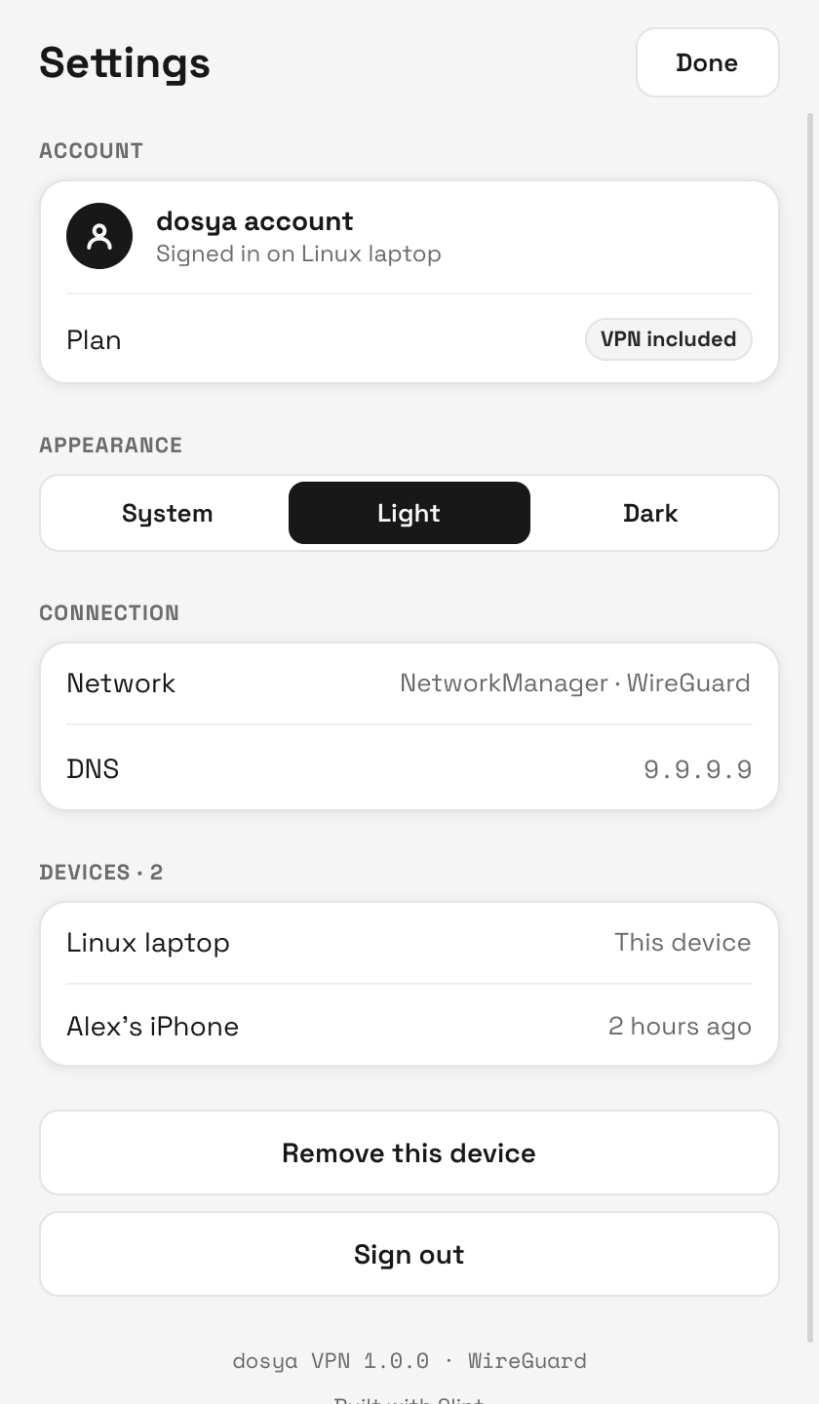
Dosya VPN is a WireGuard VPN that comes with every paid dosya plan, or on its own. Pick a city, press Connect, and websites see our server's address instead of yours. We never log the sites you visit.
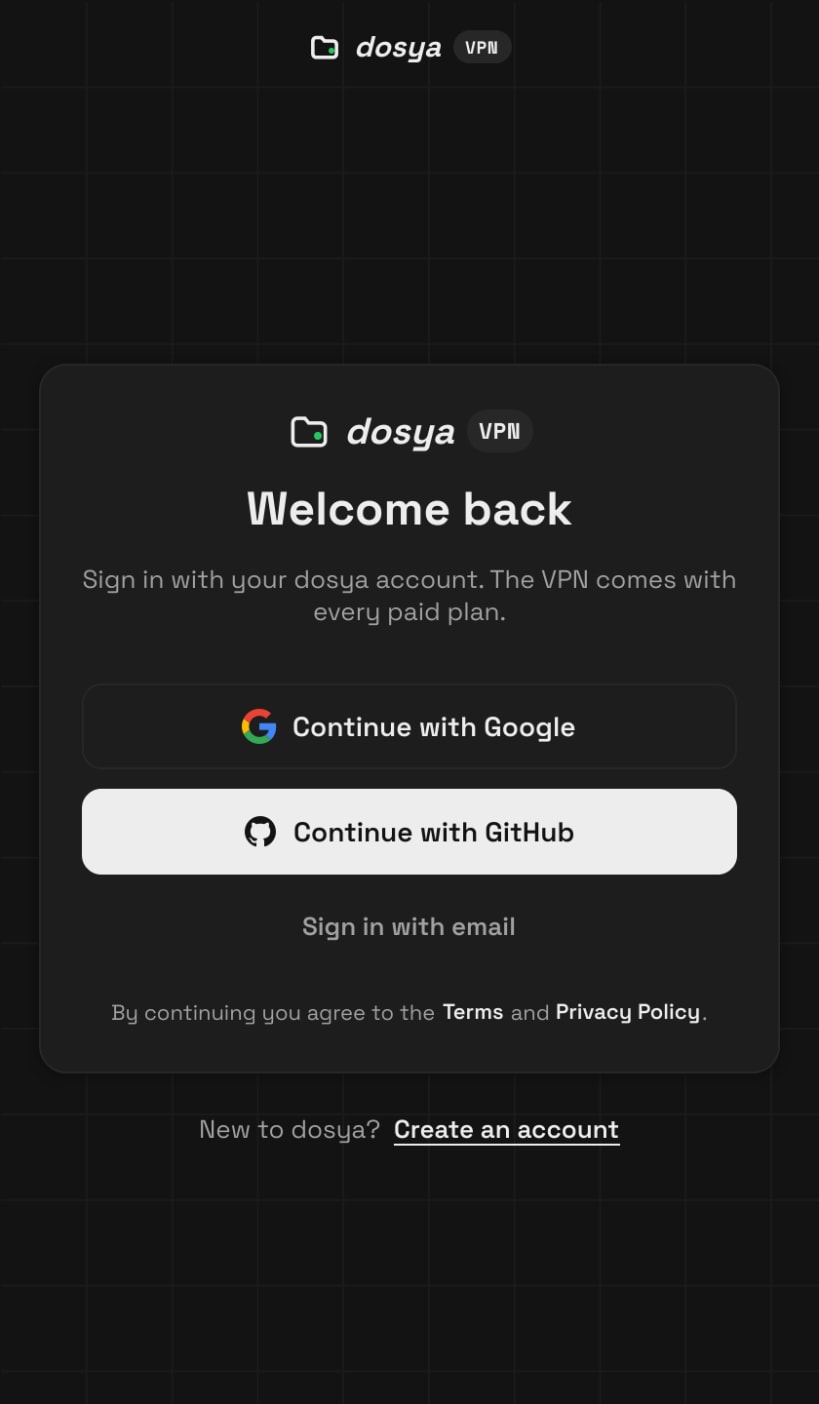
The tunnel is a normal NetworkManager connection, so it also shows in your system's network menu. Sign in with Google, GitHub or your dosya email.
After installing, allow dosya VPN to manage network connections once:
sudo snap connect dosya-vpn:network-manager
20 locations in Europe, the Americas, Asia-Pacific, and the Middle East and Africa. Up to 5 devices per account. Apps for iPhone, iPad, Mac, Android, Windows and Linux: https://dosya.dev/vpn/
| Revision | Channel | Version | Build | Commit | Download SBOM |
|---|
The build and commit information is derived from build infrastructure records.
Install dosya VPN on your Linux distribution
Choose your Linux distribution to get detailed installation instructions. If yours is not shown, get more details on the installing snapd documentation.