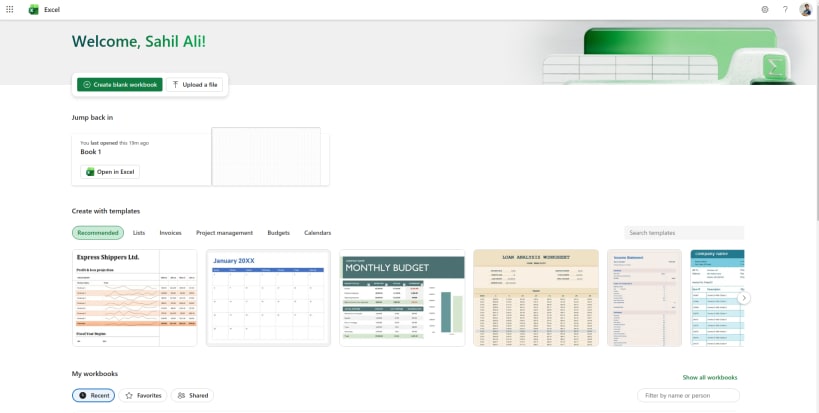
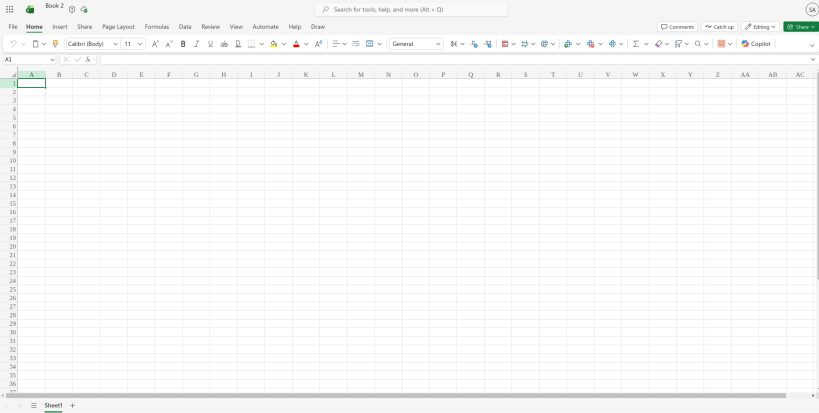
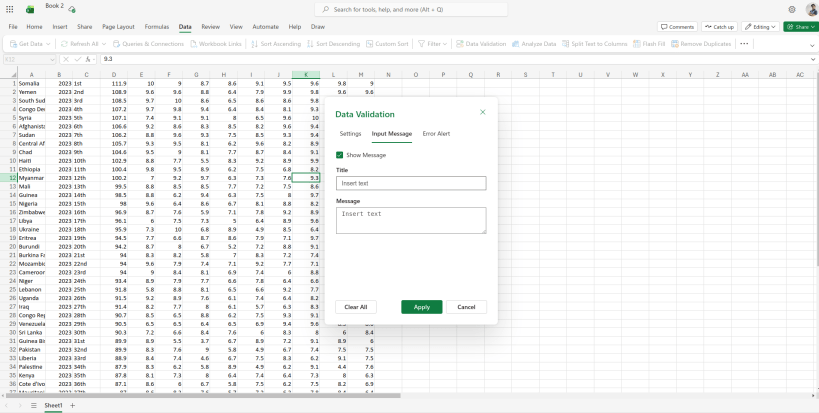
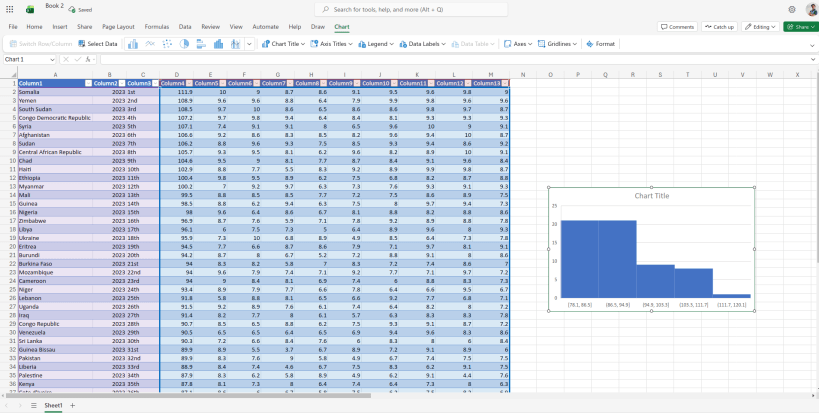
A feature-rich desktop application that brings Microsoft Excel functionality to Linux users. Built with Electron for seamless cross-platform compatibility and packaged as a Snap for easy installation across all major Linux distributions.
Features:
Full Excel compatibility - work with .xlsx, .xls, and other spreadsheet formats
Native desktop integration with Linux system tray and notifications
Offline-capable spreadsheet editing and management
Familiar Excel-like interface optimized for Linux workflows
Automatic updates through Snap packaging
Cross-platform file compatibility
Perfect for Linux users who need Excel functionality without switching operating systems or relying solely on web-based solutions.
Note: This is an unofficial desktop client. For official Microsoft Excel, please use Microsoft 365 web version or Windows/macOS applications.
(Ownership verified)
The publisher has verified that they own this domain.
It does not guarantee the Snap is an official upload
from the upstream project.
Enable snaps on KDE Neon and install Excel Desktop
Snaps are applications packaged with all their dependencies to run on all popular Linux distributions from a single build. They update automatically and roll back gracefully.
Snaps are discoverable and installable from the Snap Store, an app store with an audience of millions.
Enable snapd
Snap can be installed from the command line. Open the Konsole terminal and enter the following:
sudo apt update
sudo apt install snapd
Install Excel Desktop
To install Excel Desktop, simply use the following command: