

Excel Desktop (excel-desktop-sahil)
Install latest/stable of Excel Desktop
Ubuntu 16.04 or later?
Make sure snap support is enabled in your Desktop store.
Install using the command line
sudo snap install excel-desktop-sahilDon't have snapd? Get set up for snaps.
Details for Excel Desktop
Package name
- excel-desktop-sahil
License
- unset
Last updated
- 31 January 2026 - latest/stable
Contact
External link warning
You are about to open
Do you wish to proceed?
Report a Snap Store violation
Report Excel Desktop for a Snap Store violation
Snap Store Violation Report submitted successfully
Thank you for your report. Information you provided will help us investigate further.
Error submitting report
There was an error while sending your report. Please try again later.
Share this snap
Generate an embeddable card to be shared on external websites.
Excel Desktop
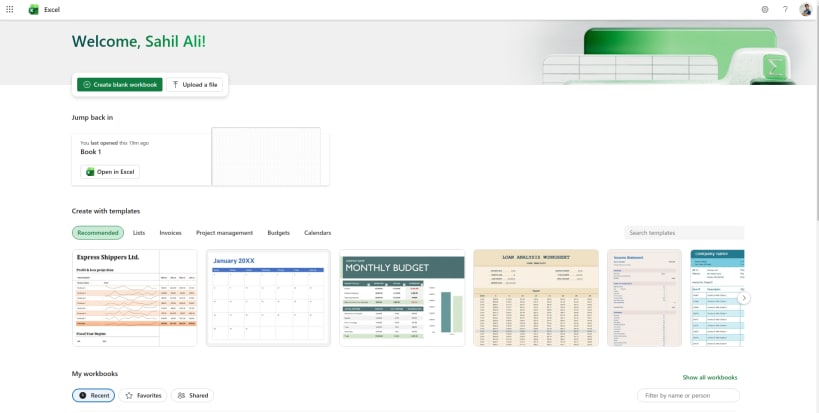
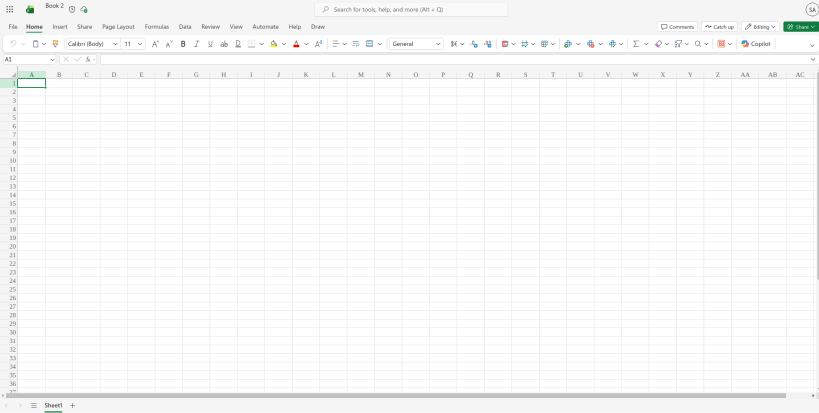
Microsoft Excel Desktop Client for Linux
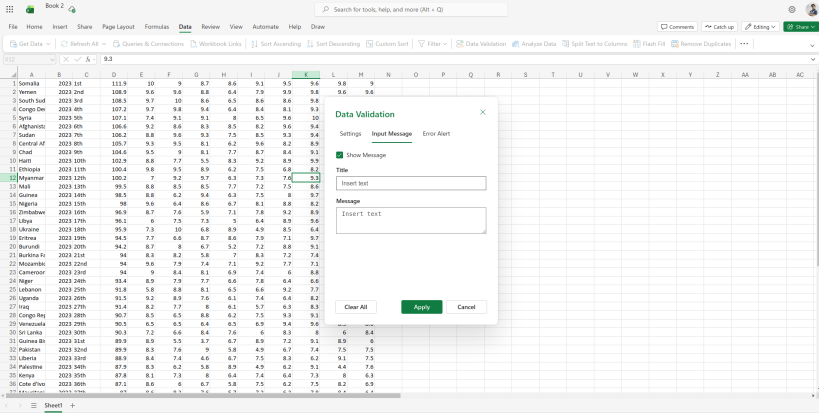
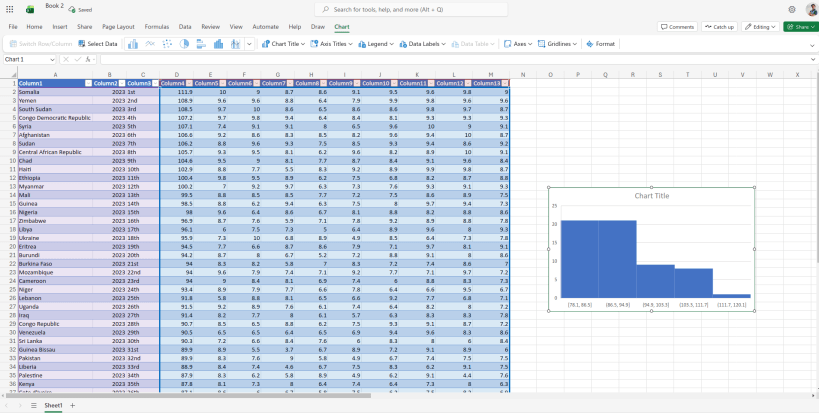
A feature-rich desktop application that brings Microsoft Excel functionality to Linux users. Built with Electron for seamless cross-platform compatibility and packaged as a Snap for easy installation across all major Linux distributions.
Features:
- Full Excel compatibility - work with .xlsx, .xls, and other spreadsheet formats
- Native desktop integration with Linux system tray and notifications
- Offline-capable spreadsheet editing and management
- Familiar Excel-like interface optimized for Linux workflows
- Automatic updates through Snap packaging
- Cross-platform file compatibility
Perfect for Linux users who need Excel functionality without switching operating systems or relying solely on web-based solutions.
Note: This is an unofficial desktop client. For official Microsoft Excel, please use Microsoft 365 web version or Windows/macOS applications.
| Revision | Channel | Version | Build | Commit | Download SBOM |
|---|
The build and commit information is derived from build infrastructure records.
Install Excel Desktop on your Linux distribution
Choose your Linux distribution to get detailed installation instructions. If yours is not shown, get more details on the installing snapd documentation.











