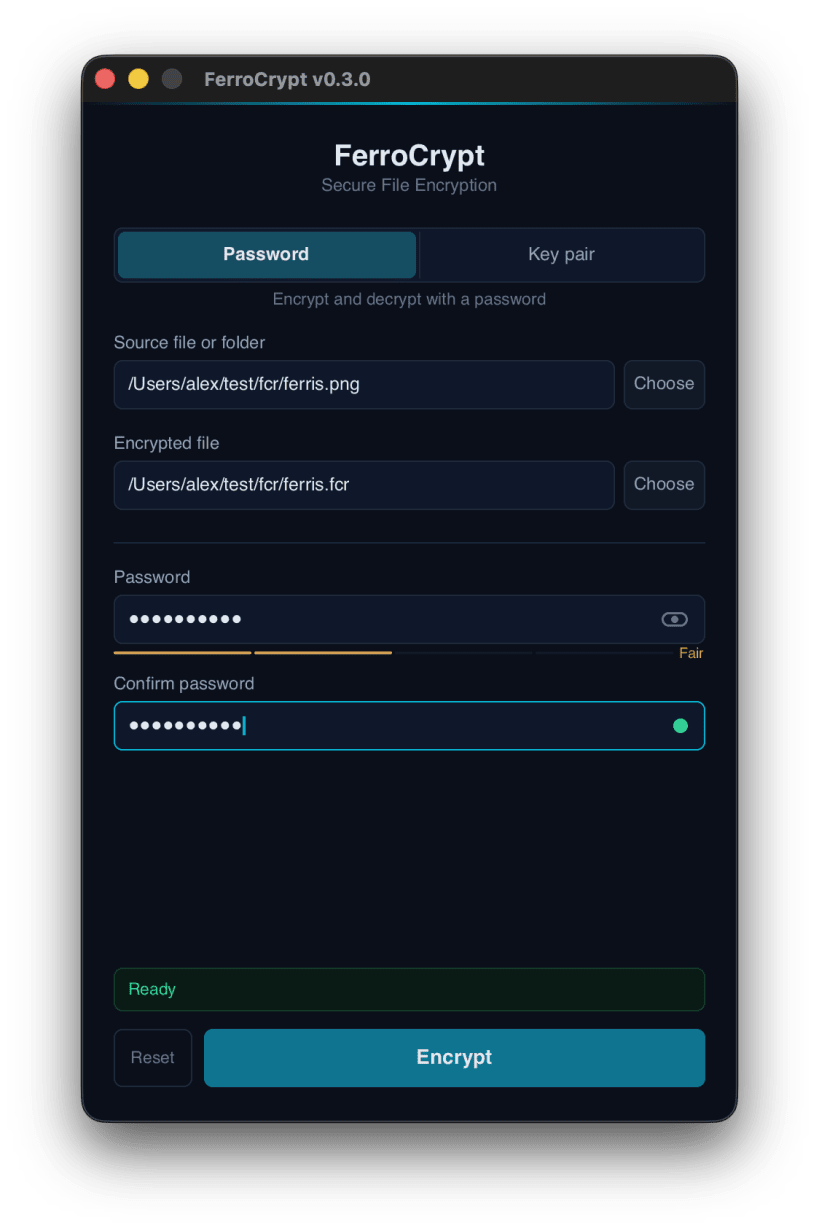
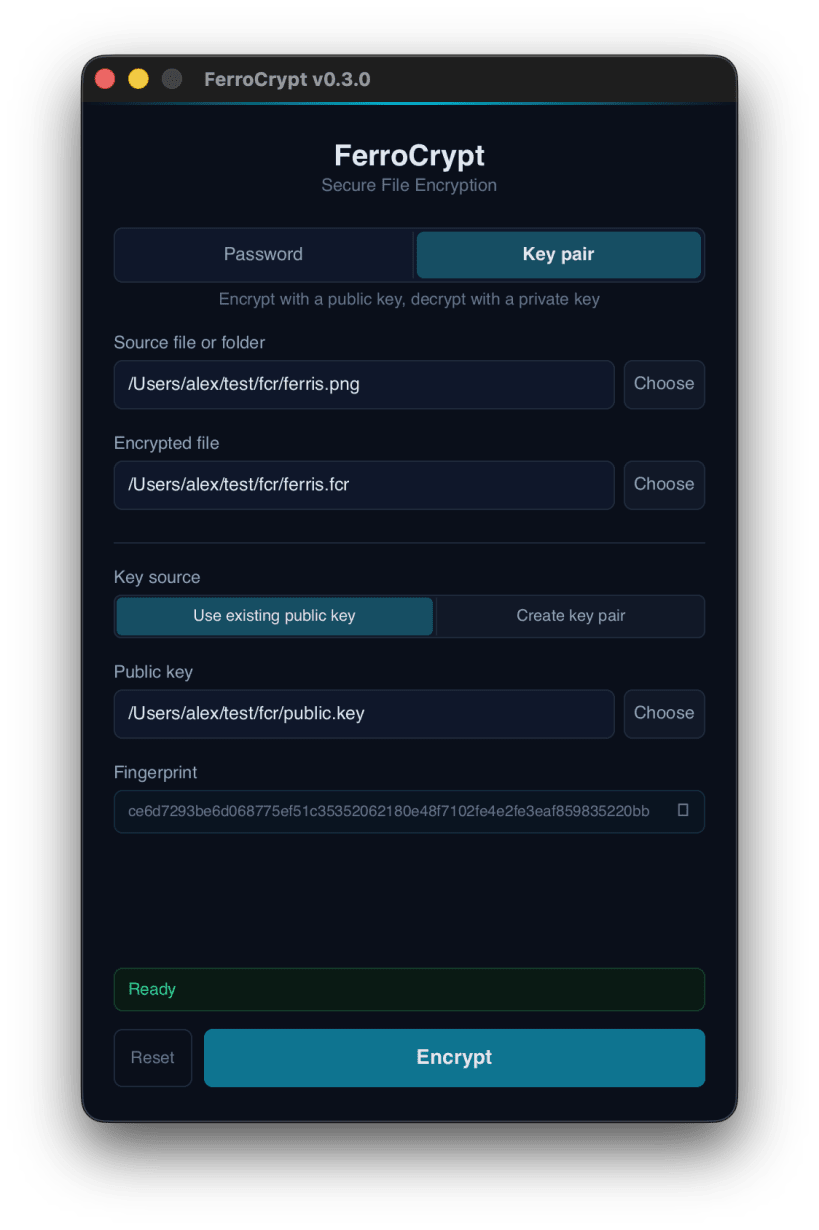
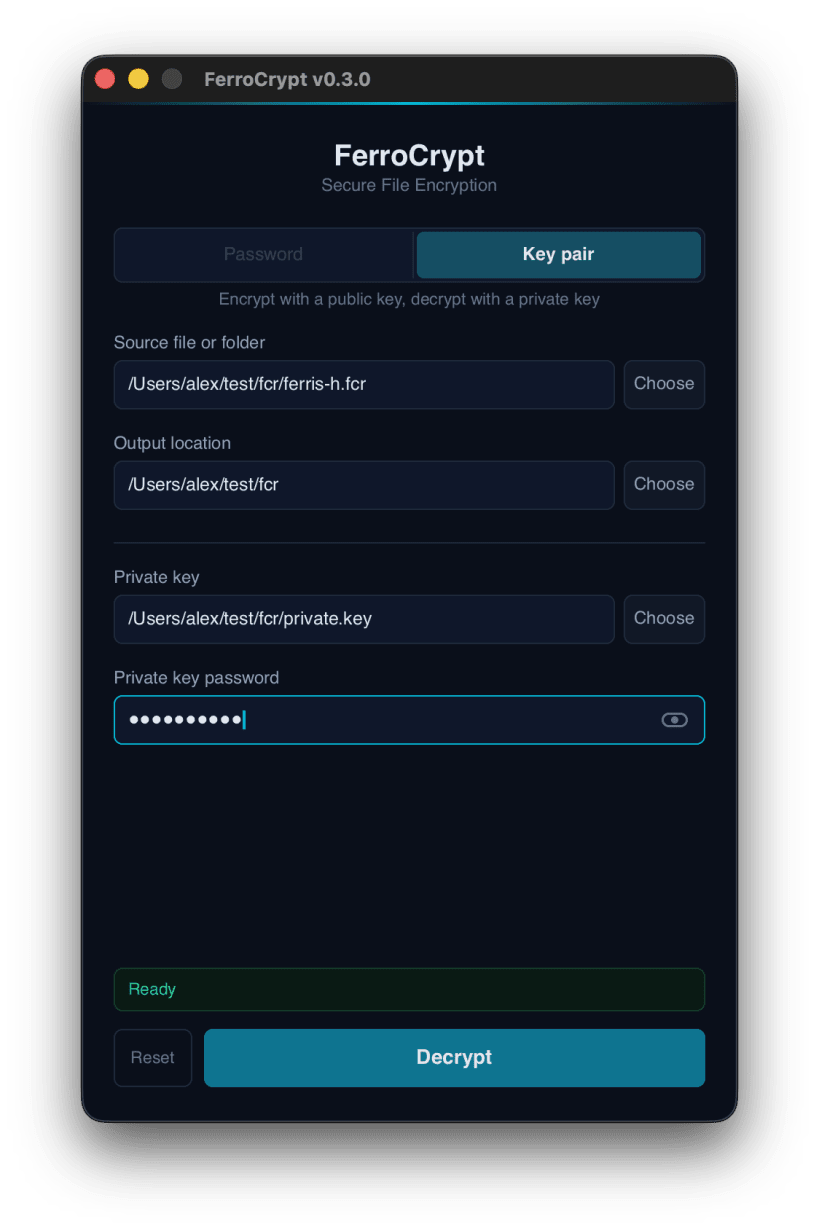
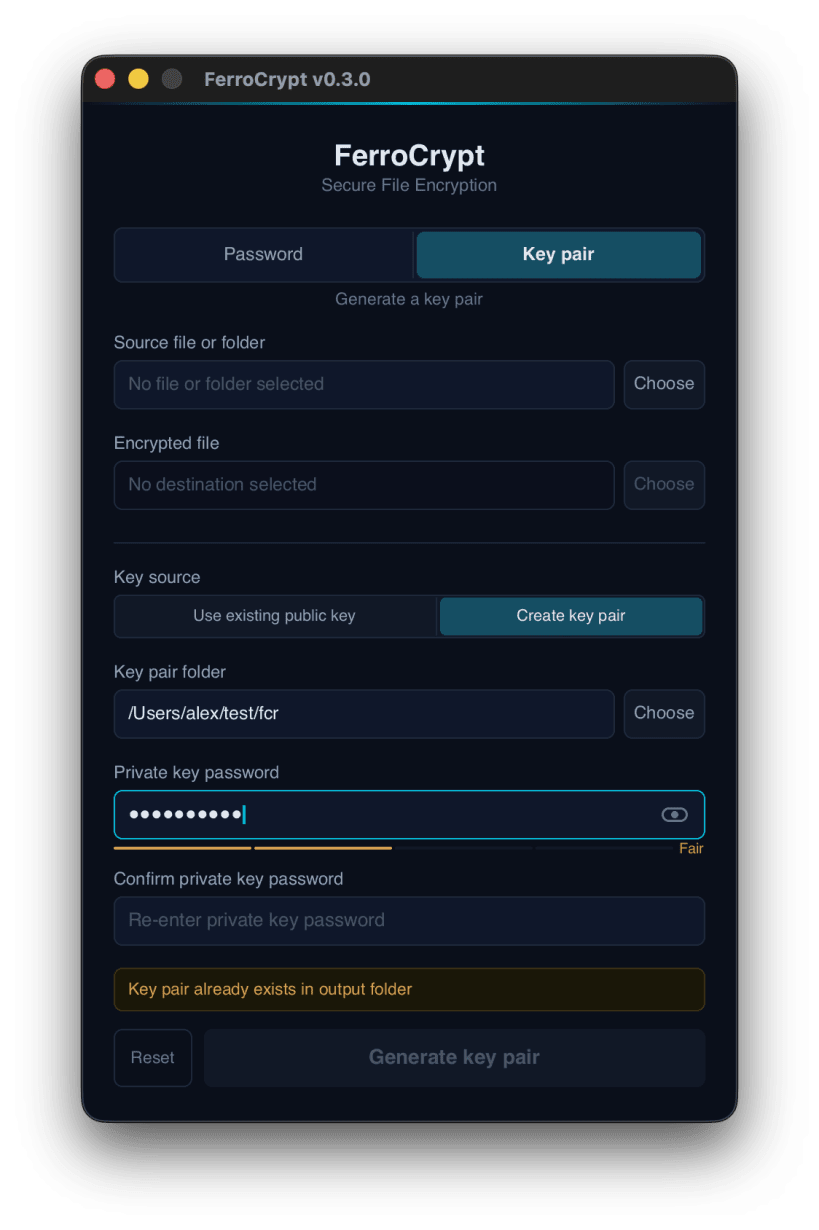
FerroCrypt encrypts files and folders into a single .fcr file.
Choose how to protect your data:
FerroCrypt uses standard, widely reviewed cryptography: XChaCha20-Poly1305 encryption, Argon2id for passwords, X25519 for key pairs, and HKDF and HMAC with SHA3-256. Any change to an encrypted file is detected when you decrypt it. The file format is openly documented, and the source code is published under the GPL-3.0 license.
FerroCrypt runs on Linux, macOS, and Windows, as a desktop app and a command-line tool. A file encrypted on one system decrypts on the others.
Encryption leaves the original files in place. File contents are processed in chunks, so an entire file does not need to fit in memory. A password is processed with 1 GiB of memory for a few seconds, which makes guessing it slow and costly for an attacker.
The app can open files in your home folder. To use files on USB drives and other removable media, run: sudo snap connect ferrocrypt:removable-media
You are about to open
Do you wish to proceed?
Thank you for your report. Information you provided will help us investigate further.
There was an error while sending your report. Please try again later.
Snaps are applications packaged with all their dependencies to run on all popular Linux distributions from a single build. They update automatically and roll back gracefully.
Snaps are discoverable and installable from the Snap Store, an app store with an audience of millions.
Snap can be installed on Pop!_OS from the command line. Open Terminal from the Applications launcher and type the following:
sudo apt update
sudo apt install snapd
Either log out and back in again, or restart your system, to ensure snap’s paths are updated correctly.
To install FerroCrypt, simply use the following command:
sudo snap install ferrocrypt
Browse and find snaps from the convenience of your desktop using the snap store snap.
Interested to find out more about snaps? Want to publish your own application? Visit snapcraft.io now.