

Install latest/stable of FerroCrypt
Ubuntu 16.04 or later?
Make sure snap support is enabled in your Desktop store.
Details for FerroCrypt
Package name
- ferrocrypt
License
- GPL-3.0-only
Last updated
- Yesterday - latest/stable
Websites
Source code
Report a bug
External link warning
You are about to open
Do you wish to proceed?
Report a Snap Store violation
Report FerroCrypt for a Snap Store violation
Snap Store Violation Report submitted successfully
Thank you for your report. Information you provided will help us investigate further.
Error submitting report
There was an error while sending your report. Please try again later.
Share this snap
Generate an embeddable card to be shared on external websites.
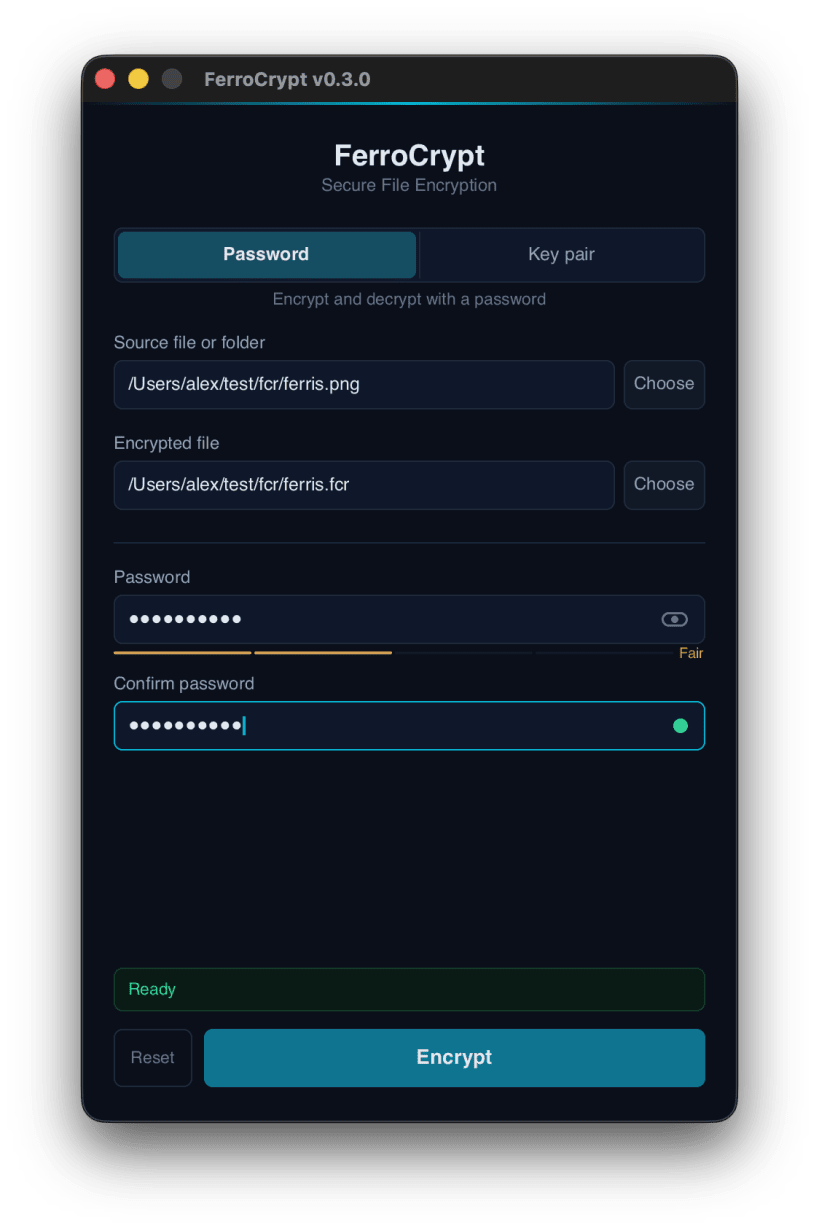
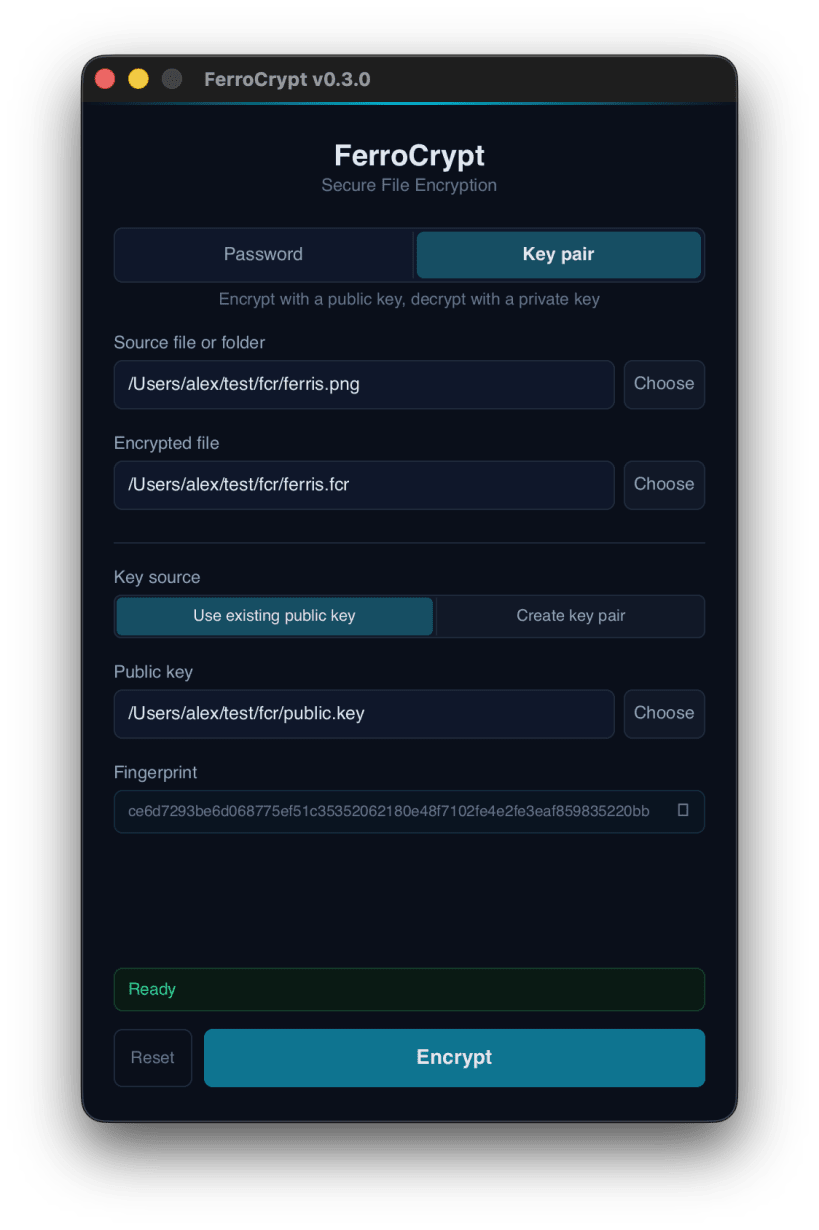
Encrypt files and folders with a password or a key pair
FerroCrypt encrypts files and folders into a single .fcr file.
Choose how to protect your data:
- Password: use the same password to encrypt and decrypt.
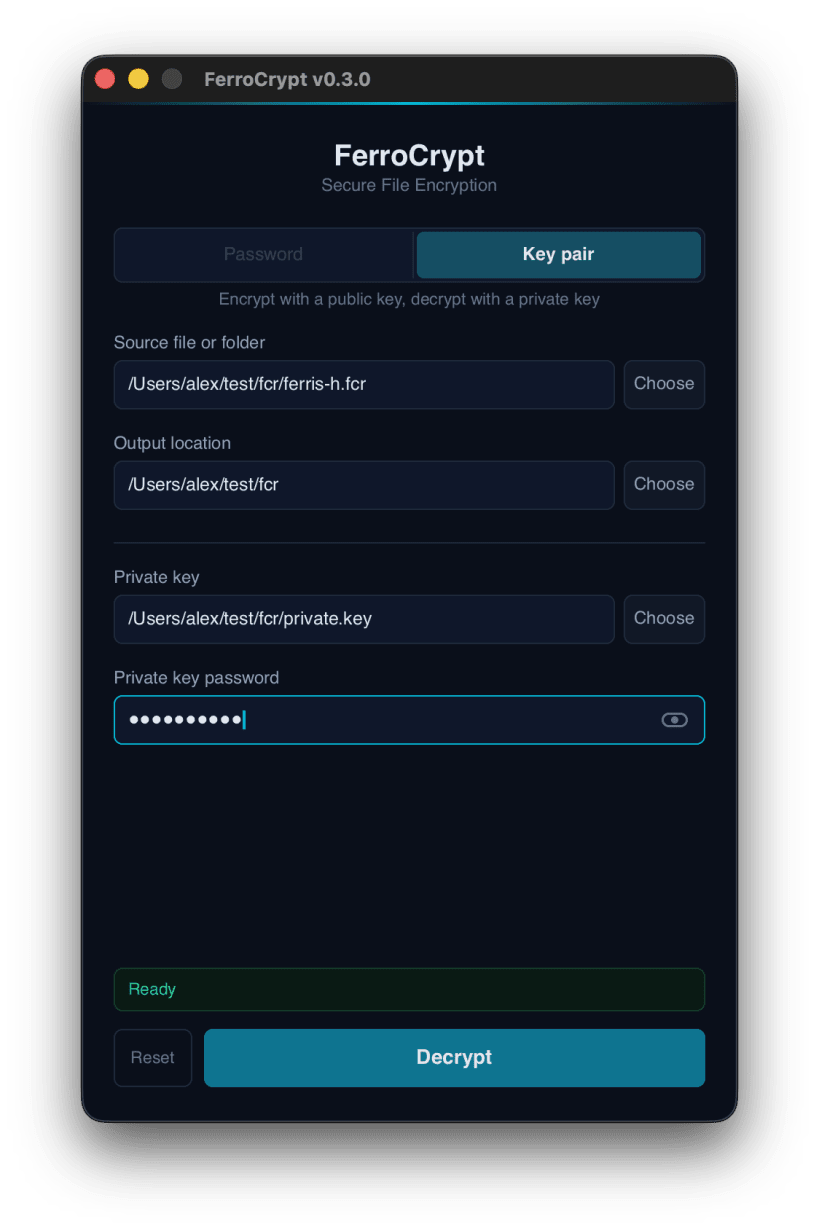
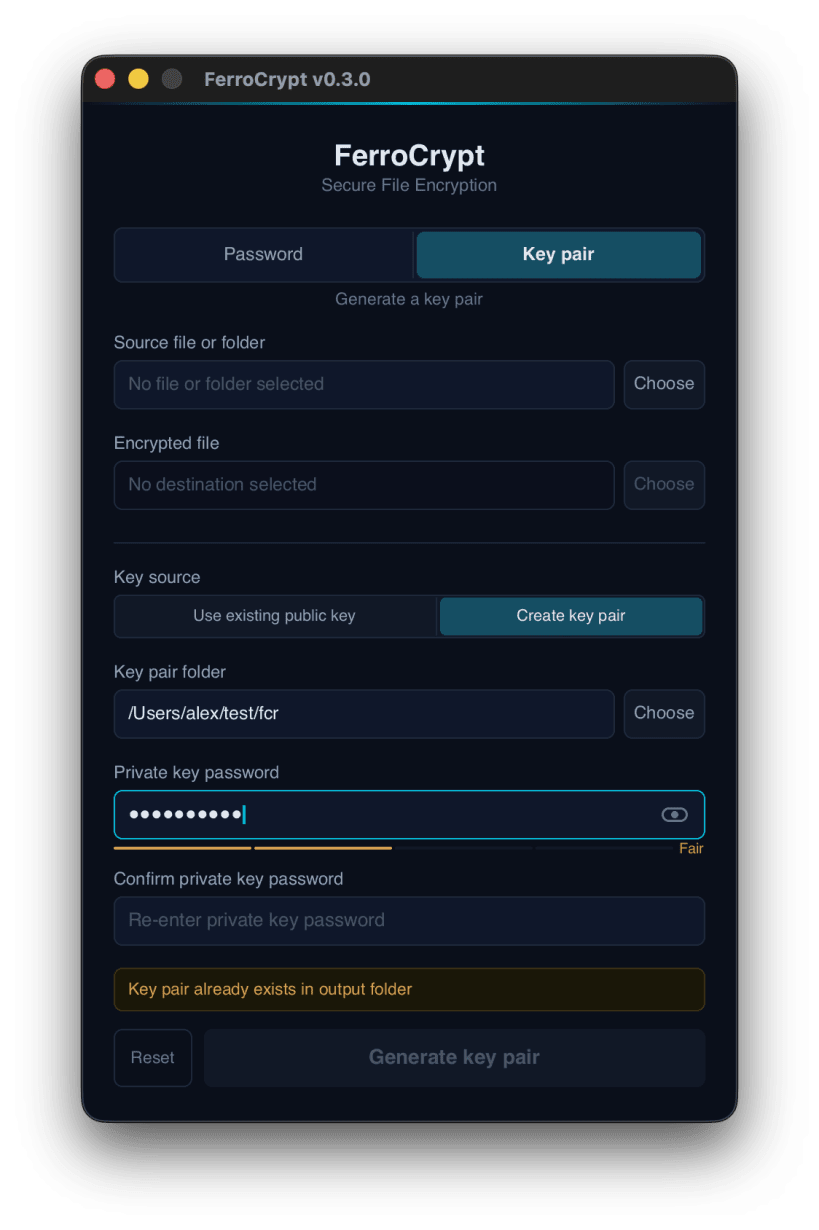
- Key pair: encrypt with a recipient's public key. Decryption requires the matching private key and its password. The app can also create key pairs.
FerroCrypt uses standard, widely reviewed cryptography: XChaCha20-Poly1305 encryption, Argon2id for passwords, X25519 for key pairs, and HKDF and HMAC with SHA3-256. Any change to an encrypted file is detected when you decrypt it. The file format is openly documented, and the source code is published under the GPL-3.0 license.
FerroCrypt runs on Linux, macOS, and Windows, as a desktop app and a command-line tool. A file encrypted on one system decrypts on the others.
Encryption leaves the original files in place. File contents are processed in chunks, so an entire file does not need to fit in memory. A password is processed with 1 GiB of memory for a few seconds, which makes guessing it slow and costly for an attacker.
The app can open files in your home folder. To use files on USB drives and other removable media, run: sudo snap connect ferrocrypt:removable-media
| Revision | Channel | Version | Build | Commit | Download SBOM |
|---|
The build and commit information is derived from build infrastructure records.
Install FerroCrypt on your Linux distribution
Choose your Linux distribution to get detailed installation instructions. If yours is not shown, get more details on the installing snapd documentation.


