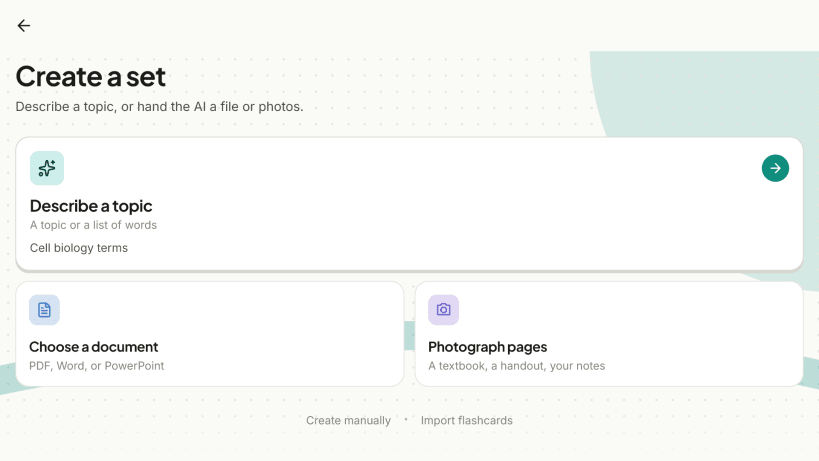


Flashcards from a topic, a PDF or a photo.
Type what you want to learn and Flashcards.gg writes the set for you. Have your own material? Upload a PDF, Word or PowerPoint file, or photos of your notes, and the cards are made from that. Then study with spaced repetition, on your computer or in the browser, with or without internet.
Make cards three ways
You can also write cards yourself and let the AI fill in the back of a card you typed.
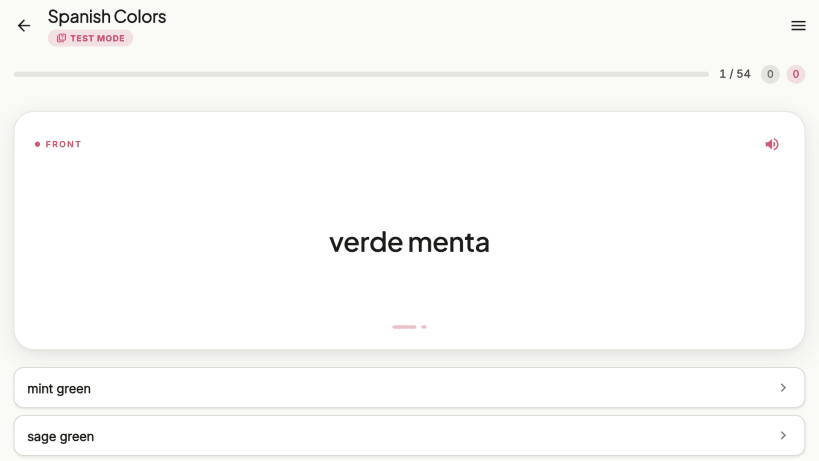
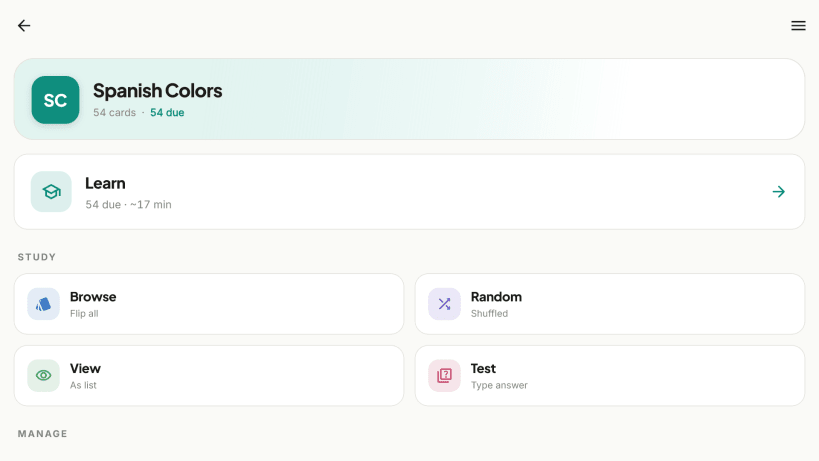
Study the way you like
Anki, CSV and more
A library of ready-made sets
Search a growing library of sets other learners have published (languages, law, biology, math, exam prep) and add any of them to your own collection. The library is also on the web at https://flashcards.gg/lib.
Works offline, syncs when you are back
Your sets are stored on your computer, so you can study anywhere. Sign in with Google and they sync across your phone, tablet, computer and the web app. Internet is needed for AI generation, the library, the multiple-choice test and sync.
Folders and search
Group sets into folders and search across everything you have, including the library, from one search box.
No ads. Available in 28 languages.
Developers: a public REST API with personal keys, see https://flashcards.gg/developers.
You are about to open
Do you wish to proceed?
Thank you for your report. Information you provided will help us investigate further.
There was an error while sending your report. Please try again later.
Snaps are applications packaged with all their dependencies to run on all popular Linux distributions from a single build. They update automatically and roll back gracefully.
Snaps are discoverable and installable from the Snap Store, an app store with an audience of millions.
Snap can be installed on elementary OS from the command line. Open Terminal from the Applications launcher and type the following:
sudo apt update
sudo apt install snapd
Either log out and back in again, or restart your system, to ensure snap’s paths are updated correctly.
To install Flashcards.gg, simply use the following command:
sudo snap install flashcards
Browse and find snaps from the convenience of your desktop using the snap store snap.

Interested to find out more about snaps? Want to publish your own application? Visit snapcraft.io now.