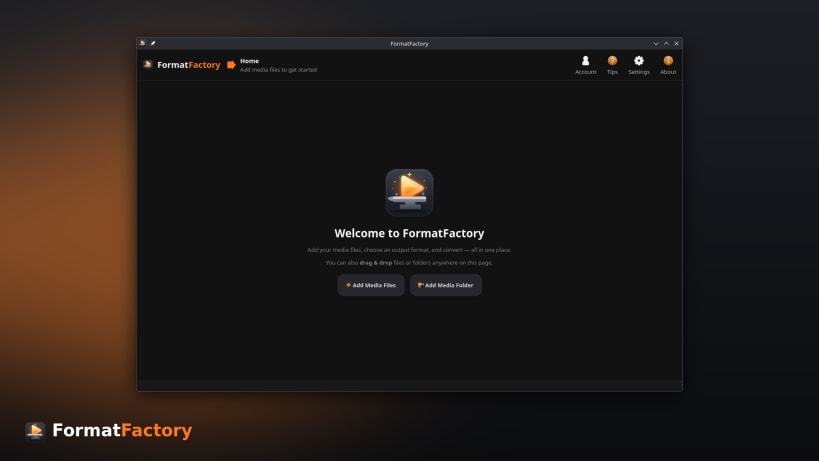
FormatFactory is a fast and powerful media converter for Linux. Convert
video, audio, and image files individually or in large batches using an
intuitive desktop interface.
Supported Formats
- Video: MP4, MKV, WebM, MOV, AVI and more
- Audio: MP3, FLAC, AAC, WAV, OGG and more
- Images: PNG, JPEG, WebP and more
Features
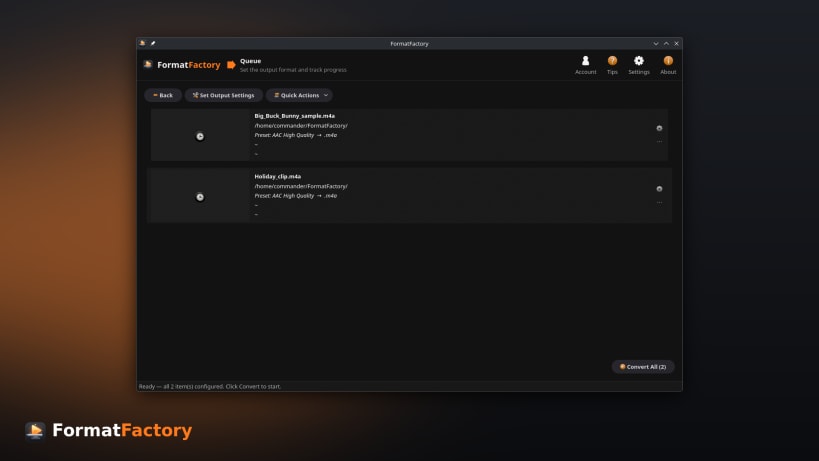
- Batch conversion queue with live progress, ETA, and estimated output size
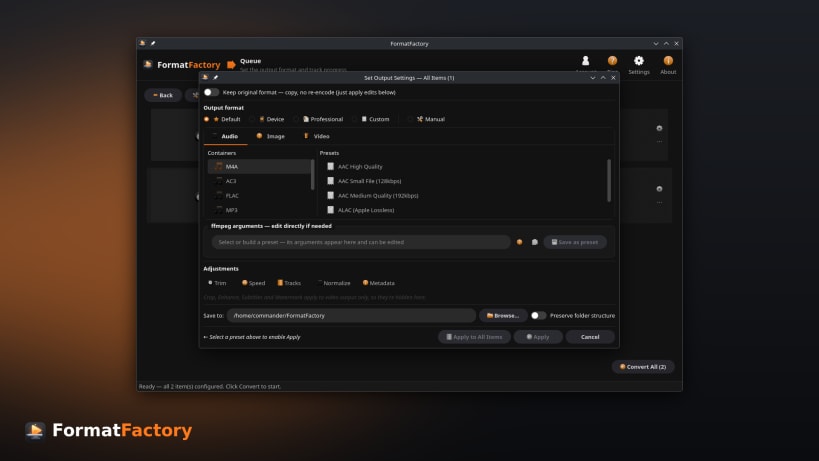
- Ready-to-use presets for common devices, sites, and workflows
- Custom conversion profile builder for full control over the command
- Convert hundreds of files in a single operation
- Per-file editing — trim with preview, crop, rotate, flip, and track
selection
- Enhance video — deinterlace, denoise, sharpen, and adjust brightness,
contrast, saturation, and gamma with a live before/after preview
- Subtitles — burn into videos or add as soft subtitle tracks
- External audio tracks — add or replace the audio, with language tags
- Audio loudness normalization for consistent playback volume
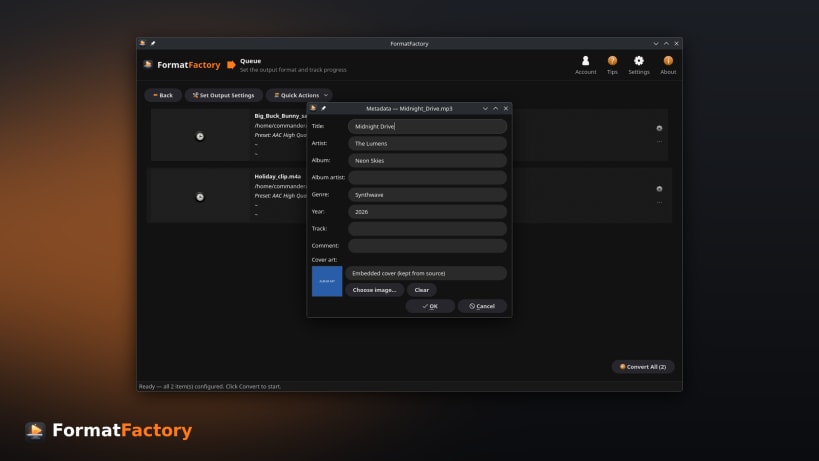
- Metadata & cover art — edit tags and artwork while preserving embedded
covers
- Watermarks & logos with adjustable position, size, and opacity
- One-click quick actions — extract audio, extract subtitles, grab a poster
frame, create GIFs or animated WebP, remove audio, change container, adjust
volume, and strip metadata
- Target file-size compression to hit a size budget
- Hardware-accelerated encoding for faster conversions
- Flexible output — directories and filename templates
Keywords:
FFmpeg, ffmpeg gui linux, graphical ffmpeg, ffmpeg without command line, batch video converter linux, convert multiple videos at once linux, linux video converter, video converter ubuntu, video converter fedora, video converter arch linux, video converter linux mint, free video converter linux, open source video converter, video converter no watermark, offline video converter, video converter no file size limit, convert video without uploading, compress video linux, reduce video file size linux, video to mp3 linux, linux convert mkv to mp4, linux mov to mp4, convert mp4 to avi linux, convert vob to mp4 linux, webm to mp4 linux, avi to mp4 linux, mp4 to webm linux, flv to mp4 linux, wmv to mp4 linux, m4a to mp3 linux, wav to mp3 linux, flac to mp3 linux, mp4 to gif linux, gif to mp4 linux, heic to jpg linux, wondershare uniconverter linux, videoproc converter linux, movavi video converter linux, hitpaw video converter linux, freemake video converter linux, wonderfox video converter linux, formatlab linux, format factory for linux, handbrake linux, any video converter linux, leawo video converter linux, winx video converter linux, fonepaw video converter linux, avs video converter linux, anymp4 video converter, aiseesoft video converter, tipard video converter, gilisoft video converter, prism video converter, zamzar, cloudconvert, online-convert, aconvert