

FormatFactory - Media Converter (formatfactory)

Install latest/stable of FormatFactory - Media Converter
Ubuntu 16.04 or later?
Make sure snap support is enabled in your Desktop store.
Install using the command line
sudo snap install formatfactoryDon't have snapd? Get set up for snaps.
Details for FormatFactory - Media Converter
Package name
- formatfactory
License
- GPL-3.0+
Last updated
- 2 July 2026 - latest/stable
- 1 July 2026 - latest/edge
Websites
Contact
Donations
Source code
Report a bug
External link warning
You are about to open
Do you wish to proceed?
Report a Snap Store violation
Report FormatFactory - Media Converter for a Snap Store violation
Snap Store Violation Report submitted successfully
Thank you for your report. Information you provided will help us investigate further.
Error submitting report
There was an error while sending your report. Please try again later.
Share this snap
Generate an embeddable card to be shared on external websites.
Fast batch converter for video, audio and image files
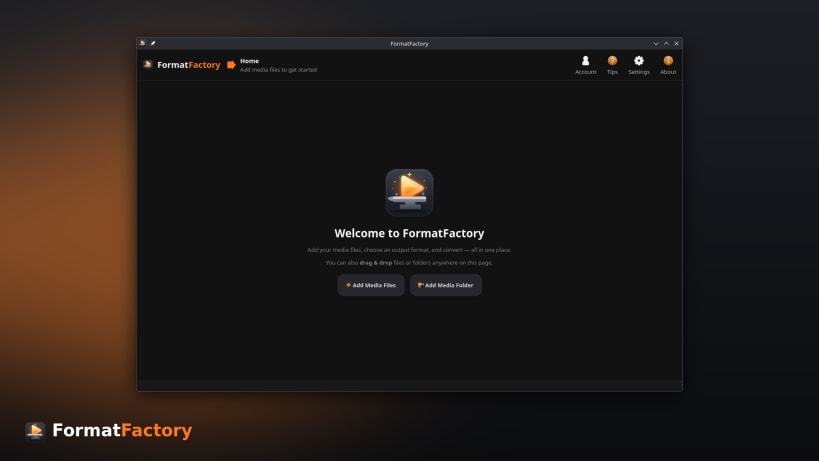
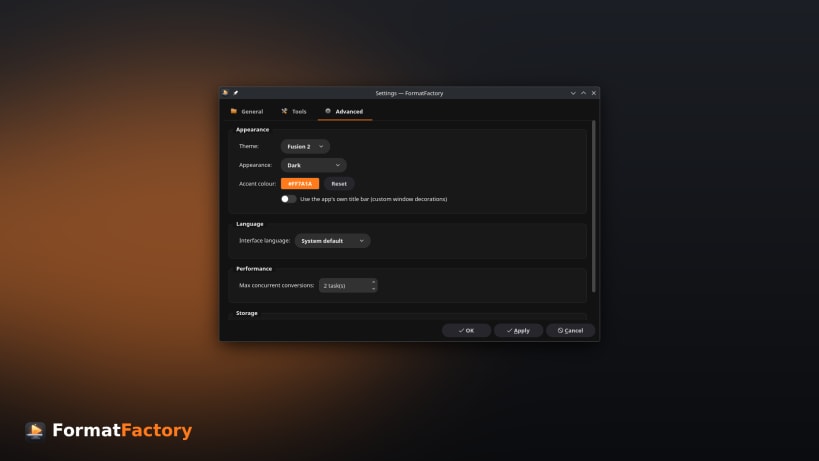
FormatFactory is a fast and powerful media converter for Linux. Convert video, audio, and image files individually or in large batches using an intuitive desktop interface.
Supported Formats
- Video: MP4, MKV, WebM, MOV, AVI and more
- Audio: MP3, FLAC, AAC, WAV, OGG and more
- Images: PNG, JPEG, WebP and more
Features
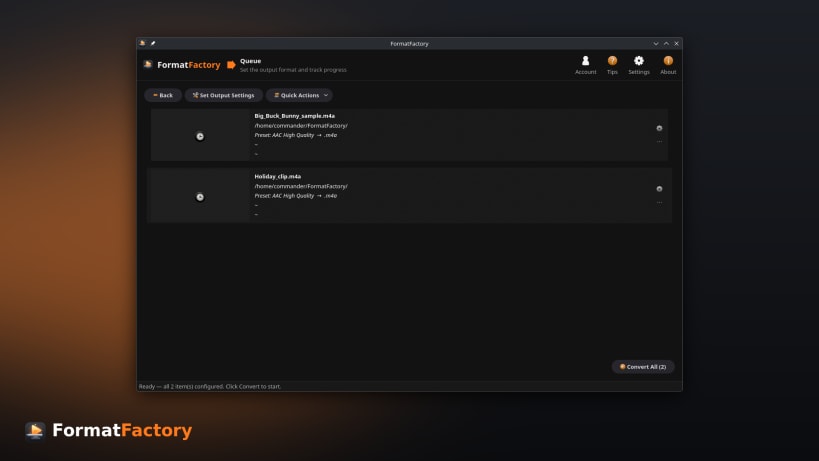
- Batch conversion queue with live progress, ETA, and estimated output size
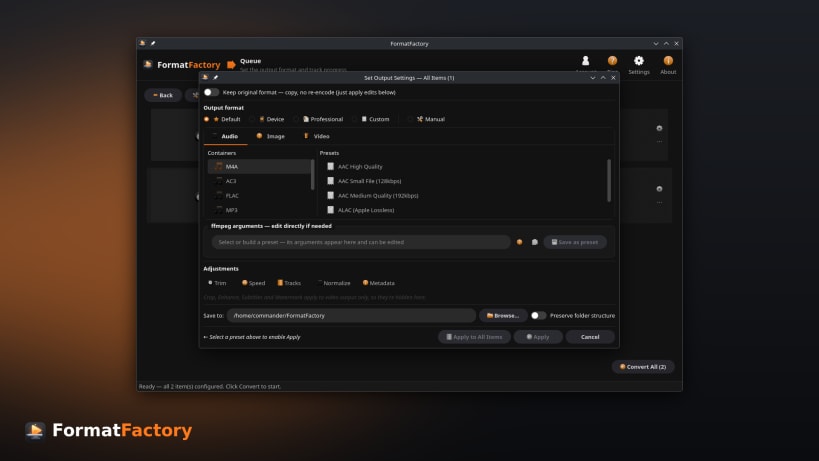
- Ready-to-use presets for common devices, sites, and workflows
- Custom conversion profile builder for full control over the command
- Convert hundreds of files in a single operation
- Per-file editing — trim with preview, crop, rotate, flip, and track selection
- Enhance video — deinterlace, denoise, sharpen, and adjust brightness, contrast, saturation, and gamma with a live before/after preview
- Subtitles — burn into videos or add as soft subtitle tracks
- External audio tracks — add or replace the audio, with language tags
- Audio loudness normalization for consistent playback volume
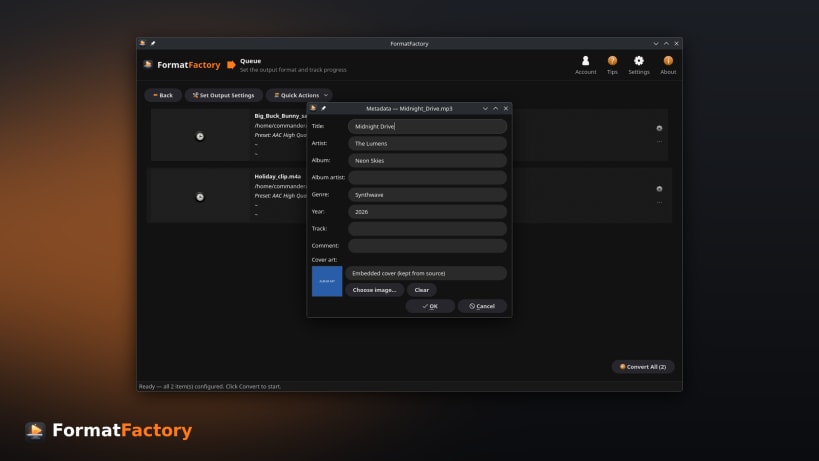
- Metadata & cover art — edit tags and artwork while preserving embedded covers
- Watermarks & logos with adjustable position, size, and opacity
- One-click quick actions — extract audio, extract subtitles, grab a poster frame, create GIFs or animated WebP, remove audio, change container, adjust volume, and strip metadata
- Target file-size compression to hit a size budget
- Hardware-accelerated encoding for faster conversions
- Flexible output — directories and filename templates
Keywords: FFmpeg, ffmpeg gui linux, graphical ffmpeg, ffmpeg without command line, batch video converter linux, convert multiple videos at once linux, linux video converter, video converter ubuntu, video converter fedora, video converter arch linux, video converter linux mint, free video converter linux, open source video converter, video converter no watermark, offline video converter, video converter no file size limit, convert video without uploading, compress video linux, reduce video file size linux, video to mp3 linux, linux convert mkv to mp4, linux mov to mp4, convert mp4 to avi linux, convert vob to mp4 linux, webm to mp4 linux, avi to mp4 linux, mp4 to webm linux, flv to mp4 linux, wmv to mp4 linux, m4a to mp3 linux, wav to mp3 linux, flac to mp3 linux, mp4 to gif linux, gif to mp4 linux, heic to jpg linux, wondershare uniconverter linux, videoproc converter linux, movavi video converter linux, hitpaw video converter linux, freemake video converter linux, wonderfox video converter linux, formatlab linux, format factory for linux, handbrake linux, any video converter linux, leawo video converter linux, winx video converter linux, fonepaw video converter linux, avs video converter linux, anymp4 video converter, aiseesoft video converter, tipard video converter, gilisoft video converter, prism video converter, zamzar, cloudconvert, online-convert, aconvert
| Revision | Channel | Version | Build | Commit | Download SBOM |
|---|
The build and commit information is derived from build infrastructure records.
Install FormatFactory - Media Converter on your Linux distribution
Choose your Linux distribution to get detailed installation instructions. If yours is not shown, get more details on the installing snapd documentation.












