


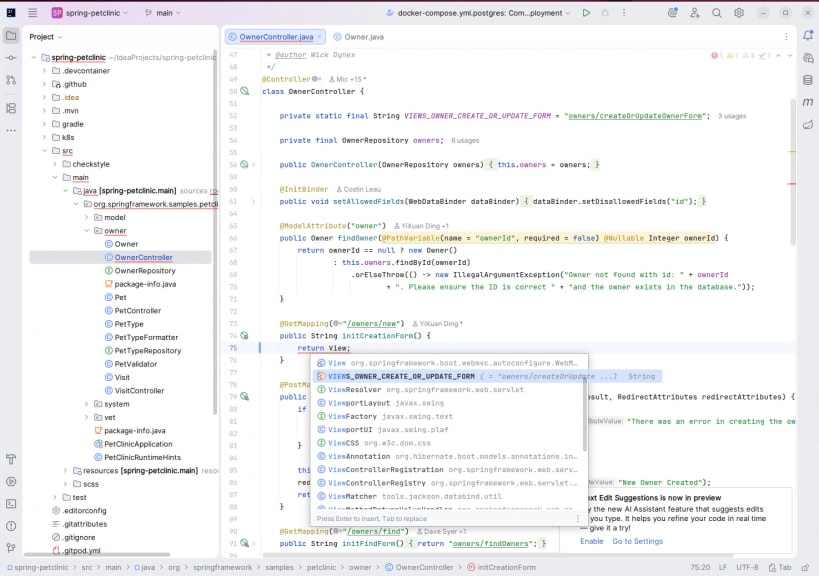
IntelliJ IDEA is now distributed as a single, unified product, replacing the separate Community Edition and Ultimate snaps for a simpler and more convenient experience.
From the 2025.3 release onward, the IntelliJ IDEA Community Edition snap will download the unified IntelliJ IDEA instead. You can also get the unified IntelliJ IDEA directly from https://snapcraft.io/intellij-idea.
All Community Edition functionality remains free for both commercial and non-commercial use, with even more additional free features available. For those who want to take their development further, the Ultimate subscription unlocks extended tooling and comes with a free 30-day trial.
You are about to open
Do you wish to proceed?
Thank you for your report. Information you provided will help us investigate further.
There was an error while sending your report. Please try again later.
Snaps are applications packaged with all their dependencies to run on all popular Linux distributions from a single build. They update automatically and roll back gracefully.
Snaps are discoverable and installable from the Snap Store, an app store with an audience of millions.
If you’re running Kubuntu 16.04 LTS (Xenial Xerus) or later, including Kubuntu 18.04 LTS (Bionic Beaver) and Kubuntu 18.10 (Cosmic Cuttlefish), you don’t need to do anything. Snap is already installed and ready to go.
Versions of Kubuntu between 14.04 LTS (Trusty Tahr) and 15.10 (Wily Werewolf) don’t include snap by default, but snap can be installed from the command line as follows:
sudo apt update
sudo apt install snapd
To install IntelliJ IDEA Community Edition, simply use the following command:
sudo snap install intellij-idea-community --classic
Browse and find snaps from the convenience of your desktop using the snap store snap.

Interested to find out more about snaps? Want to publish your own application? Visit snapcraft.io now.