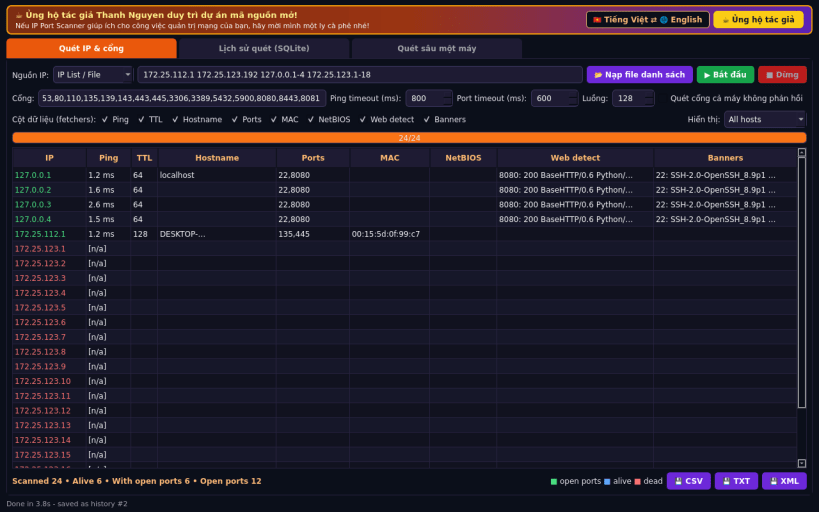
IP Port Scanner is a Linux alternative to Angry IP Scanner. It scans IP ranges, CIDR blocks or address lists with many parallel threads, checks which hosts are alive and which TCP ports are open, and collects extra details per host.
Not affiliated with or endorsed by Anton Keks or the Angry IP Scanner project.
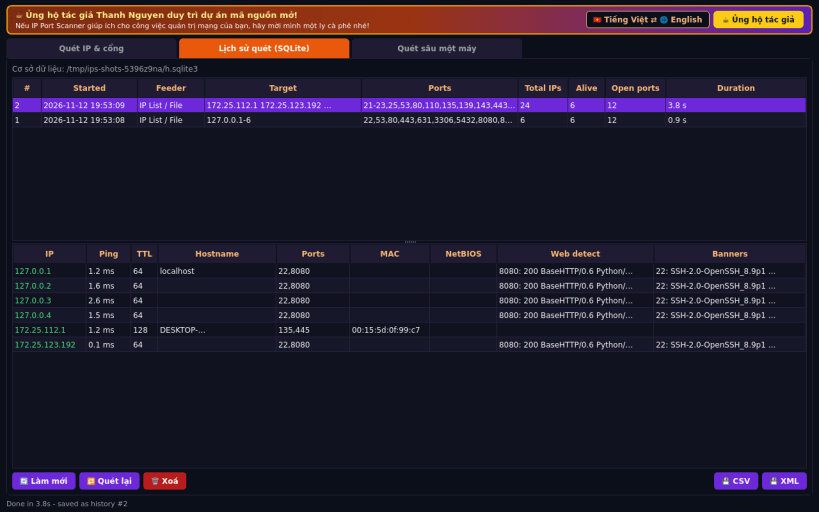
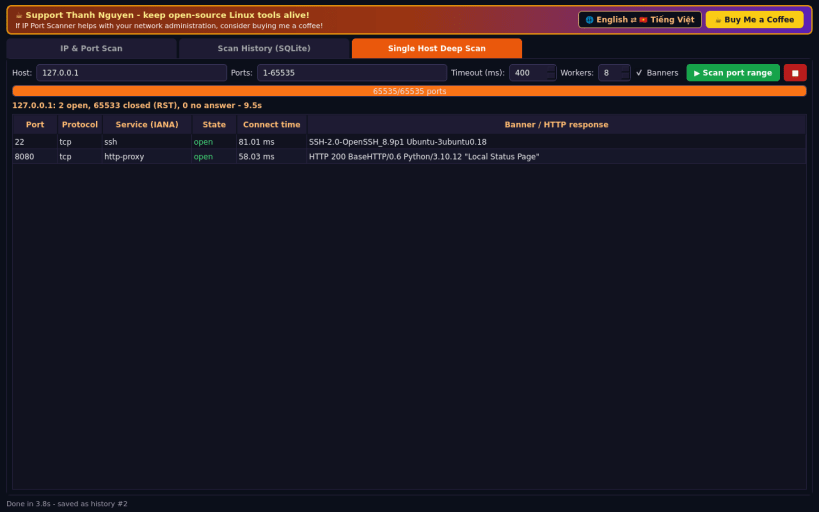
FEATURES (real network operations, no sample data): • Feeders: IP range (from/to), CIDR / netmask, or a list typed in or loaded from a text file • Ping: unprivileged ICMP echo with round-trip time and reply TTL; falls back to a TCP "ping" when ICMP sockets are not permitted • TCP connect port scan with configurable ports, ping/port timeouts and thread count • Selectable fetchers (columns): Ping, TTL, Hostname (reverse DNS), Ports, MAC (kernel ARP cache), NetBIOS name (UDP 137), Web detect (HTTP status, Server header and page title) and service Banners • Display filter: all hosts / alive only / hosts with open ports • Export results as CSV, TXT or XML • Scan history stored in SQLite: browse, re-export, re-run or delete past scans • Single-host deep scan of any port range (up to 1-65535) with banners
NOTE: this is a TCP connect scanner (no raw-socket SYN scan); UDP ports are not scanned.
Support development: https://buymeacoffee.com/thanhnv128b
You are about to open
Do you wish to proceed?
Thank you for your report. Information you provided will help us investigate further.
There was an error while sending your report. Please try again later.
Snaps are applications packaged with all their dependencies to run on all popular Linux distributions from a single build. They update automatically and roll back gracefully.
Snaps are discoverable and installable from the Snap Store, an app store with an audience of millions.
Snap can be installed on elementary OS from the command line. Open Terminal from the Applications launcher and type the following:
sudo apt update
sudo apt install snapd
Either log out and back in again, or restart your system, to ensure snap’s paths are updated correctly.
To install IP Port Scanner, simply use the following command:
sudo snap install ip-port-scanner
Browse and find snaps from the convenience of your desktop using the snap store snap.
Interested to find out more about snaps? Want to publish your own application? Visit snapcraft.io now.