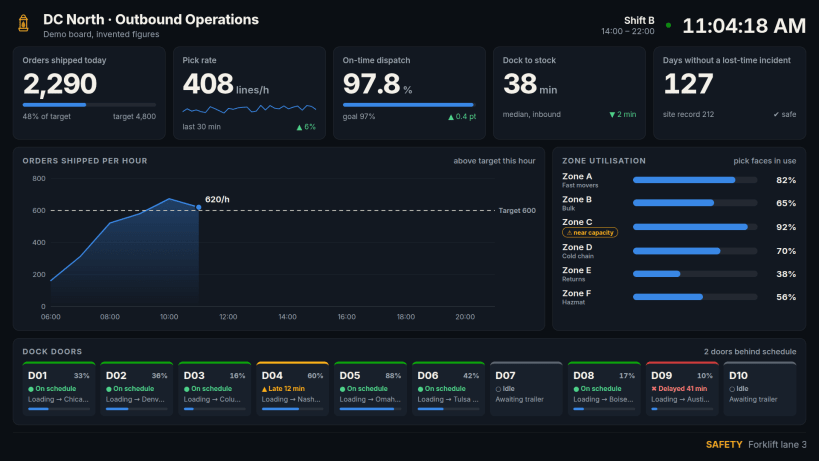
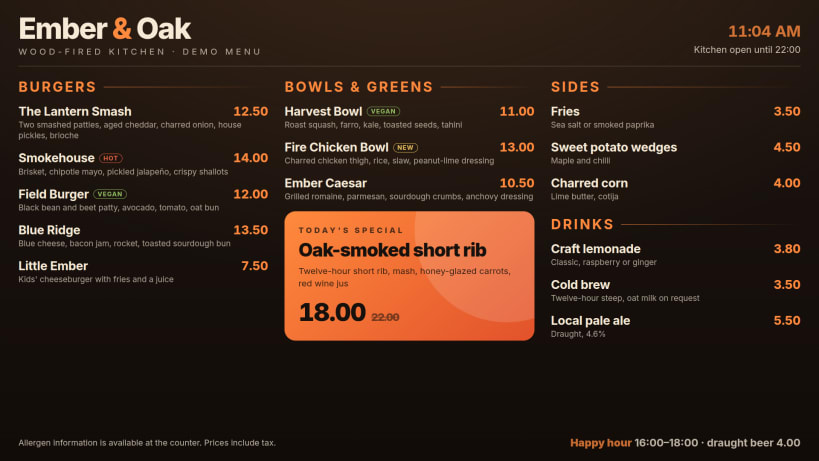
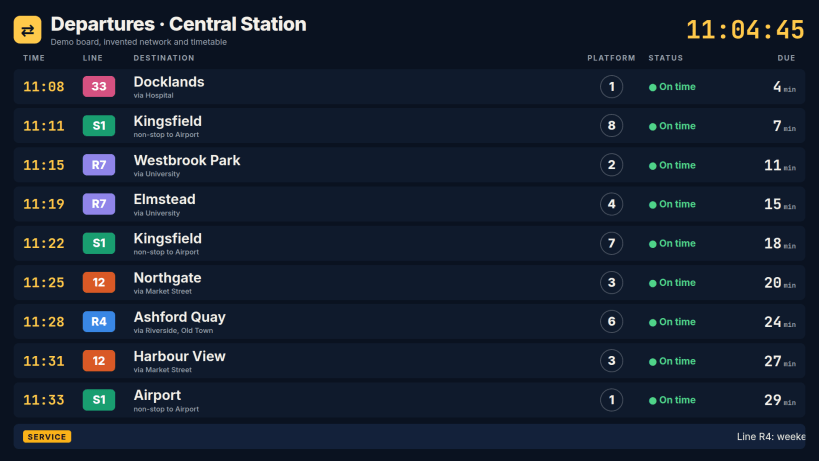
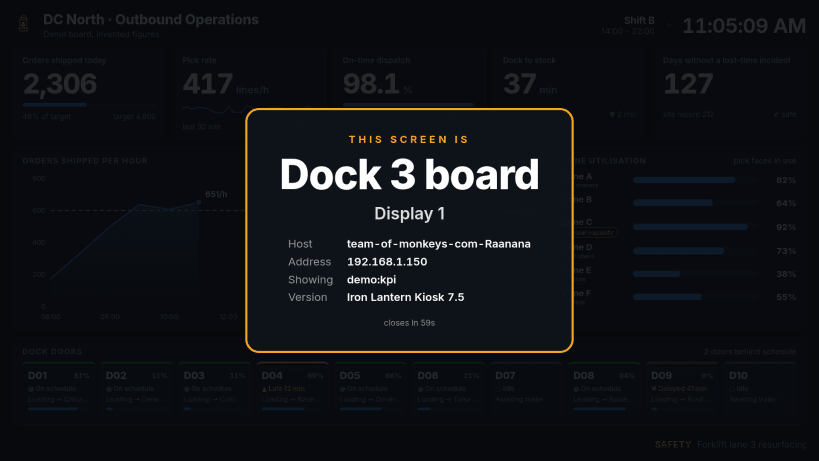
Iron Lantern Kiosk by Team of Monkeys turns any screen running Ubuntu Frame into a passive, always-on display: warehouse KPI boards, Grafana and Prometheus dashboards, restaurant menu boards, transit arrival monitors and factory floor screens. Nobody touches the screen. It starts at power-on, heals itself and is set up remotely with snap set, so you can roll it out to ten or five hundred screens on mini PCs and Raspberry Pis.
- Starts at boot as a service and restarts itself after a crash, hang or power cut
- Watchdog: reloads pages that crash, freeze, leak memory, stop updating or fail to load, and restarts the browser if it ever gets stuck
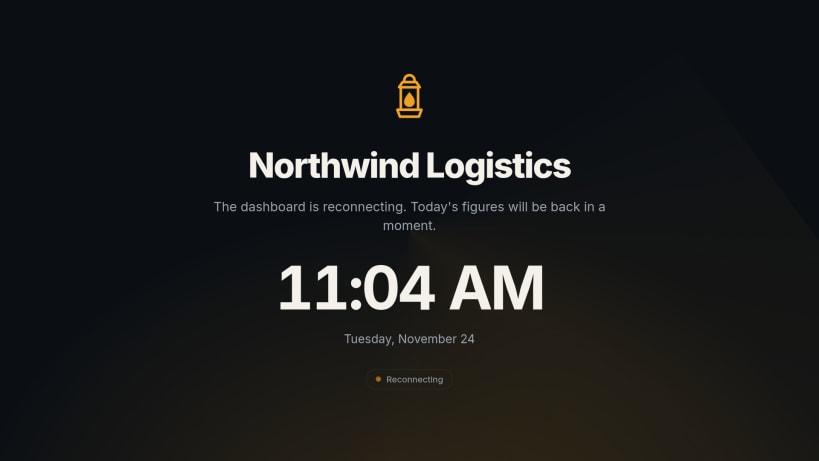
- Never shows a browser error page: while the network is down it shows your branded fallback bundle, or the last good picture of the page with an "offline since" tag, or a built-in branded screen, and it recovers by itself
- Business hours: screens sleep outside opening times and on holidays, and the panel powers off through Ubuntu Frame's idle timeout
- Playlists with fade or slide transitions, timed refreshes without a blank flash, zoom, portrait or landscape rotation, up to four displays
- Remote management without SSH: status, screenshots, reload and identify from the command line, plus an optional web page and Prometheus metrics
- Local content: import or download a .zip of HTML, or just pictures and videos for a slideshow
- Self-signed certificates for internal servers, HTTP basic auth, proxies, custom CSS and JavaScript, time zone, branding and burn-in protection
- Built-in demos (KPI board, menu, departures, clock) to test a screen in seconds
Getting started on Ubuntu Core:
 sudo snap install ubuntu-frame --channel=24
 sudo snap install iron-lantern-kiosk
 sudo snap set iron-lantern-kiosk url=https://grafana.example.com/d/abc?kiosk
 sudo snap set iron-lantern-kiosk refresh-interval=300 schedule="mon-fri 07:00-19:00"
 sudo iron-lantern-kiosk status
Try it on an Ubuntu desktop first: iron-lantern-kiosk preview demo:kpi
List every setting with iron-lantern-kiosk settings. For screen power-off, cursor hiding and native rotation, iron-lantern-kiosk frame-setup prints the matching Ubuntu Frame settings.
Grafana, Prometheus, Ubuntu and Raspberry Pi are trademarks of their owners, named only to describe compatibility; this app is not affiliated with or endorsed by them.