
Iron Lantern Kiosk
Contact us about Snaps and IoT ›
Install latest/stable of Iron Lantern Kiosk
Ubuntu 16.04 or later?
Make sure snap support is enabled in your Desktop store.
Install using the command line
sudo snap install iron-lantern-kioskDon't have snapd? Get set up for snaps.
Details for Iron Lantern Kiosk
Package name
- iron-lantern-kiosk
License
- Proprietary
Last updated
- Today - latest/stable
Websites
Contact
External link warning
You are about to open
Do you wish to proceed?
Report a Snap Store violation
Report Iron Lantern Kiosk for a Snap Store violation
Snap Store Violation Report submitted successfully
Thank you for your report. Information you provided will help us investigate further.
Error submitting report
There was an error while sending your report. Please try again later.
Share this snap
Generate an embeddable card to be shared on external websites.
Hands-off signage and dashboard player for Ubuntu Frame screens
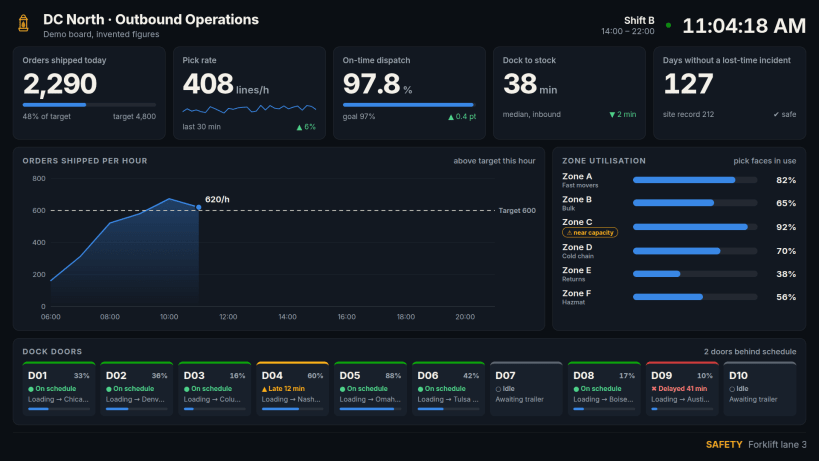
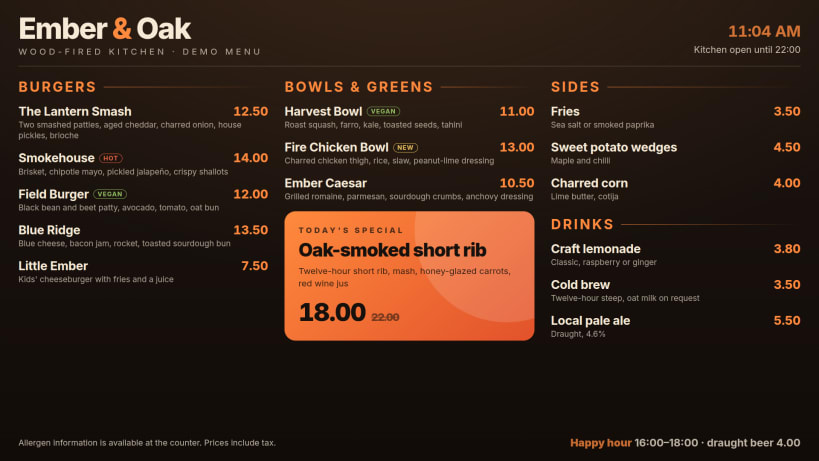
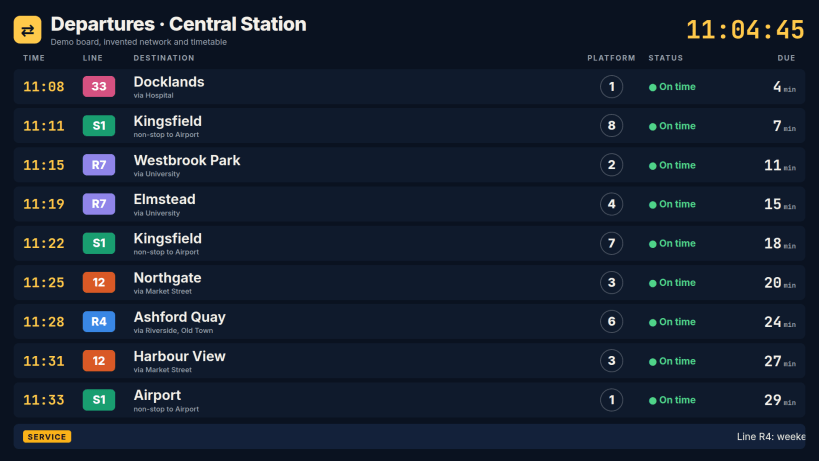
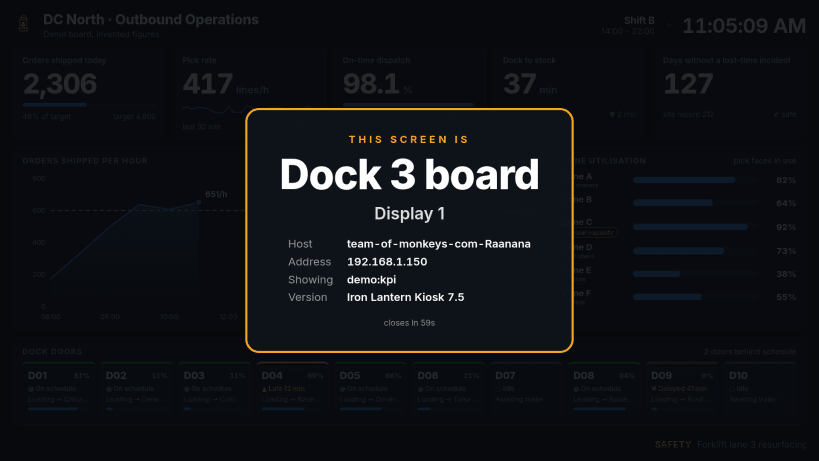
Iron Lantern Kiosk by Team of Monkeys turns any screen running Ubuntu Frame into a passive, always-on display: warehouse KPI boards, Grafana and Prometheus dashboards, restaurant menu boards, transit arrival monitors and factory floor screens. Nobody touches the screen. It starts at power-on, heals itself and is set up remotely with snap set, so you can roll it out to ten or five hundred screens on mini PCs and Raspberry Pis.
- Starts at boot as a service and restarts itself after a crash, hang or power cut
- Watchdog: reloads pages that crash, freeze, leak memory, stop updating or fail to load, and restarts the browser if it ever gets stuck
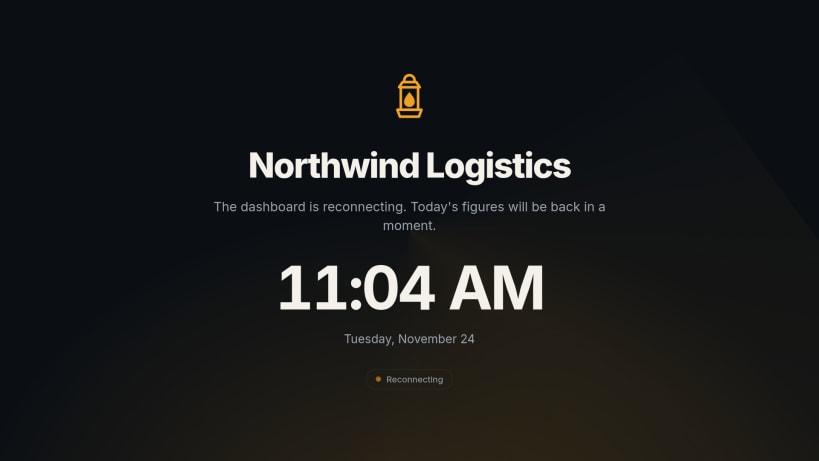
- Never shows a browser error page: while the network is down it shows your branded fallback bundle, or the last good picture of the page with an "offline since" tag, or a built-in branded screen, and it recovers by itself
- Business hours: screens sleep outside opening times and on holidays, and the panel powers off through Ubuntu Frame's idle timeout
- Playlists with fade or slide transitions, timed refreshes without a blank flash, zoom, portrait or landscape rotation, up to four displays
- Remote management without SSH: status, screenshots, reload and identify from the command line, plus an optional web page and Prometheus metrics
- Local content: import or download a .zip of HTML, or just pictures and videos for a slideshow
- Self-signed certificates for internal servers, HTTP basic auth, proxies, custom CSS and JavaScript, time zone, branding and burn-in protection
- Built-in demos (KPI board, menu, departures, clock) to test a screen in seconds
Getting started on Ubuntu Core:
 sudo snap install ubuntu-frame --channel=24
 sudo snap install iron-lantern-kiosk
 sudo snap set iron-lantern-kiosk url=https://grafana.example.com/d/abc?kiosk
 sudo snap set iron-lantern-kiosk refresh-interval=300 schedule="mon-fri 07:00-19:00"
 sudo iron-lantern-kiosk status
Try it on an Ubuntu desktop first: iron-lantern-kiosk preview demo:kpi
List every setting with iron-lantern-kiosk settings. For screen power-off, cursor hiding and native rotation, iron-lantern-kiosk frame-setup prints the matching Ubuntu Frame settings.
Grafana, Prometheus, Ubuntu and Raspberry Pi are trademarks of their owners, named only to describe compatibility; this app is not affiliated with or endorsed by them.
| Revision | Channel | Version | Build | Commit | Download SBOM |
|---|
The build and commit information is derived from build infrastructure records.
Install Iron Lantern Kiosk on your Linux distribution
Choose your Linux distribution to get detailed installation instructions. If yours is not shown, get more details on the installing snapd documentation.