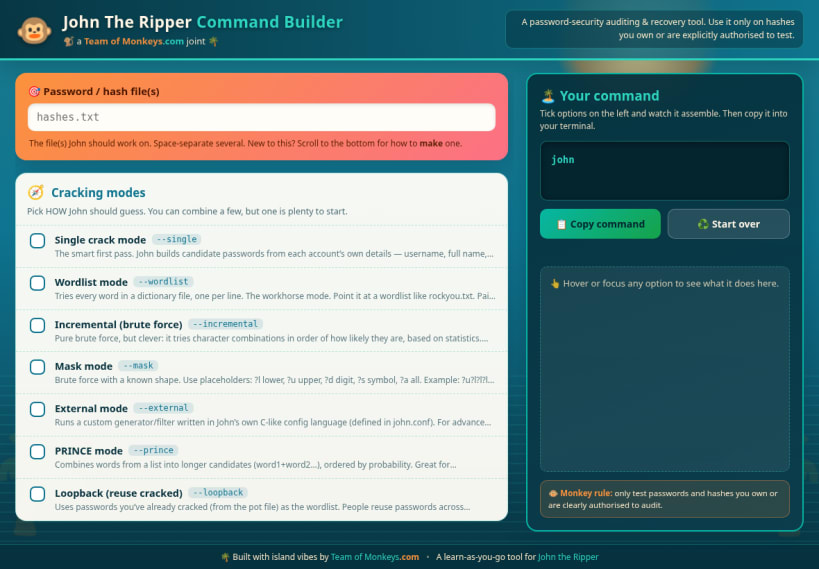
John The Ripper Command Builder is a friendly, island themed learning tool that turns the famous but flag heavy John the Ripper password auditor into something you can read, understand, and assemble with confidence.
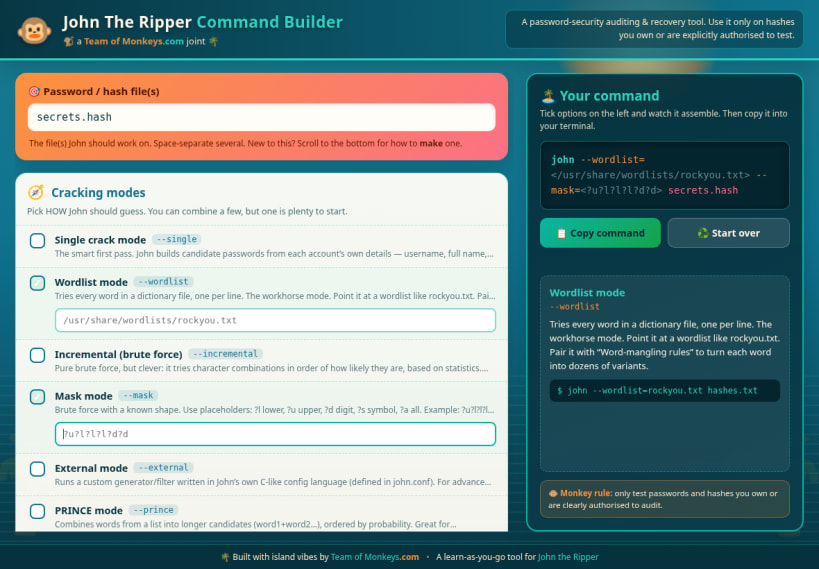
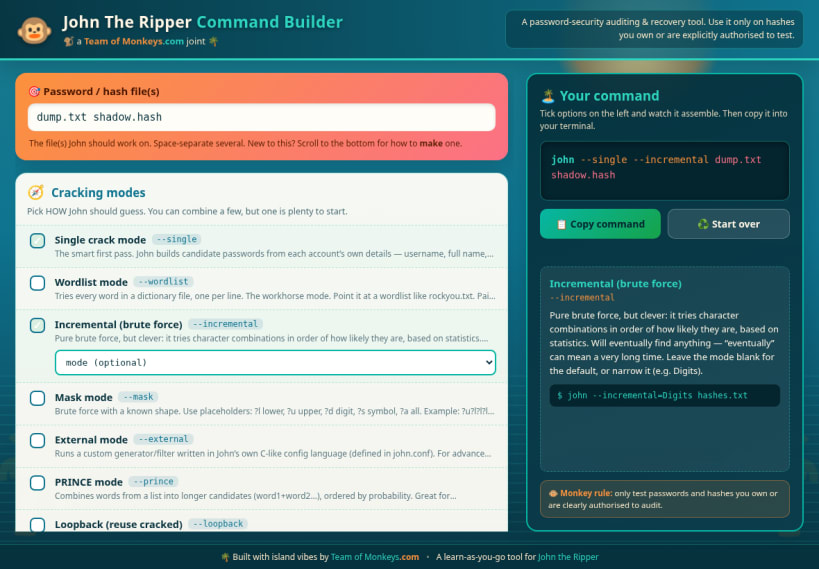
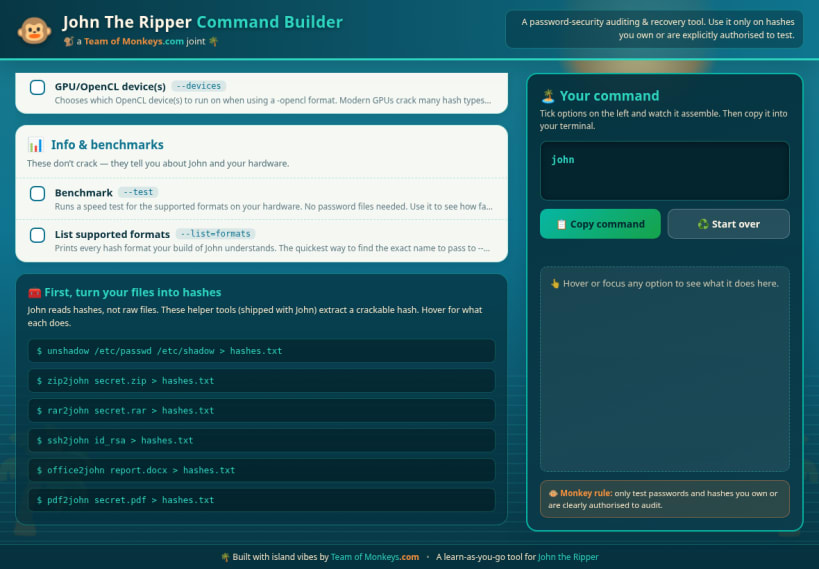
Instead of memorising dozens of command line switches, you simply tick the options you want from a categorised list. As you do, the exact john command assembles itself live in the dock on the right, ready to copy straight into your terminal. Hover or focus any option and a plain English explanation card appears, telling you what that flag does, when to reach for it, and showing a short real world example. It is a reference manual and a command composer rolled into one, wrapped in a relaxed palm and sunset theme that keeps the learning calm.
What you can do with it:
Important: this app does not run John the Ripper and it does not crack anything on its own. It never reads, stores, or transmits your passwords or hashes. It is purely a visual reference and command composer that helps you understand the tool and build correct command lines. You stay in full control, running the real commands in your own terminal.
A note on ethics and the law: password auditing tools are for defensive security, recovery of your own credentials, and clearly authorised testing only. Only ever test passwords and hashes that you own, or that you have explicit written permission to assess. Used responsibly, John the Ripper is a valuable way to measure and improve the strength of the passwords you are responsible for.
Brought to you by Team of Monkeys .com. Built with island vibes as a learn as you go companion for John the Ripper.
You are about to open
Do you wish to proceed?
Thank you for your report. Information you provided will help us investigate further.
There was an error while sending your report. Please try again later.
Snaps are applications packaged with all their dependencies to run on all popular Linux distributions from a single build. They update automatically and roll back gracefully.
Snaps are discoverable and installable from the Snap Store, an app store with an audience of millions.
If you’re running Kubuntu 16.04 LTS (Xenial Xerus) or later, including Kubuntu 18.04 LTS (Bionic Beaver) and Kubuntu 18.10 (Cosmic Cuttlefish), you don’t need to do anything. Snap is already installed and ready to go.
Versions of Kubuntu between 14.04 LTS (Trusty Tahr) and 15.10 (Wily Werewolf) don’t include snap by default, but snap can be installed from the command line as follows:
sudo apt update
sudo apt install snapd
To install John The Ripper Command Builder, simply use the following command:
sudo snap install john-the-ripper-command-builder
Browse and find snaps from the convenience of your desktop using the snap store snap.

Interested to find out more about snaps? Want to publish your own application? Visit snapcraft.io now.