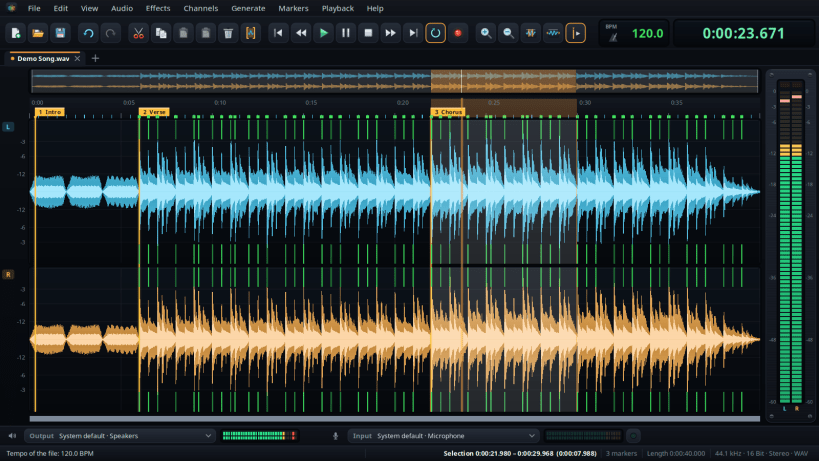
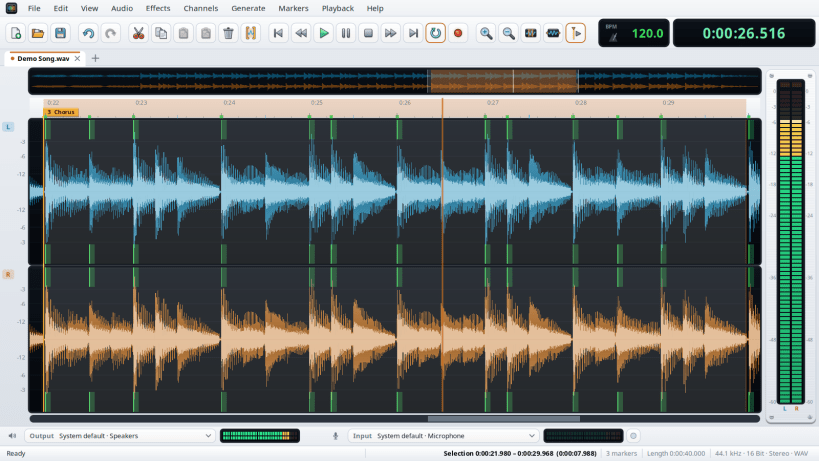
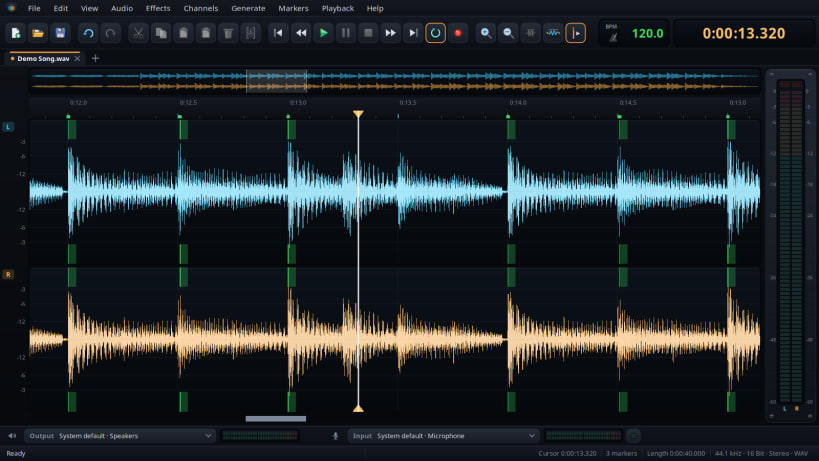
A sound editor for your recordings and your music: cut, copy and paste with the waveform in view, zoom in down to a single sample, set markers and play just the part between two of them. Every step can be undone, and long files stay in memory as long as there is room.
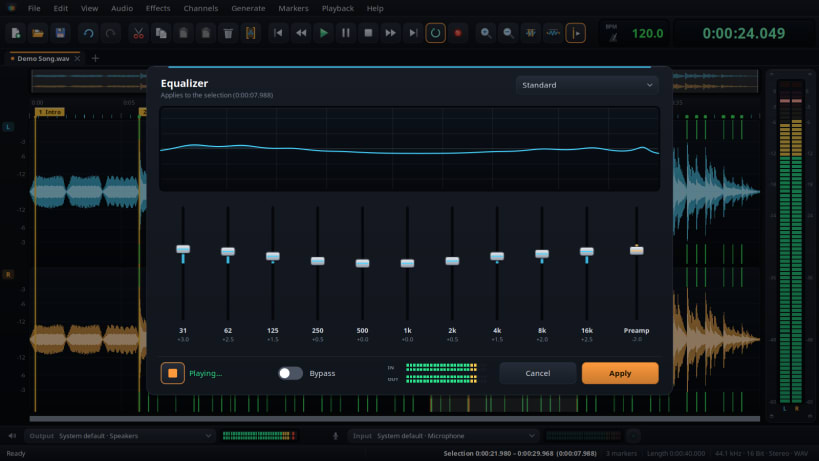
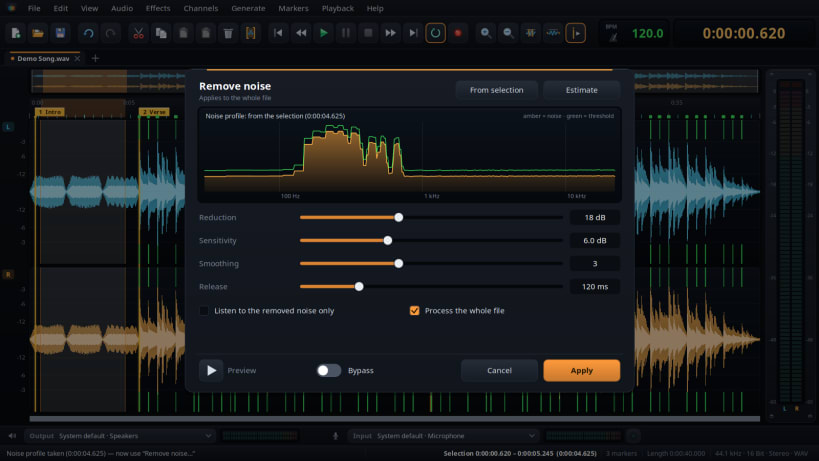
Clean up and polish: normalize to a peak or a loudness target, fade in and out, remove background noise with a noise profile, find the tempo and the bass drum, and change the tempo with or without changing the pitch. The effects of the Budbrain sound apps are built in — equalizer, tube and compressor, limiter and FX studio — each with live preview.
Opens and saves WAV, AIFF, FLAC, Ogg Vorbis and Opus. Opens MP3 and saves MP3 too.
To record, allow access to the microphone once: sudo snap connect jsbudbrainsoundeditor:audio-record To open files from USB sticks and external drives: sudo snap connect jsbudbrainsoundeditor:removable-media
Also available as .deb, RPM, Flatpak, AppImage and for Arch at www.budbrain.de
Developed by Josef Sejrek / Budbrain Software Contact: jsbudbrainlimiter@budbrain.de
You are about to open
Do you wish to proceed?
Thank you for your report. Information you provided will help us investigate further.
There was an error while sending your report. Please try again later.
Snaps are applications packaged with all their dependencies to run on all popular Linux distributions from a single build. They update automatically and roll back gracefully.
Snaps are discoverable and installable from the Snap Store, an app store with an audience of millions.
Snap can be installed from the command line. Open the Konsole terminal and enter the following:
sudo apt update
sudo apt install snapd
To install jsBudbrainSoundEditor, simply use the following command:
sudo snap install jsbudbrainsoundeditor
Browse and find snaps from the convenience of your desktop using the snap store snap.

Interested to find out more about snaps? Want to publish your own application? Visit snapcraft.io now.